Japan’s passenger railway routes are now available in Rail Typing for iPhone. This release adds 472 route cards and 7,669 station entries, taking the app’s full catalog to 656 cards, including the existing London routes. Pick somewhere familiar, or open a line you have never heard of and learn its names one stop at a time.

Original AI-generated concept illustration; not an app screenshot or an actual railway map.
More than the big-city commute
The nationwide collection includes conventional railways, subways, streetcars and funiculars. A short cable railway and a long regional line can both become a reading session: you choose the kind of ride you want today. Station readings and announcement audio are ready for the newly added cards.
The goal is simple: let the place you want to explore choose your practice material. You can stay with a favorite city or make an unfamiliar line your next small challenge.
What “all routes” means
We reconciled the collection against a nationwide passenger railway inventory. Formally closed lines, BRT sections and non-public boarding points are outside that scope. Some legally existing routes or stations have seasonal or suspended service; availability in the game is not a real-world service timetable.
The numbers count route cards and station entries. Branches, separate sections and loop cores can have their own cards, and a station appearing on several cards is counted in each. The 656-card total therefore does not mean 656 distinct Japanese legal railway lines or 10,804 unique physical stations.
Find the new routes
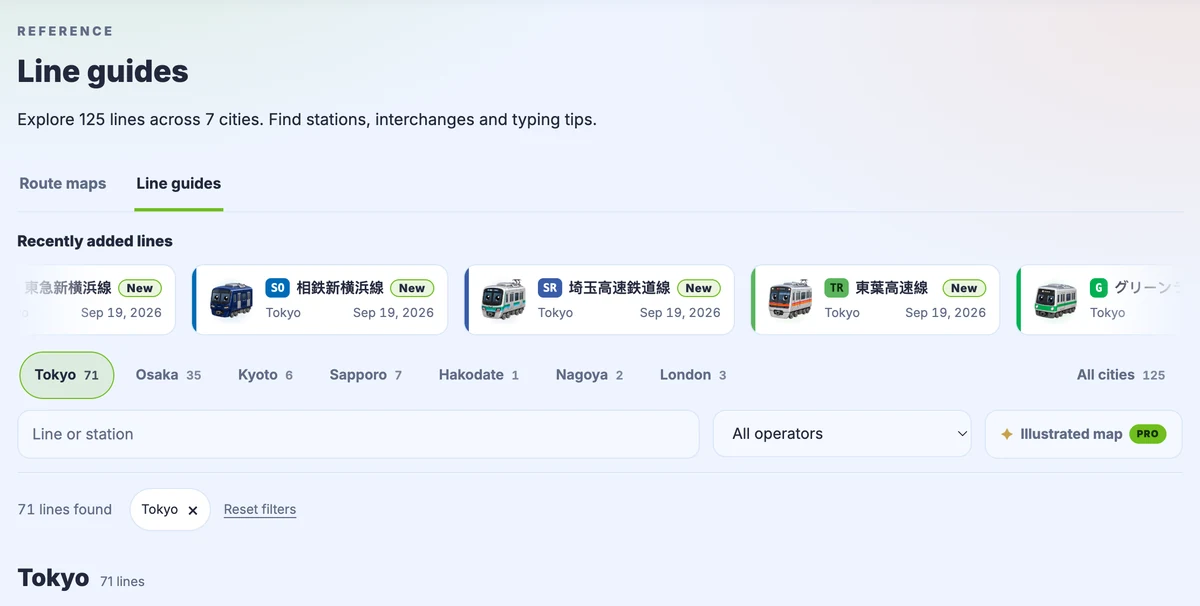
Open the iPhone app’s route list and choose your next ride. The catalog updates automatically; if a new card is not visible yet, reopen the app later. A catalog refresh does not require a new App Store release. This announcement concerns the iPhone app’s catalog; the website maintains its own route collection.
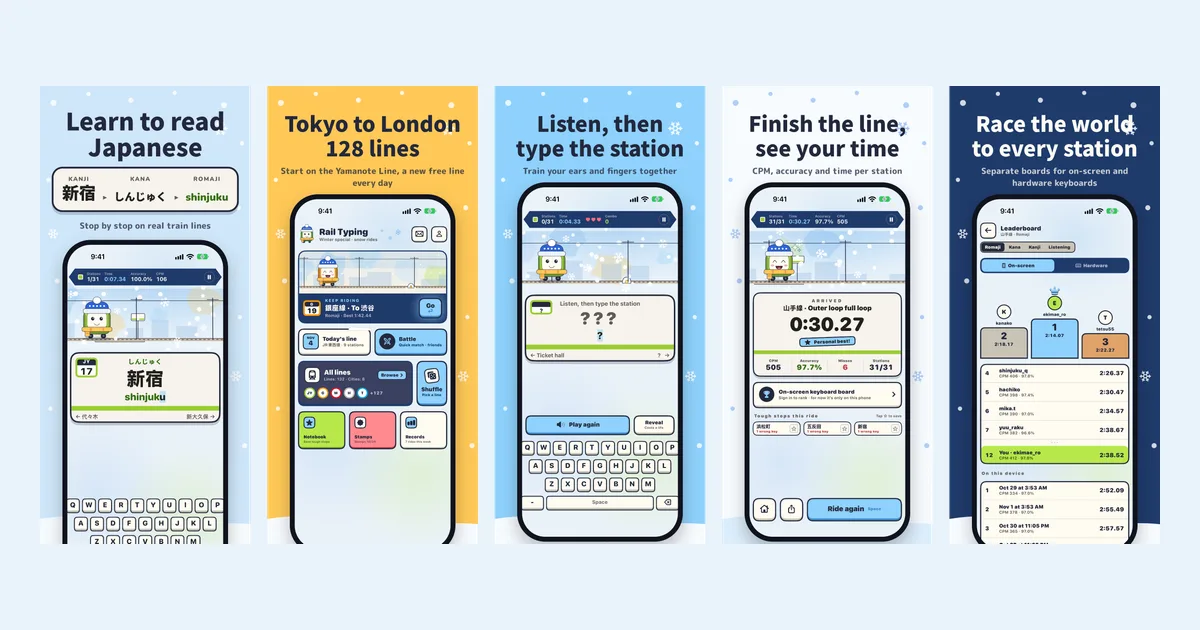
Start with visible readings, then try the same route by ear. For ideas, read five routes to explore next or our five-minute reading routine.
Japan railway update at a glance
As of 15 November 2026, Rail Typing for iPhone uses catalog v11. The figures below describe that release, rather than a promise that the catalog will never change.
| Item | Published release |
|---|---|
| Newly added route cards | 472 |
| Newly added station entries | 7,669 |
| Total route cards, including London | 656 |
| Total station entries across those cards | 10,804 |
| Japanese route cards | 653 |
| Learning material | Station names, kana readings and station audio |
A route card is the unit you choose for a ride in the app. It may represent a main line, a branch or a defined section. Keeping this distinction makes it possible to offer a manageable practice route without pretending that every card is a separate legal railway.
Why station names make useful Japanese practice
A station name gives your reading practice a destination. Instead of memorizing an isolated string of kana, you connect a written name, its pronunciation and its place on a line. On the next ride, the same names return in a familiar order. That gives you a concrete way to check whether you recognize them more readily.
The enlarged catalog also makes the material more personal. A railway near your hometown, a place from a past trip or a line you hope to ride can be a stronger reason to return than a random word list. You can spend time on a few meaningful names; covering the whole country is an option, not an assignment.
Choose a mode for the skill you want to practice
| Your immediate goal | A useful starting point |
|---|---|
| Connect kanji with their reading | Keep the reading visible and enter the name slowly |
| Become more comfortable with kana | Use kana practice and pay attention to the completed spelling |
| Recognize a name from sound | Try listening after one visible pass on the same route |
| Practice without a physical keyboard | Try the app’s selection mode |
These are different ways to use the same names. A faster typing result does not by itself prove better listening, so change one thing at a time: keep the route, change the mode, and notice what becomes harder. Our iPhone app overview explains the available ways to play.
If the new route list has not appeared
First return to the app with an internet connection. The app checks for catalog updates at most once per hour when it returns to the foreground, so repeated opening within a few minutes may not force another check. Give it time, then return again and look in the route list. The update described here is content data, separate from installing a new app version.
Station audio downloads when needed. If you plan to practice away from a connection, open your chosen line and prepare its audio beforehand. Do not assume every newly added route has already been downloaded merely because its name appears in the list.
Frequently asked questions
Does Rail Typing include every railway in Japan?
The iPhone catalog covers the nationwide passenger railway inventory reconciled for this release. It includes railways, subways, trams and funiculars within that scope, with formally closed lines, BRT sections and non-public stops excluded. It is not a collection of every historical or freight-only railway.
Are 656 route cards all Japanese lines?
No. The release has 653 Japanese cards and three existing London cards. Cards can also split branches or sections, so this is a product count rather than a count of Japan’s distinct legal railway lines.
Is this nationwide collection also available in the browser?
This release is for the iPhone app. The website has a separately maintained collection. Use the app download link for the nationwide catalog, or the website’s own line list to check what is available in the browser.
Can I use the app to plan a real train journey?
Use it to learn station names and readings. For an actual journey, check the railway operator’s route information, timetables and service notices. The app can retain a legally existing route even when regular service is suspended.
Release facts and further reading
The counts in this article were checked against the published catalog metadata for v11 on 15 November 2026. That endpoint points to the current version, which may change after this dated article. Continue with five route ideas or Japanese station-name reading practice.
Download Rail Typing on the App Store, or visit the iPhone app page.