Daily Quests, Streaks and Rank Titles: A Reason to Type Every Day
Three daily quests, the same for everyone. Finish a run to stamp your attendance card, keep a streak with freezes, and climb from Station Staff to President.
Read articleGuides, notes and stories from Tokyo Rail Typing.
46 postsUpdated September 26, 2026
36 posts tagged GuideShow all posts
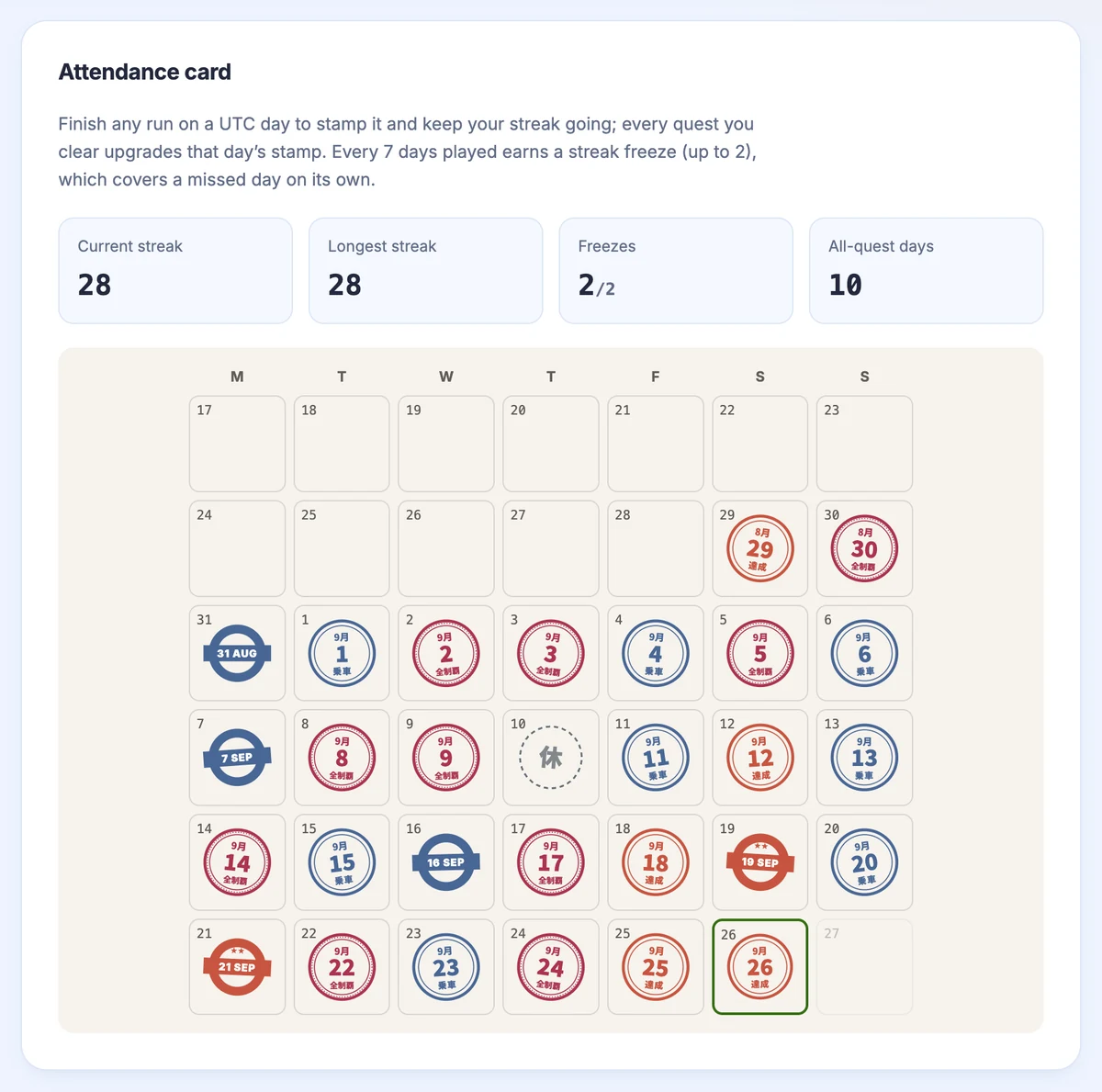
Three daily quests, the same for everyone. Finish a run to stamp your attendance card, keep a streak with freezes, and climb from Station Staff to President.
Read article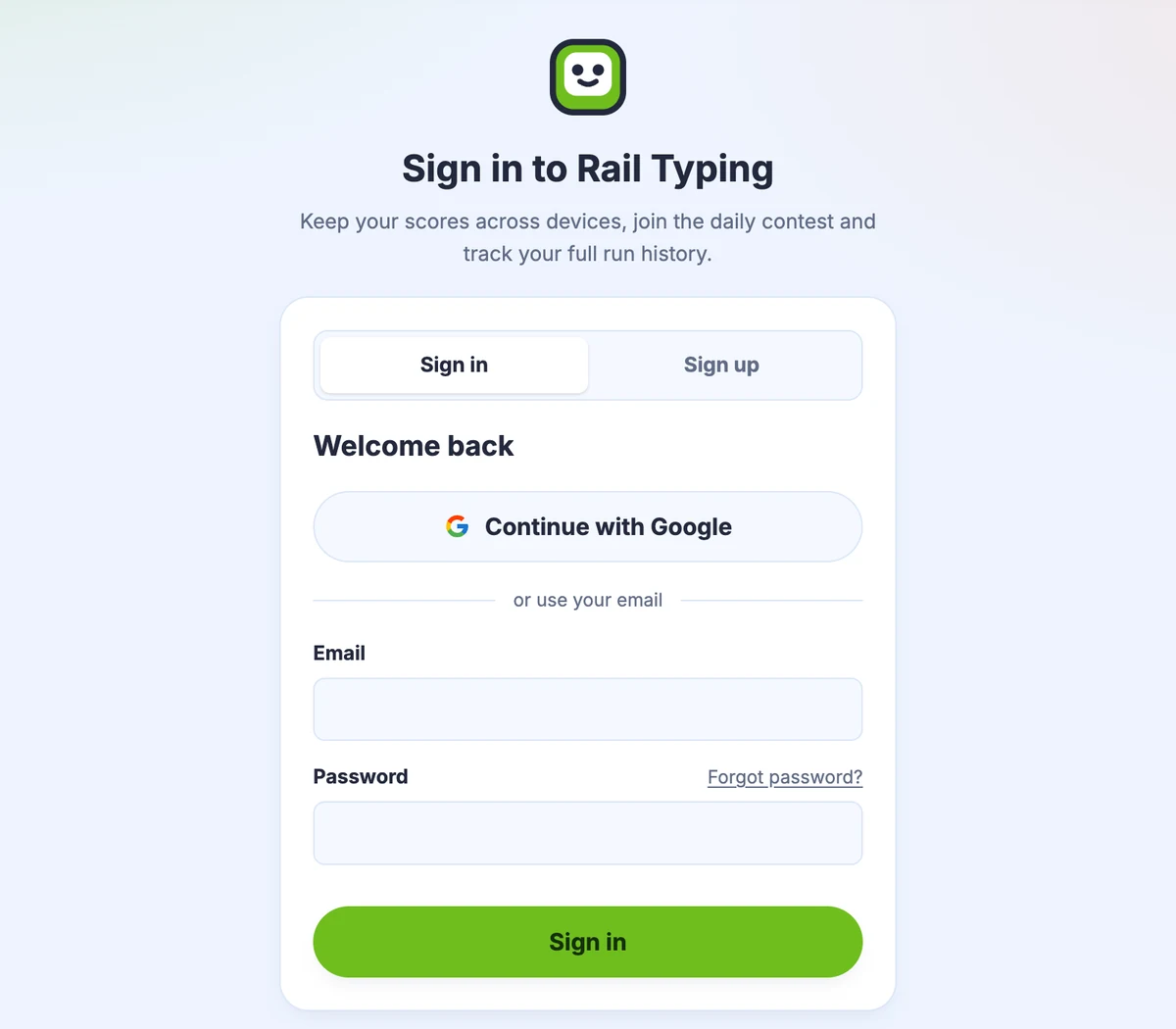
Create a Rail Typing account with an email address and password, confirmed by a six-digit code. Which mail providers work, why, and how sign-in and resets work.
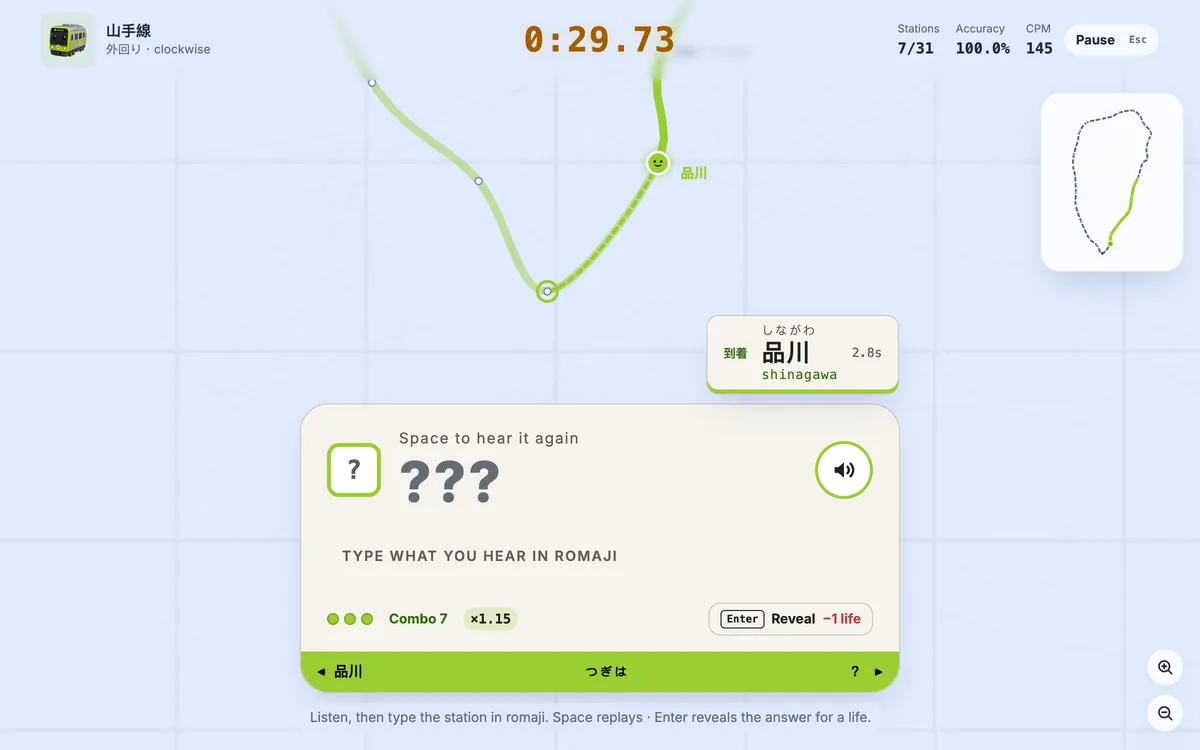
Rail Typing’s new listening mode hides the station name: hear the Japanese announcement, type it in romaji. Three lives, combo speed-ups and its own leaderboard.
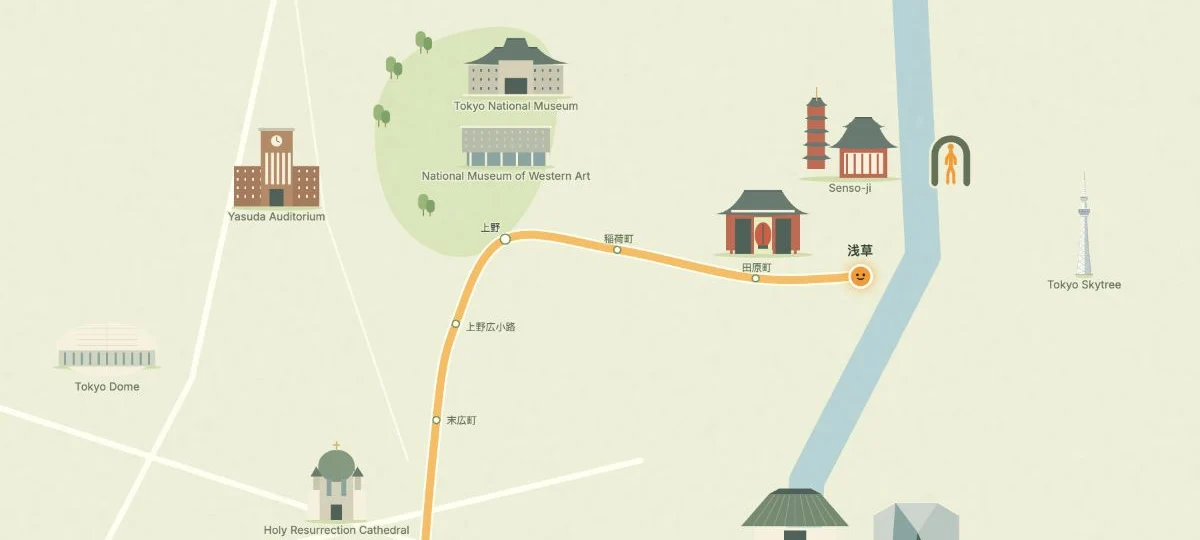
Explore Rail Typing’s pastel Tokyo map with 50 landmarks. See how to enable the Pro illustrated map on Yamanote and Ginza, with screenshots and setup steps.
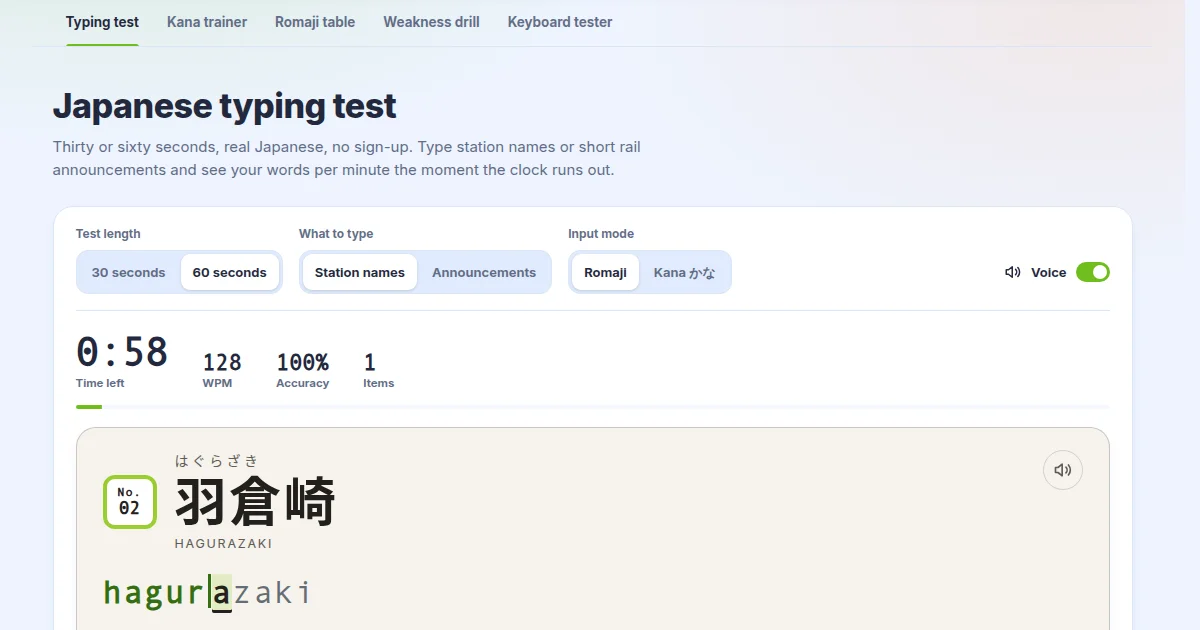
The Japanese typing test now reads station names and train announcements aloud, and the kana trainer, romaji table, drill and keyboard tester were rebuilt.
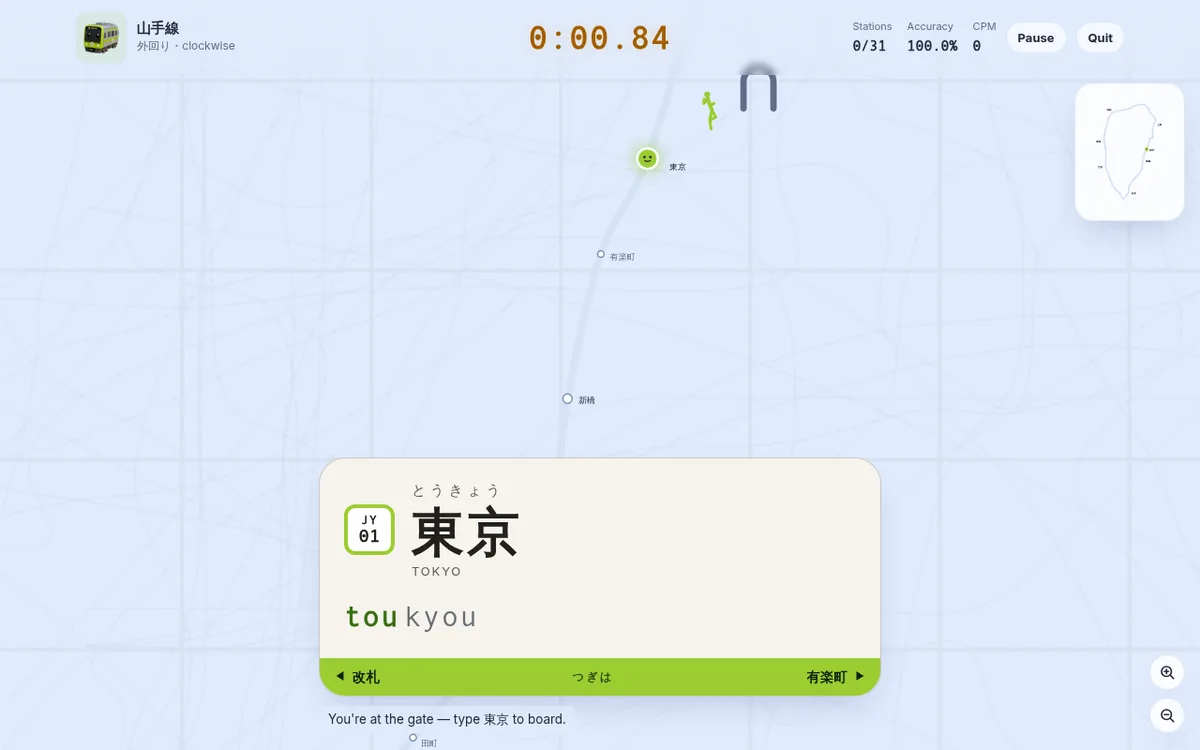
A Yamanote lap is 31 station names now, not 30. The station you start from has become the first thing you type, so a run begins outside the ticket gate — with a pictogram figure running onto the platform at exactly your typing speed. What changed, and why every leaderboard started over.
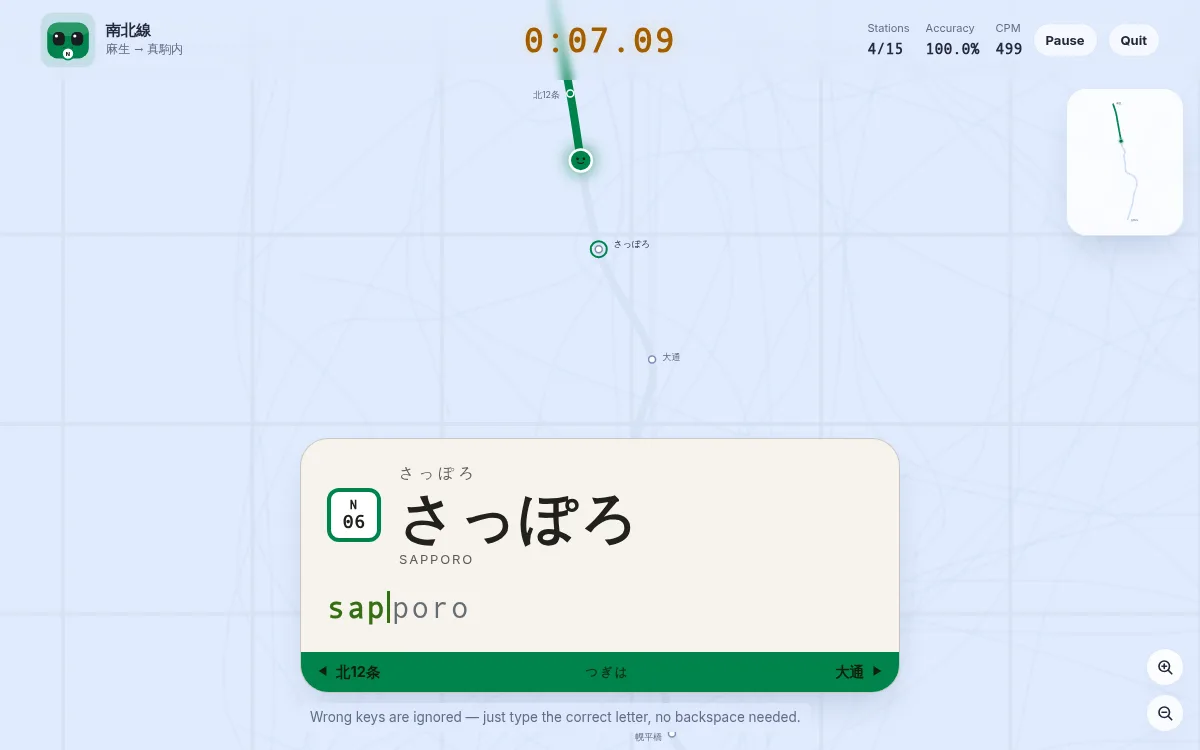
Sapporo is the game's fifth city — the Namboku, Tozai and Toho lines. Why this subway rides on rubber tyres astride a single central guide rail, why it writes さっぽろ in hiragana when JR next door writes 札幌, and which of its station names will catch your fingers out.
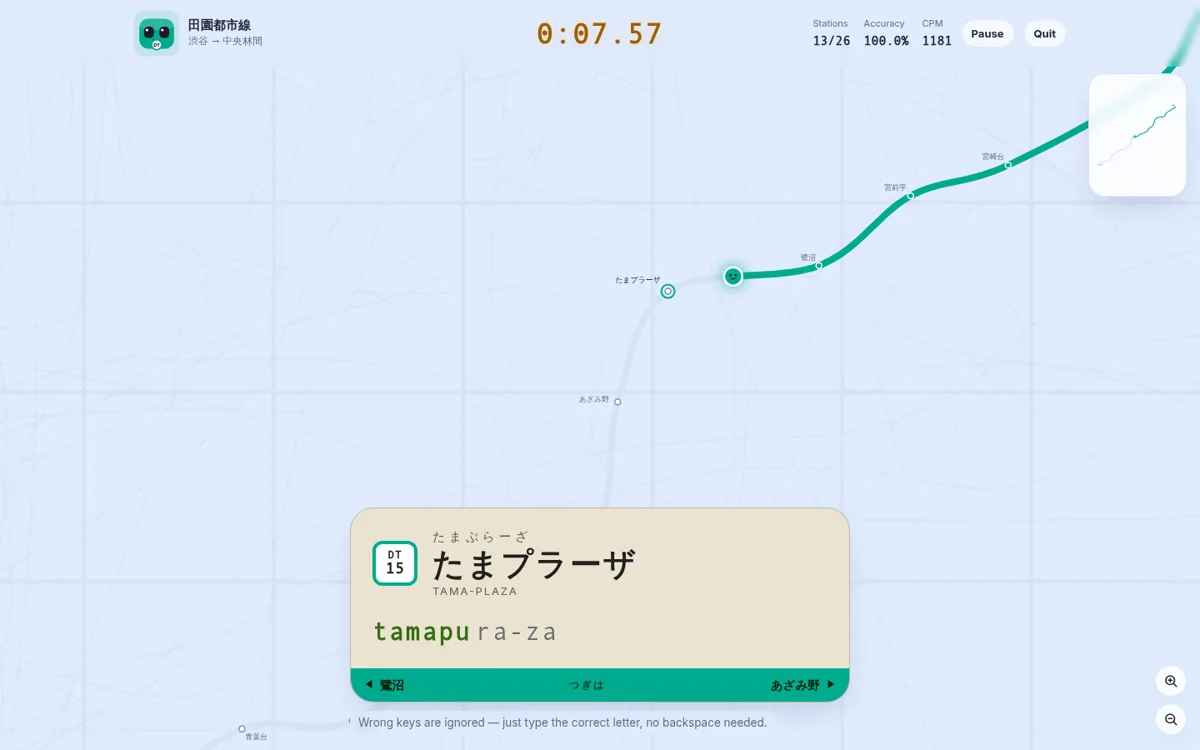
A player asked for 田園都市線 because the station names are pretty, and they were right. Here is the route from Shibuya to Chuo-rinkan, why Tama-plaza and Suzukakedai type unlike anything else in the game, and the one station whose official reading forced a change to the romaji engine.
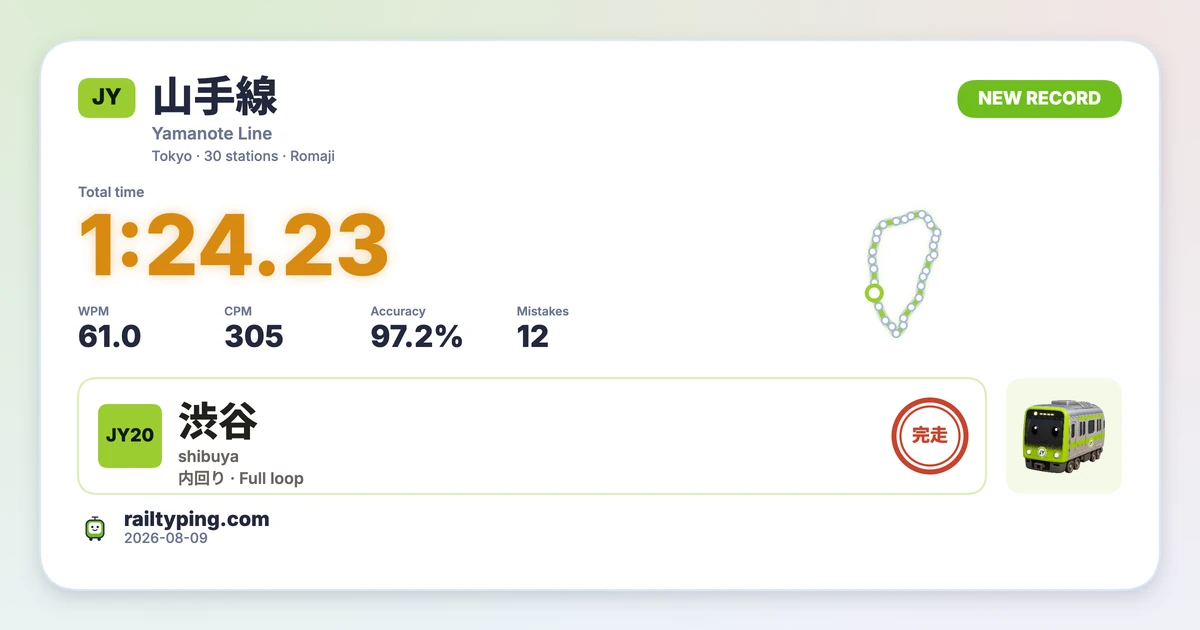
Rail Typing’s new result share card turns your time, WPM, accuracy and route into a polished PNG. Pick a wide or tall layout, switch themes, and let friends open the same challenge from the link or QR code.
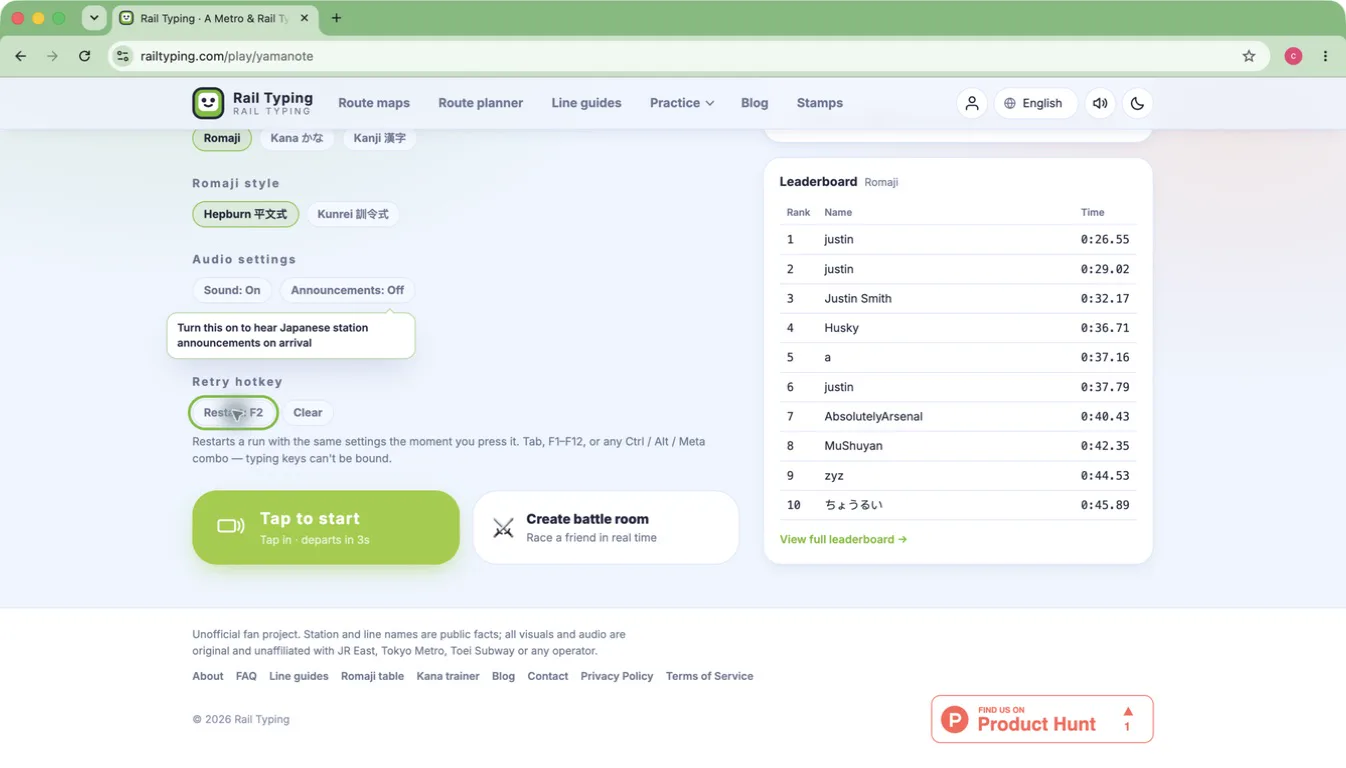
Two small changes to the practice loop: bind a key that restarts a run instantly from anywhere, and let every line remember the start, direction and input mode you chose last time. Neither one costs you anything if you never touch them.
The first city outside Japan is playable, and it types nothing like the others — Latin names, straight off the keyboard, no kana engine involved. Here's what changed under the hood and why these three lines went first.
Kyoto Municipal Subway is now playable — the arrow-straight Karasuma Line and the awkward-to-read Tozai Line. What is on each route, why 四条/五条/九条/十条 will catch you out, and why Kyoto is its own network.
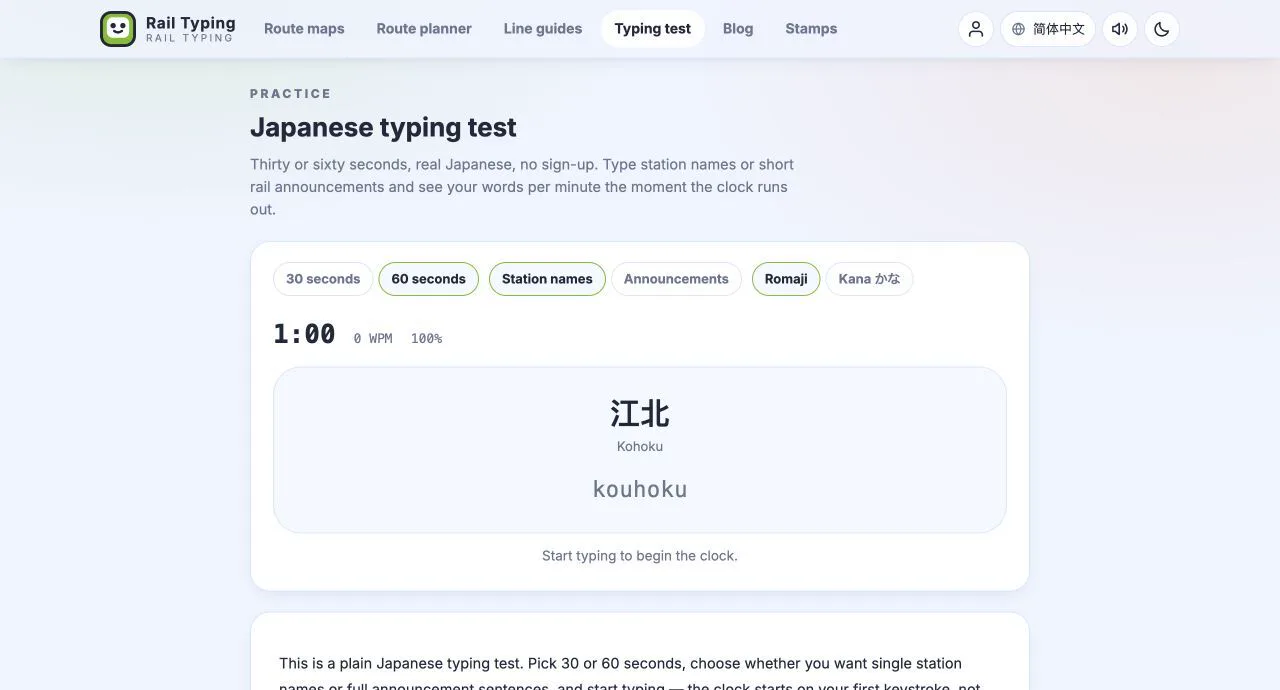
Four new practice pages: a 30-second Japanese typing test, a kana trainer you can drill row by row, the complete romaji table generated from the typing engine, and per-kana weakness analysis of your own runs.
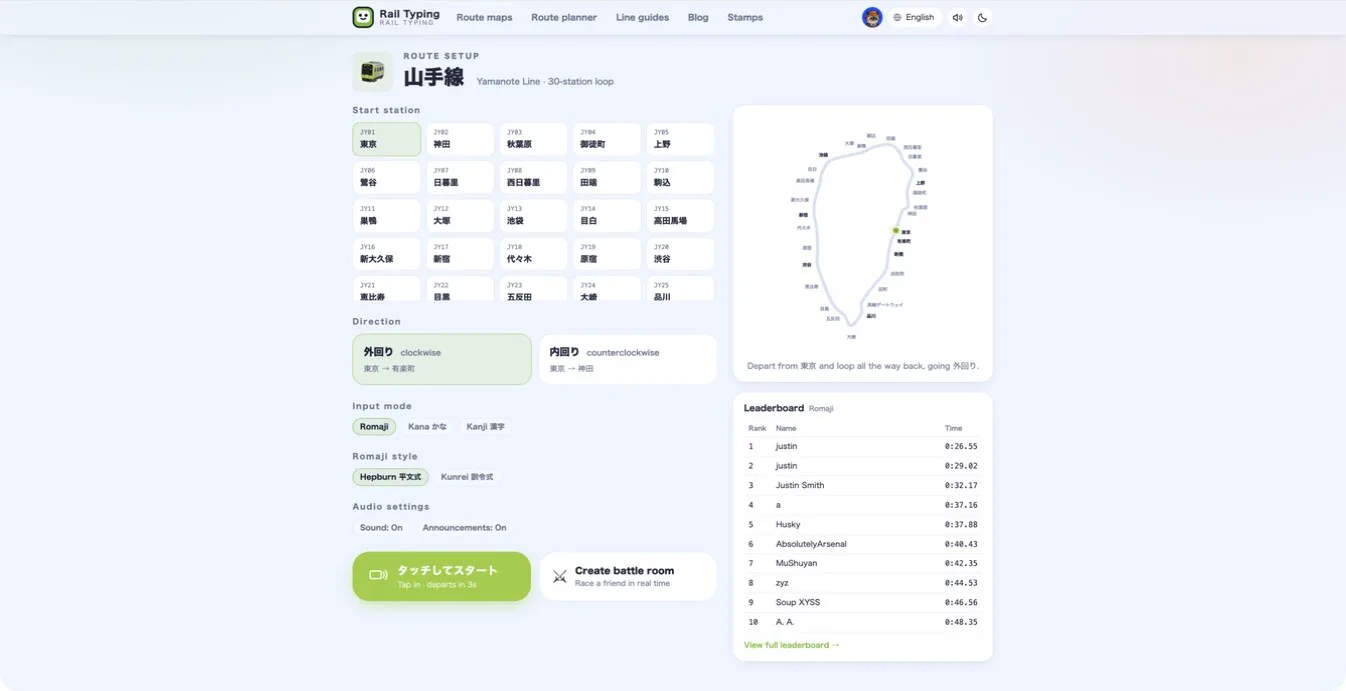
Turn on Japanese station announcements in Rail Typing and hear each station name when your train arrives—without interrupting the race.
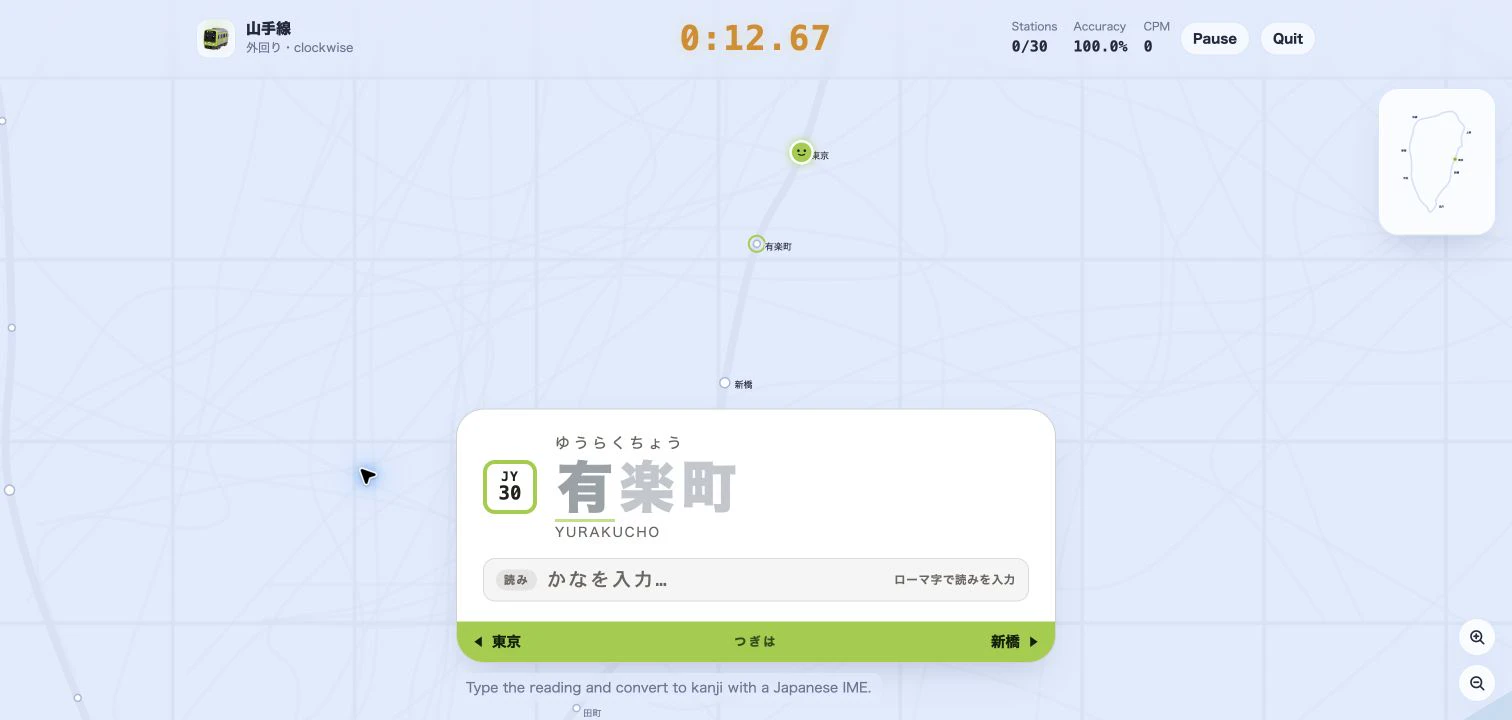
Practice Japanese IME typing with real Tokyo station names. Learn how the new Kanji mode gives live reading, conversion-candidate, and error feedback as your train moves.
A train typing game turns real Japanese station names into a typing sprint—learn what densha typing is, why it builds speed, and how to play Tokyo Rail Typing.
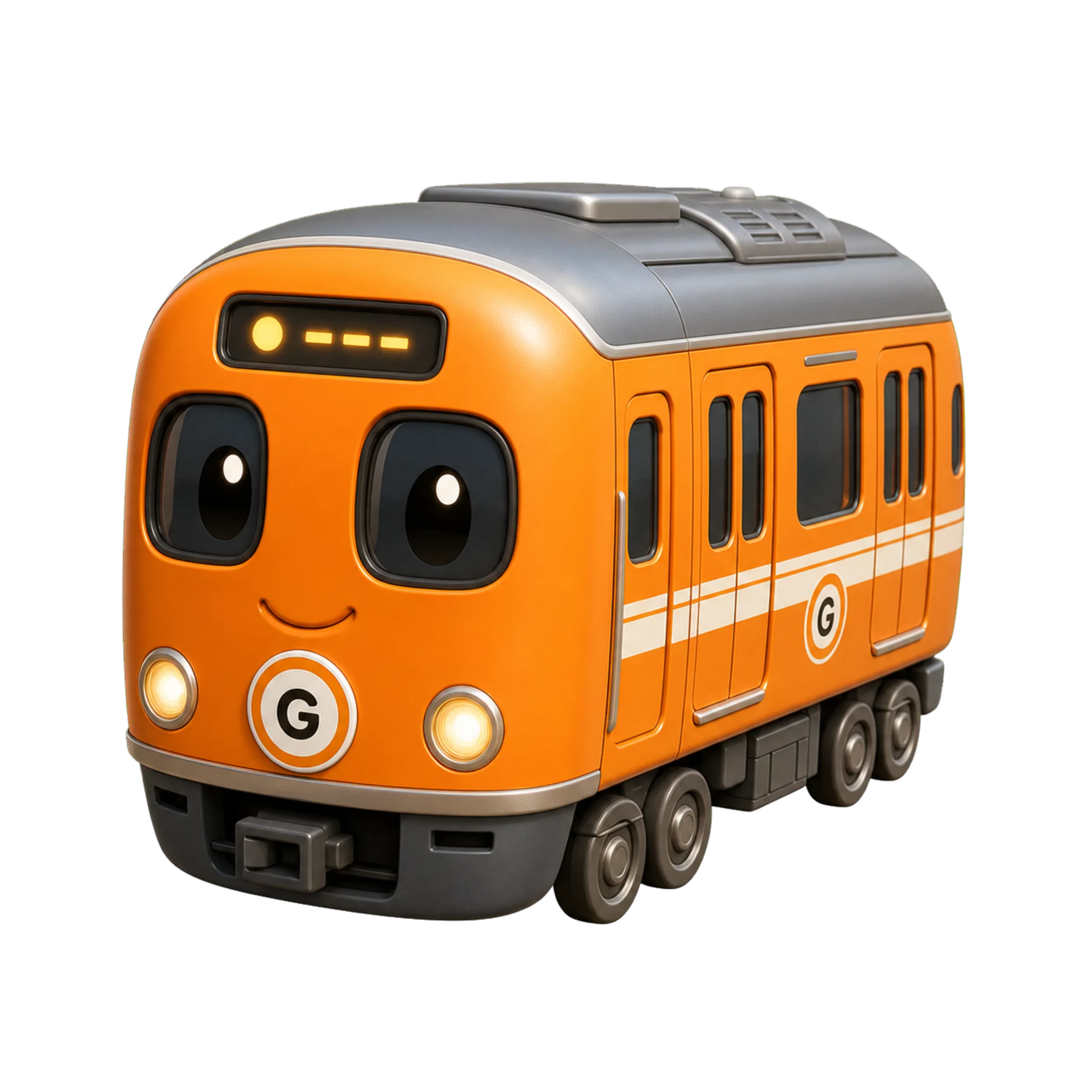
A rider's guide to the Tokyo Metro Ginza Line (symbol G, orange): how to ride Asakusa to Shibuya, key stations and transfers, and why this 19-stop line is perfect for first-timers and typing practice.
The JR Keiyo Line runs from Tokyo Station along Tokyo Bay to Soga, past Maihama for Tokyo Disney. Here's the route, the stations, the famously deep platforms, and why it's great to type.
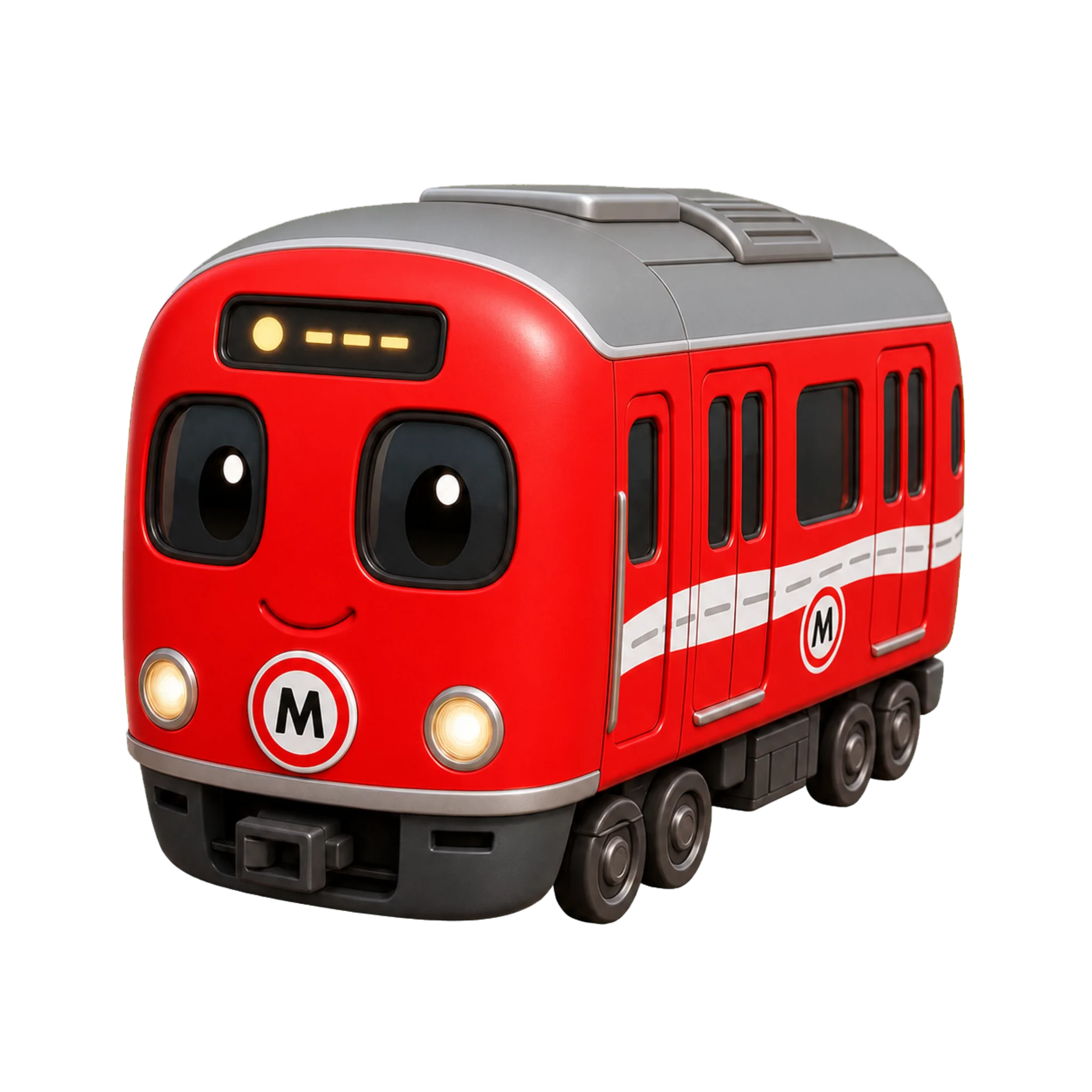
Two trains, one Chuo Line name. Learn the difference between the orange Chuo Rapid and the yellow Chuo–Sobu Local — shared tracks, color coding, key stations, and how to type both.
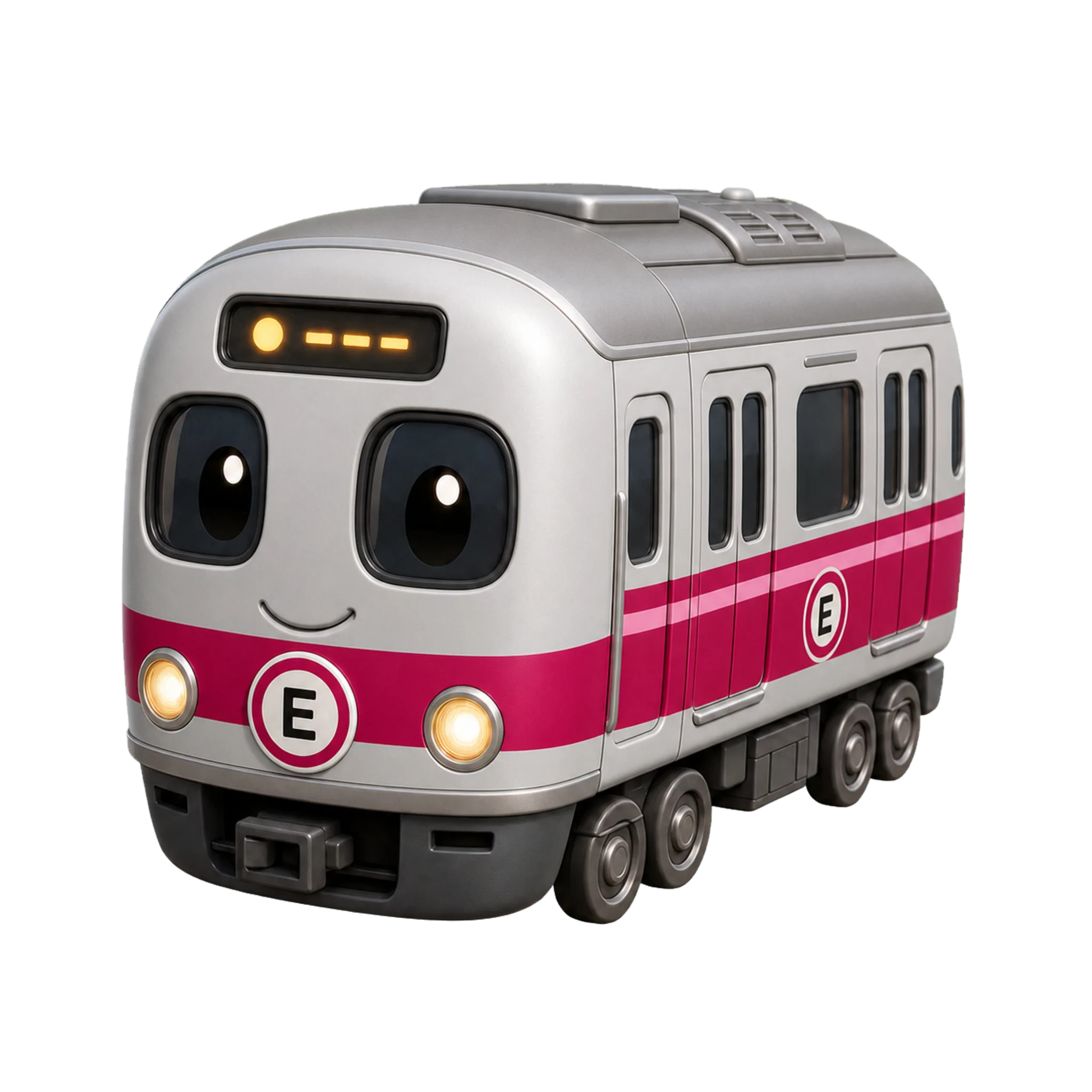
Tokyo has two subway operators, not one. Learn how to tell Toei and Tokyo Metro apart by line letter and logo, which lines each runs, and why crossing between them costs more.
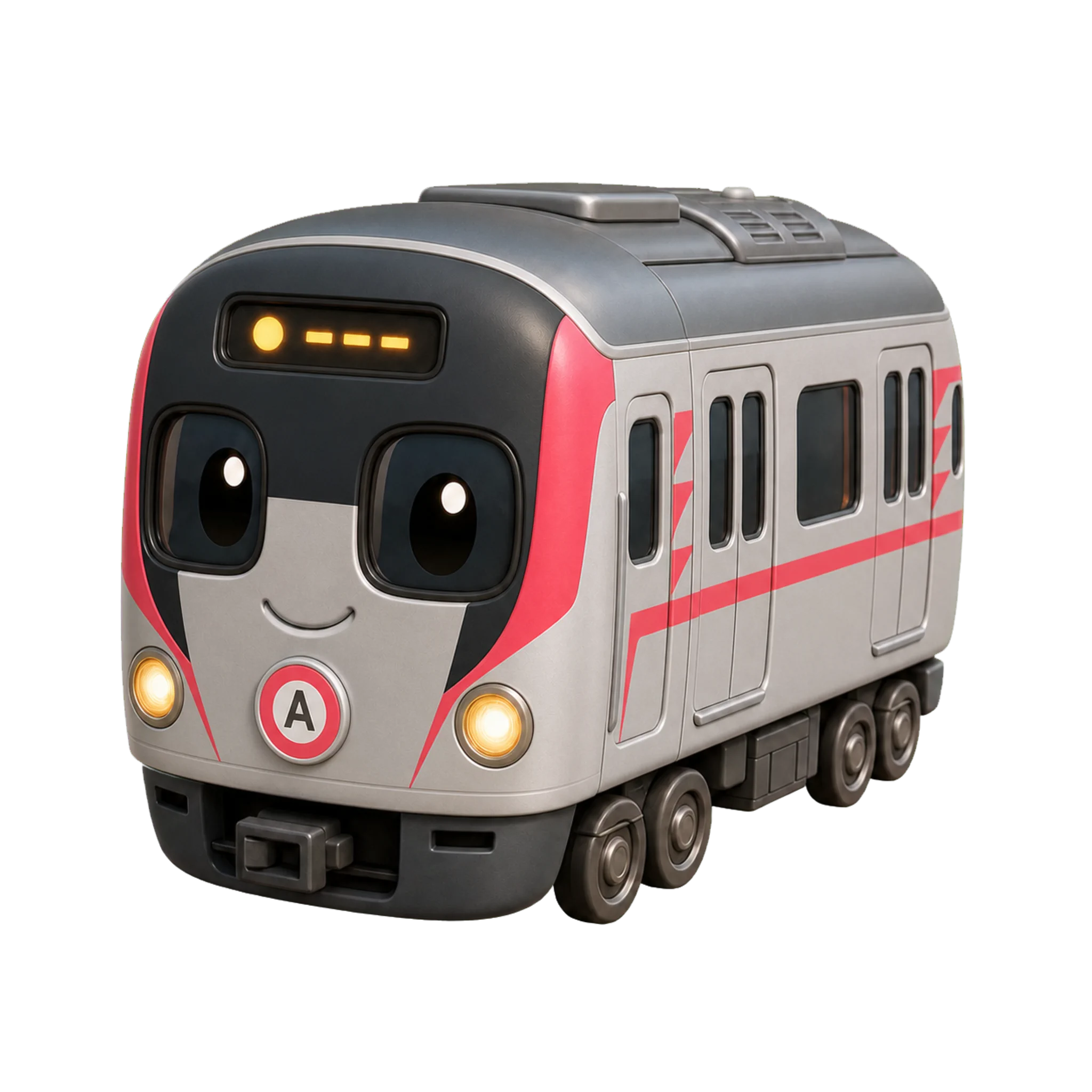
A beginner's guide to the Toei Subway — the four city-run lines (Asakusa, Mita, Shinjuku, Oedo), their letters and colors, airport access, and how Toei differs from Tokyo Metro.
Romaji input vs kana input explained: how each Japanese keyboard method works, the speed and learning trade-offs, who should pick which, and how to drill kana without IME kanji conversion.
Take the JR Keiyo Line to Tokyo Disney: ride about 15 minutes from Tokyo Station to Maihama, plus the deep-platform warning every first-timer needs.
Tokyo's subway is two companies with two fares. Here's how the combined Tokyo Subway Ticket (24/48/72-hour) and the Metro & Toei one-day pass work, how the hour clocks tick, why JR isn't covered, and who actually saves.
A learner's guide to the JIS Japanese keyboard layout, the 変換/無変換 and 半角/全角 keys, romaji vs kana input, and how to set up a Japanese IME on a normal QWERTY keyboard—no special hardware needed.
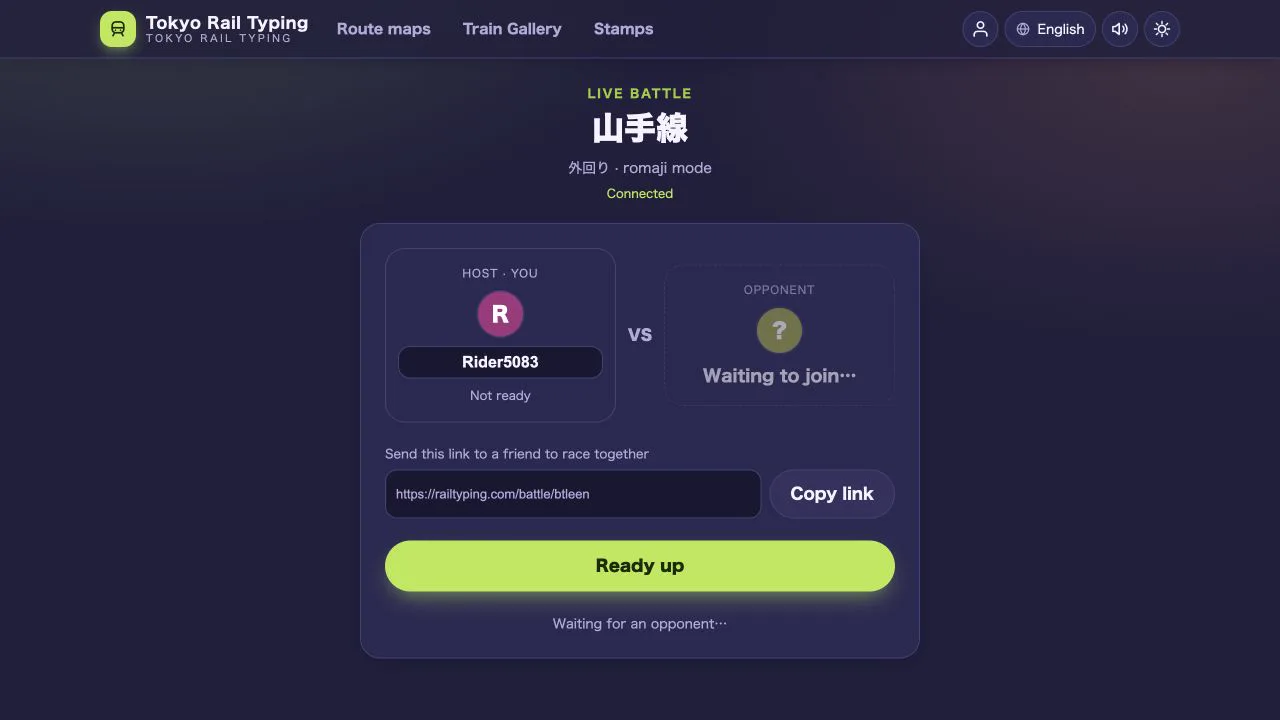
Create a private 1v1 room, share one link and race through a Japanese railway line in real time—with live progress, rematches and spectators.
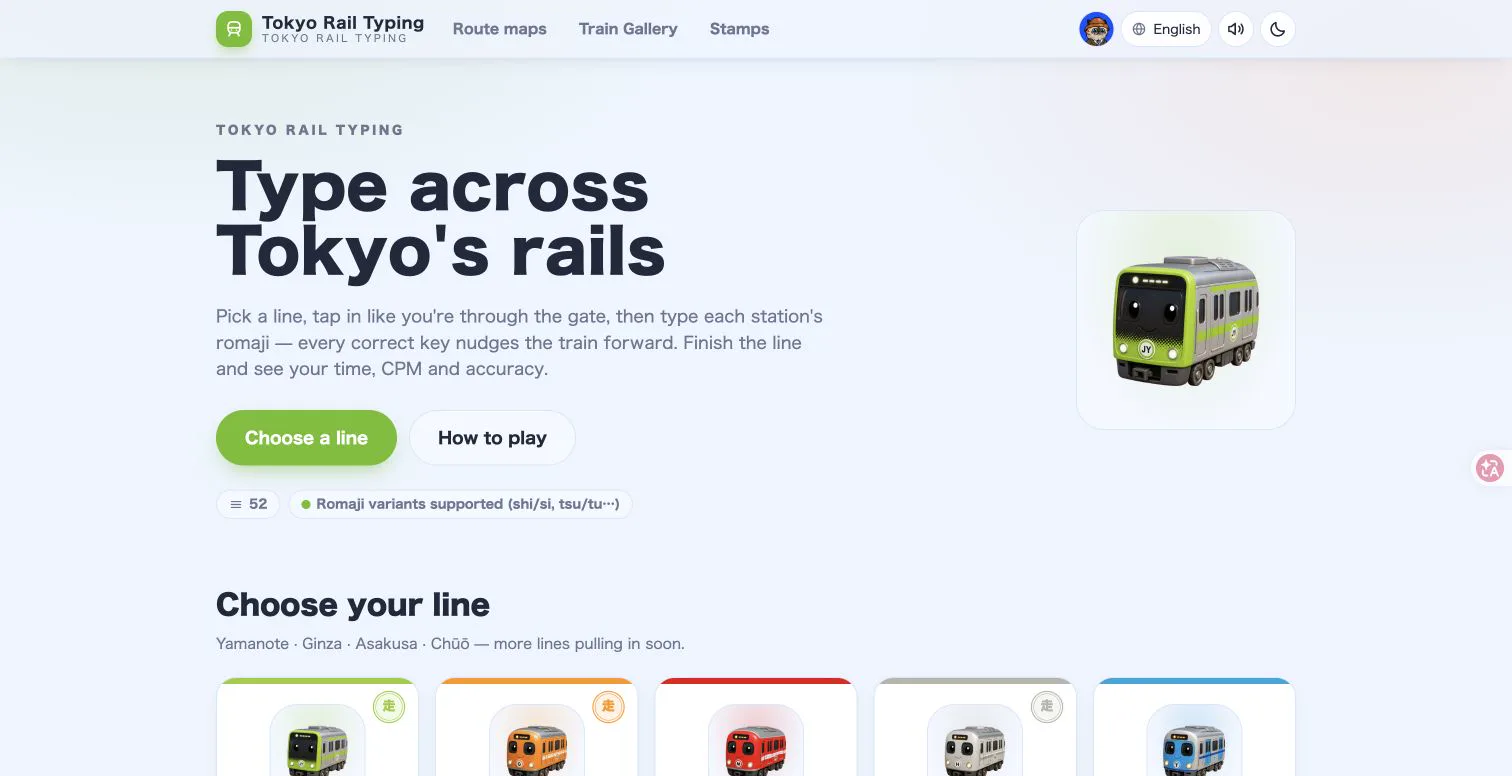
Explore 125 Tokyo, Osaka, Kyoto, Sapporo, Hakodate, Nagoya and Fukuoka rail lines, from the Yamanote loop to the Tokaido–Sanyo Shinkansen, while improving typing speed and station-name recall.
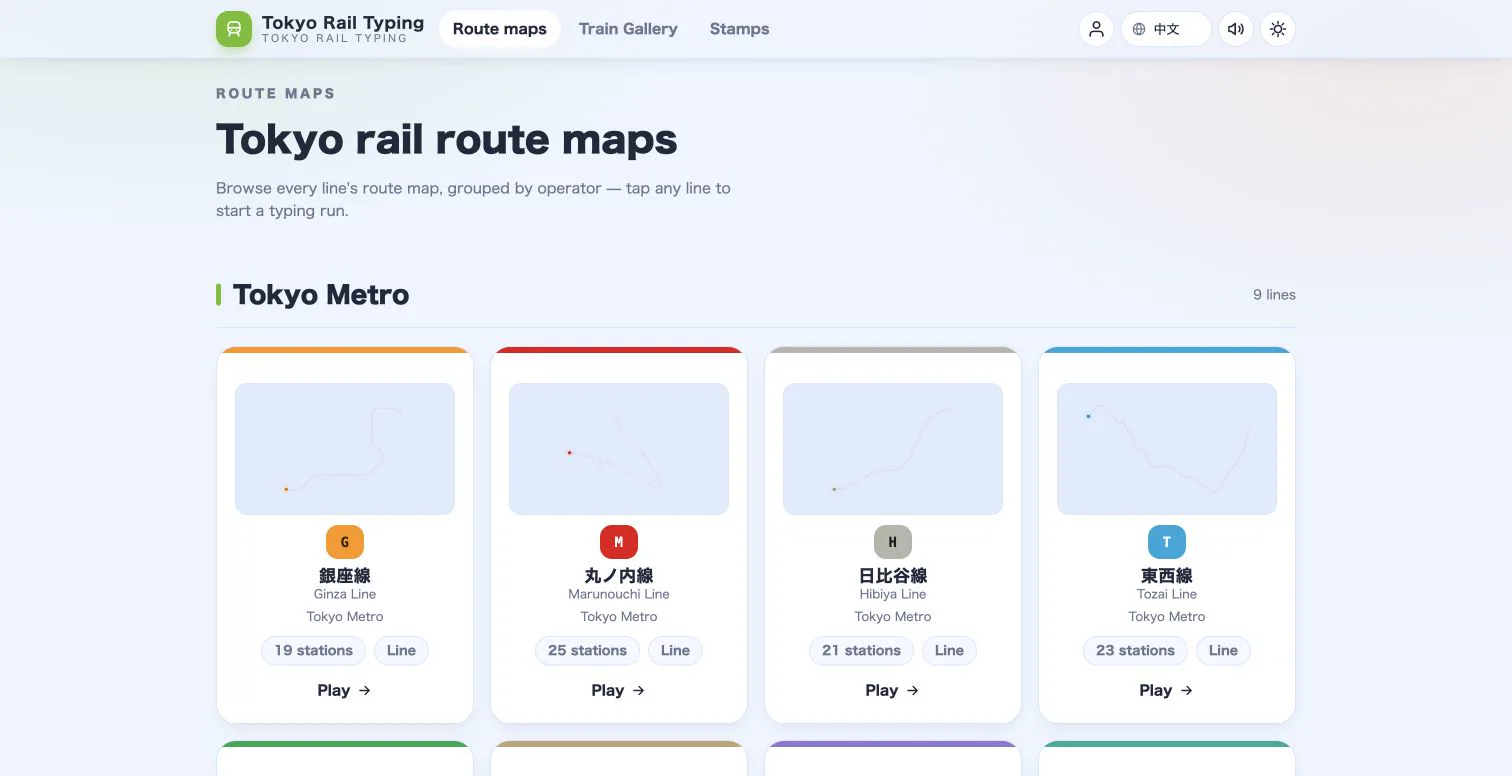
Learn how Tokyo Rail Typing turns real station order, operator colors and original 3D train art into a browsable railway reference.
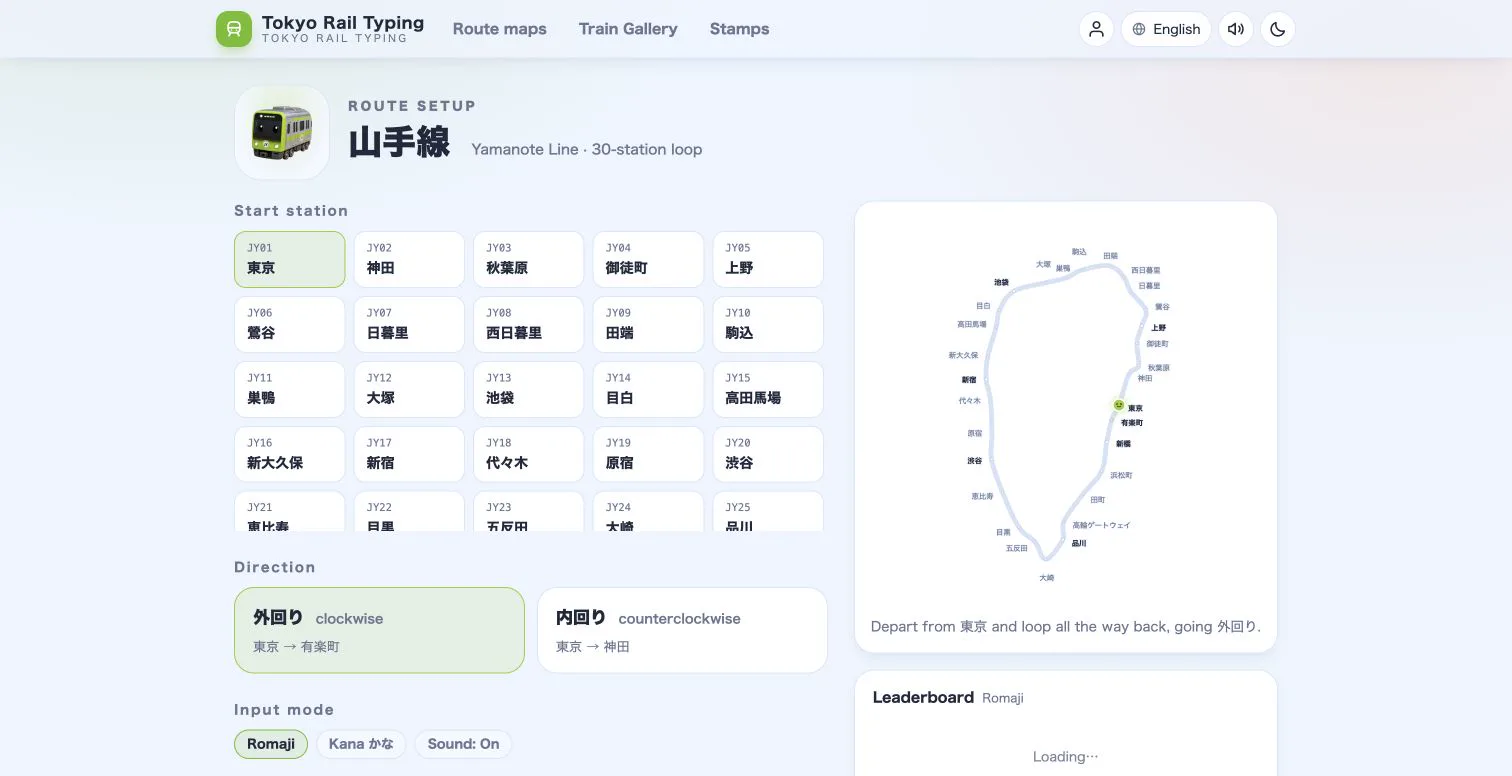
Choose the right Tokyo Rail Typing mode for your level, then progress from accessible romaji drills to authentic Japanese IME practice.
Practical drills, warm-ups and split-time tricks to boost your typing speed while running trains across Tokyo.
A complete guide to the three input modes — what each one is, who it suits, and how to progress from romaji to a full Japanese IME.
Pick a line, tap in like you are through the gate, and type each station to move the train — here is everything you need for your first run.
Memory tricks, kanji meanings and split-time practice to turn a wall of station names into instant recall.
Kana to romaji made simple — the tricky sounds, double consonants, long vowels, and the alternate spellings the game accepts.
Why real place names beat random drills — turn Tokyo Rail Typing into a structured Japanese typing trainer with a simple routine.
Advanced tactics for the 30-station loop — read your splits, find your slow stations, and shave seconds off your best time.