Tokyo Rail Typing lets you play the same route three different ways: romaji, kana, or full kanji through a Japanese IME. The train moves the same distance either way, but what your fingers actually do changes completely. This guide explains what each input mode is, who it suits, and how to graduate from one to the next as your Japanese and your speed grow.
Romaji: the friendliest starting point
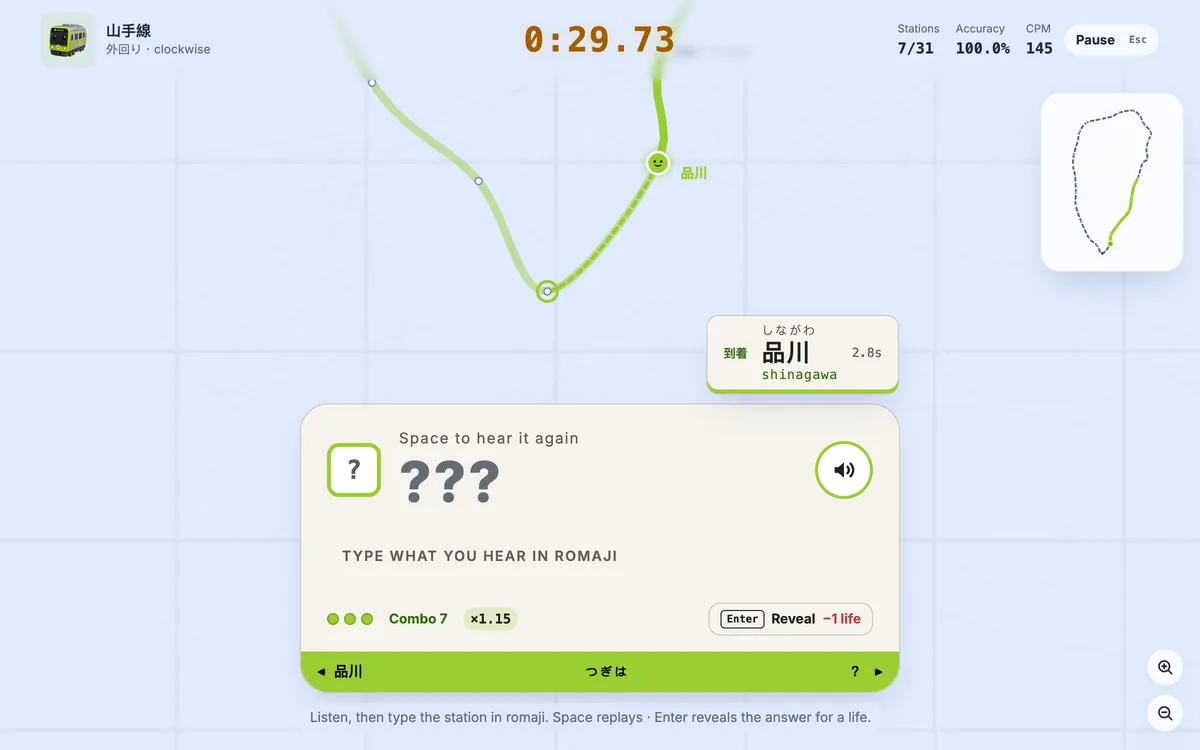
In romaji mode you type the Hepburn spelling of each station on an ordinary keyboard — "shinjuku", "shibuya", "tokyo". Nothing else is required: no Japanese keyboard, no IME, no prior knowledge of kana. If you can touch-type English, you can start a lap on the Yamanote Line in the next minute.
A few things make romaji forgiving:
- Multiple spellings are accepted. し can be
shiorsi, つ can betsuortu, しゃ can beshaorsya. Type whichever feels natural. - Wrong keys are simply rejected. A mistyped key does nothing — the train does not move, and you never need backspace to undo it. Just keep going.
Best for: complete beginners, non-Japanese speakers, and anyone who just wants a fast, low-friction typing game. This is where almost everyone should begin — see the getting-started guide for your first run.
Kana: reading Japanese without an IME
Kana mode is a clever middle step. You still type on a physical keyboard using romaji keystrokes, but the station board fills in with kana unit by unit as you type — し appears when you type shi, ん when you type n. Because there is no IME running, there is no kanji auto-conversion popping up to interrupt you.
This is the mode that quietly teaches you to read Japanese while your hands keep doing something familiar. You start associating the sounds you already type with the kana shapes on screen, which is the exact skill you need before real Japanese input feels natural.
Best for: learners who know some hiragana and katakana, or want to. It builds kana recognition without the extra hurdle of choosing conversions. The learning curve is gentle — if romaji is comfortable, kana is a small, rewarding step up.
Kanji (IME): the authentic ceiling
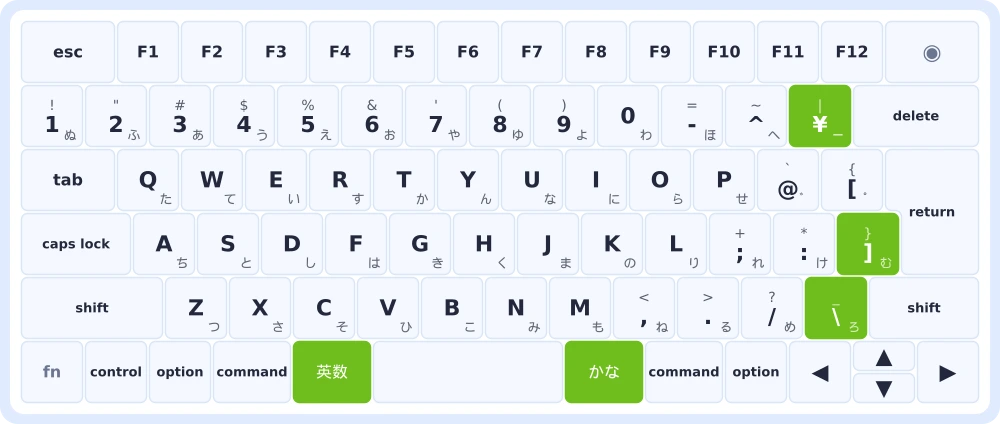
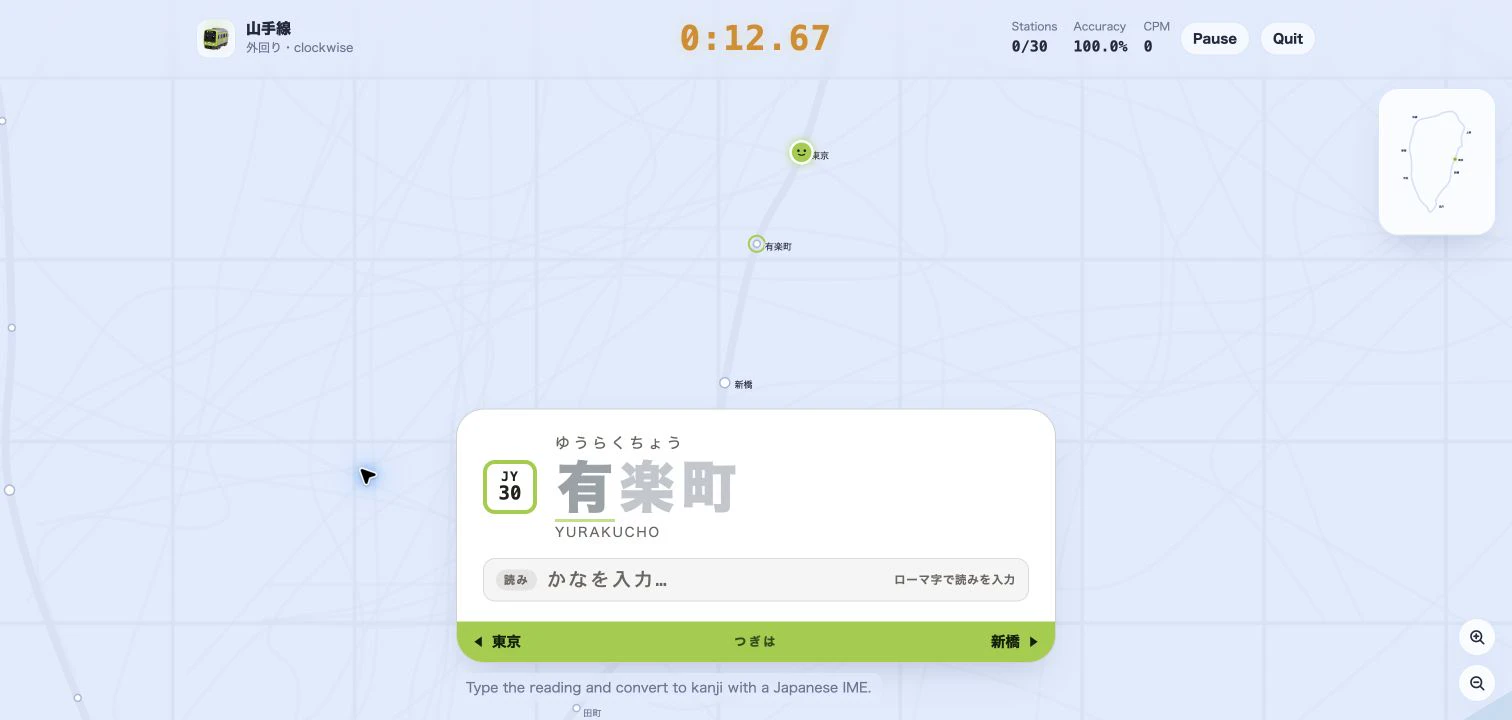
Kanji mode is how Japanese is really typed. You switch on a genuine Japanese IME, type the reading, and commit the station's kanji by composition segments — 新宿, 渋谷, 東京 — exactly as you would in any Japanese app. It is the most demanding mode because you manage conversion and confirmation yourself, but it also has the highest speed ceiling once the motions become automatic.
Best for: intermediate and advanced learners, and anyone who already uses a Japanese IME daily. Expect a steeper start — you are learning conversion timing, not just spelling — but the payoff is the fastest, most realistic Japanese typing you can practice here.
How to choose, and how to progress
Match the mode to where you are today, then let the game pull you forward:
- Brand new? Start in romaji. Learn the route and the rhythm first.
- Getting comfortable? Switch to kana to train your eyes on the script while your hands stay confident.
- Ready for the real thing? Move to kanji (IME) and chase your true ceiling.
Because your personal best is tracked per line and per mode, switching never overwrites a record you set elsewhere — every mode keeps its own leaderboard, so you can revisit an easier one without fear. Watch your time, CPM, WPM, accuracy, and per-station splits climb as you go, and read how to improve your typing speed when you want to push further. Browse more guides on the blog when you are ready for the next line.