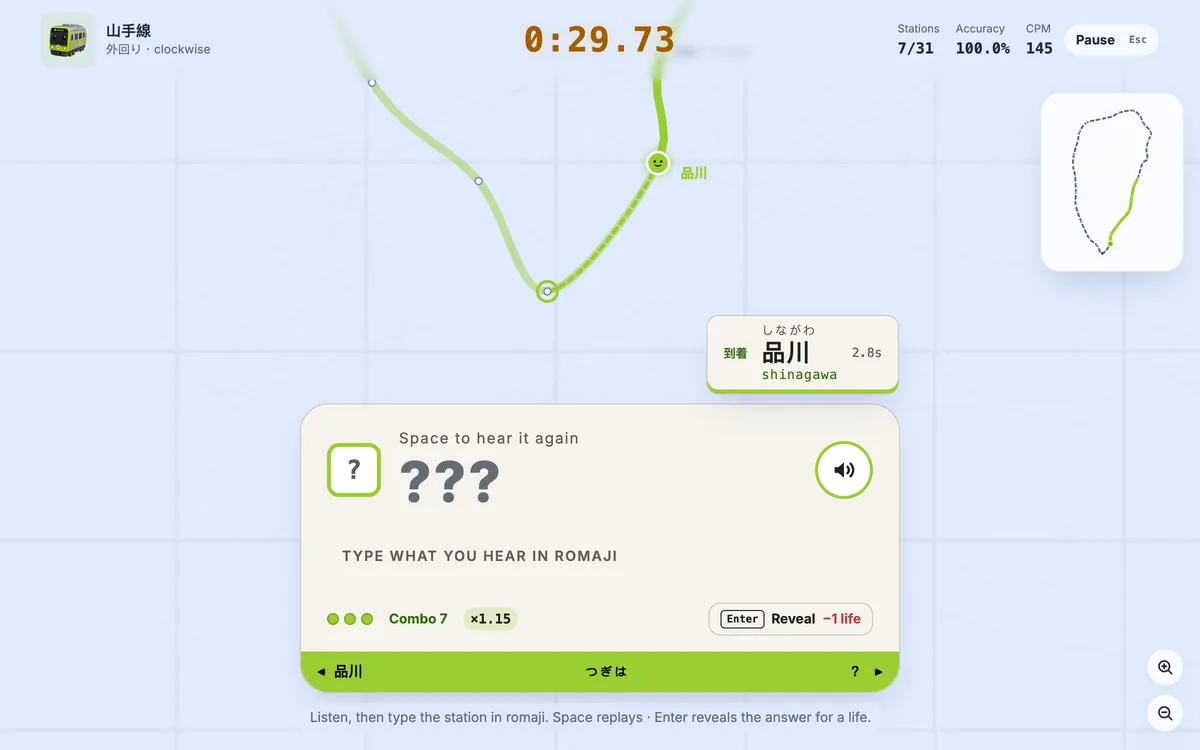
Kanji mode is now available in Tokyo Rail Typing. Instead of typing a station name as plain romaji, you use a real Japanese IME: enter the reading, convert it to the correct station name, and confirm the candidate. The redesigned interface follows that entire process live, making Japanese IME typing practice feel clear, responsive, and closely connected to the way Japanese is typed every day.
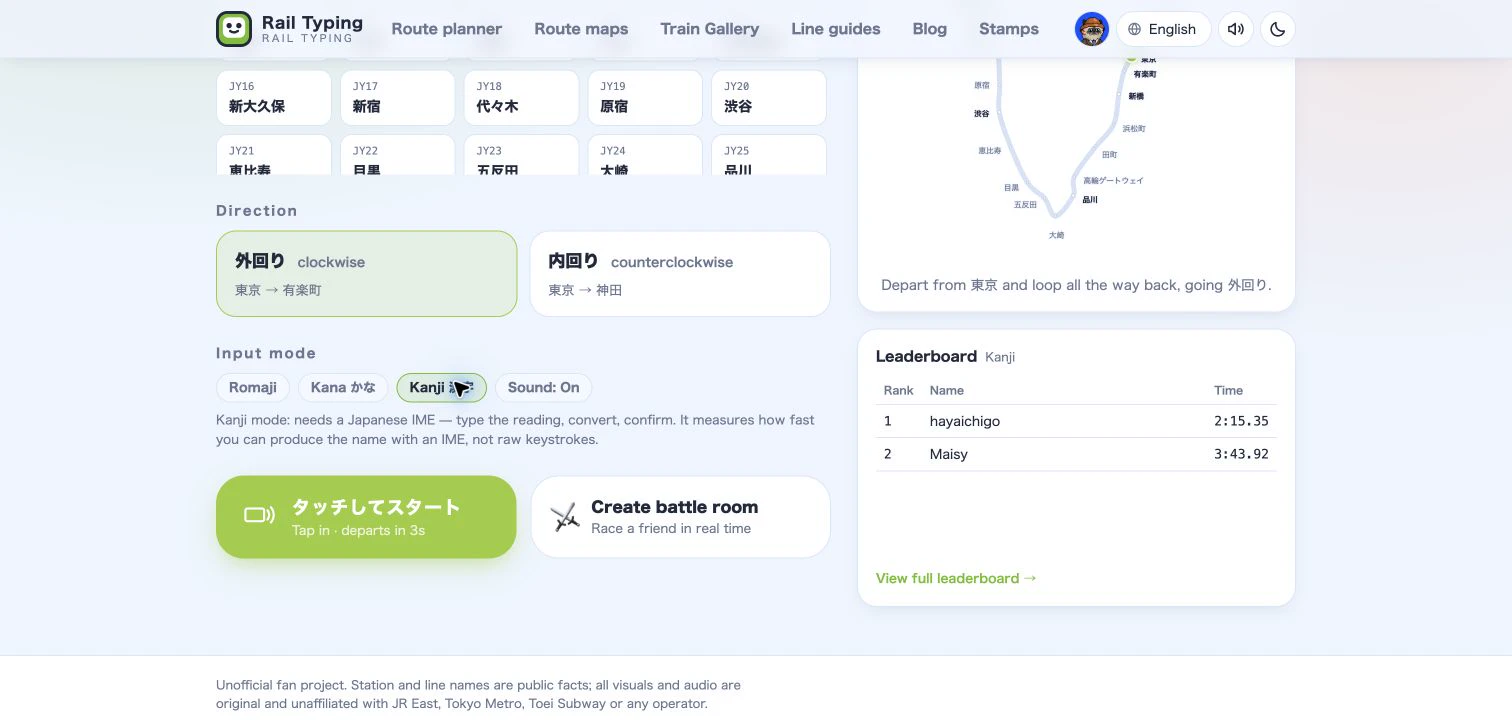
What is Kanji input mode?
In Kanji mode, the target is the station's official written name—such as 有楽町, 新宿, or 高輪ゲートウェイ—rather than its romaji spelling. Switch your computer or phone to a Japanese IME, type the reading, press Space to convert it, choose the right candidate if necessary, and press Enter to confirm.
For example, when the target is 有楽町:
- Type the reading
ゆうらくちょうwith your Japanese IME. - Convert the reading to
有楽町. - Confirm the candidate to clear the station and move the train.
This mode measures how quickly you can produce Japanese station names with an IME. It is deliberately separate from raw romaji keystroke speed, and it has its own records and leaderboard.
Live feedback while you type and convert
Older IME typing interfaces often remain silent until you commit an entire conversion. The new station board gives useful feedback earlier.
While you type the reading, the kana line fills in and the train can reflect your progress. If the reading no longer matches the target station, the IME bar warns you immediately. After conversion, a matching candidate appears as an amber preview over the kanji characters before you press Enter. A wrong candidate is marked as off track, so you can cycle to the correct one without guessing what the game will accept.
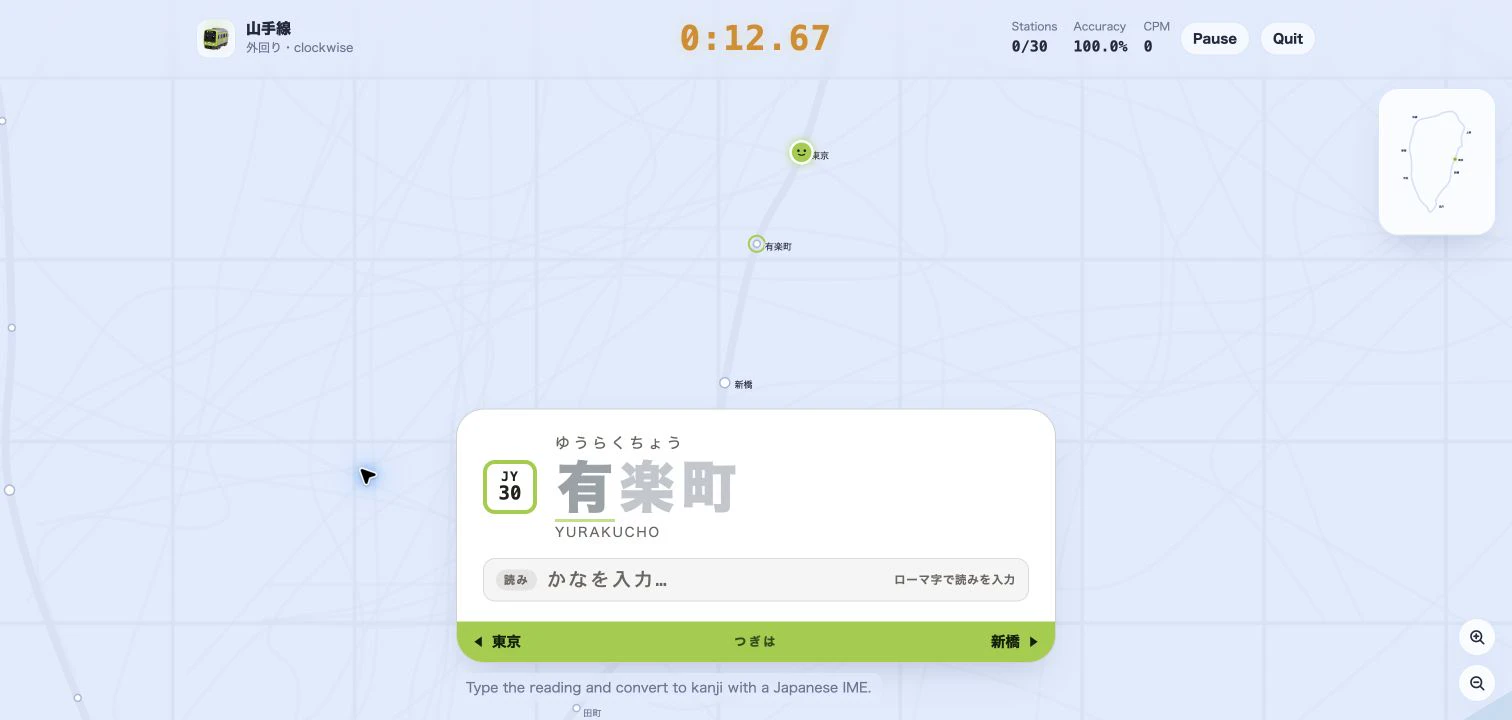
The fixed-height IME bar also prevents the station card from jumping as composition starts and ends. It tells you whether you are entering a reading, ready to convert, ready to confirm, or currently off track.
Designed around real Japanese IME behavior
Japanese input is more than replacing Latin letters with kanji. Space changes or cycles candidates, Enter confirms them, and Escape can cancel or return to the reading. During composition, those keys belong to the IME, so the game no longer mistakes them for pause or navigation commands.
The matcher also tolerates common character-form differences produced by Japanese input methods, including full-width forms, dash variants, half-width katakana normalization, and several common old-form kanji equivalents. Mixed names such as 高輪ゲートウェイ remain faithful to the station's official script: katakana is not silently treated as hiragana.
If a conversion contains the correct station name plus extra text—for example 新宿駅 when the target is 新宿—the matching station-name portion is preserved, but the surplus still counts as a mistake. That makes feedback forgiving without making the challenge inaccurate.
How to play Kanji mode
- Open a line such as the Yamanote Line game.
- Under Input mode, choose Kanji 漢字.
- Switch your device to a Japanese IME before the countdown ends.
- Type each station's reading, convert it, and confirm the correct written name.
If ordinary Latin characters appear instead of an IME composition, the game prompts you to enable Japanese input. On desktop, a normal QWERTY keyboard is enough—you do not need special Japanese hardware. Our Japanese keyboard and IME guide explains the setup, and the romaji, kana, and kanji comparison can help you choose the right practice mode.
Who is Kanji mode for?
Kanji mode is best for learners who already recognize kana and want practical Japanese typing practice, as well as experienced IME users who want to improve conversion rhythm and station-name recall. Beginners can start with romaji, move to kana display mode, and return to Kanji mode when reading and conversion feel comfortable.
Because every input mode keeps separate results, trying Kanji mode will not overwrite your romaji or kana personal best. Choose a line, turn on your Japanese IME, and see how smoothly you can carry a train through Tokyo one converted station name at a time.