Daily Quests, Streaks and Rank Titles: A Reason to Type Every Day
Three daily quests, the same for everyone. Finish a run to stamp your attendance card, keep a streak with freezes, and climb from Station Staff to President.
Read articleGuides, notes and stories from Tokyo Rail Typing.
46 postsUpdated September 26, 2026
17 posts tagged TypingShow all posts
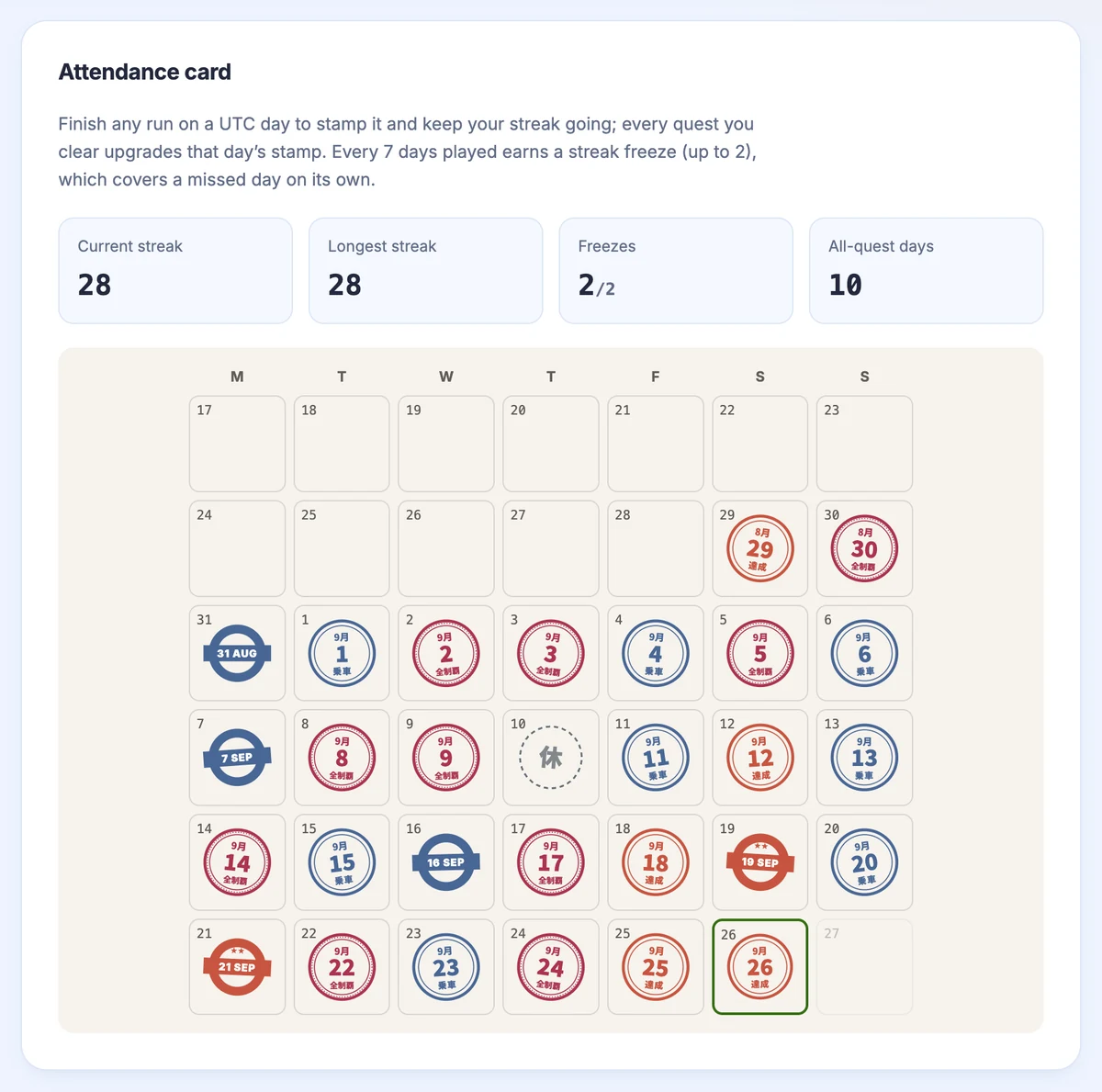
Three daily quests, the same for everyone. Finish a run to stamp your attendance card, keep a streak with freezes, and climb from Station Staff to President.
Read article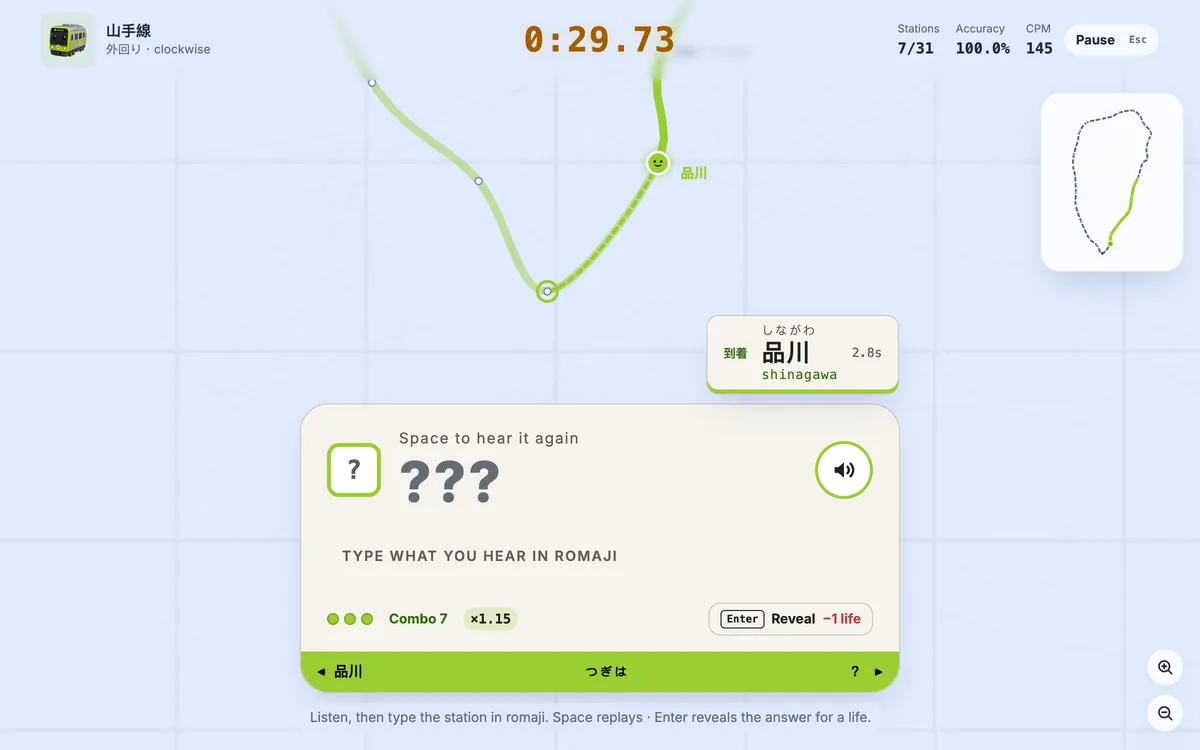
Rail Typing’s new listening mode hides the station name: hear the Japanese announcement, type it in romaji. Three lives, combo speed-ups and its own leaderboard.
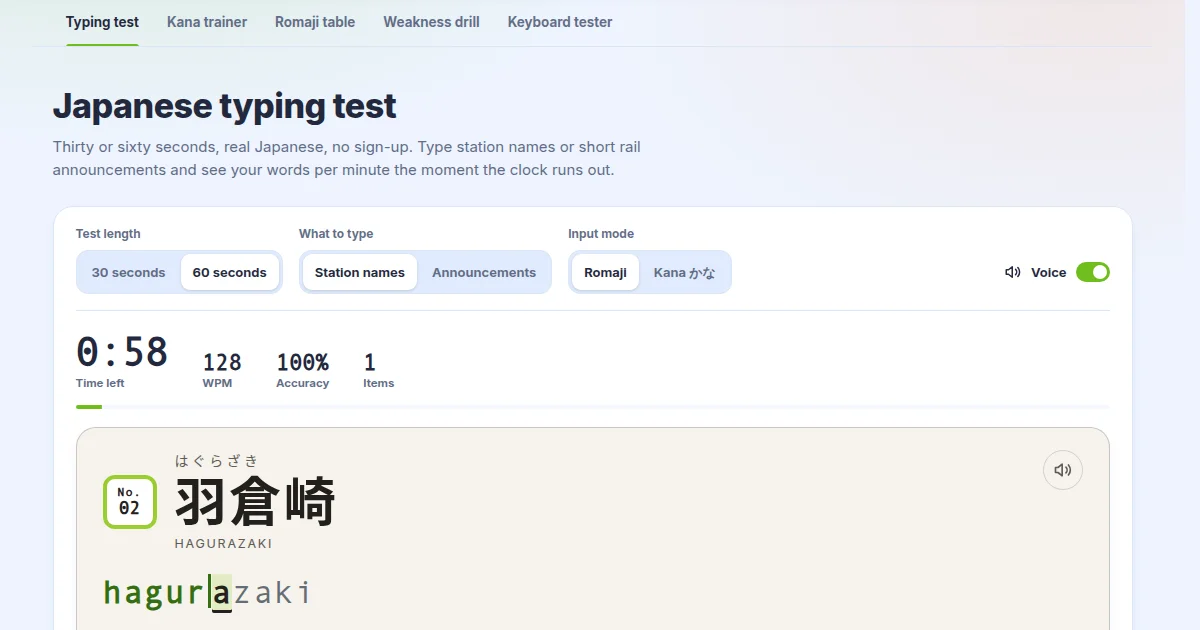
The Japanese typing test now reads station names and train announcements aloud, and the kana trainer, romaji table, drill and keyboard tester were rebuilt.
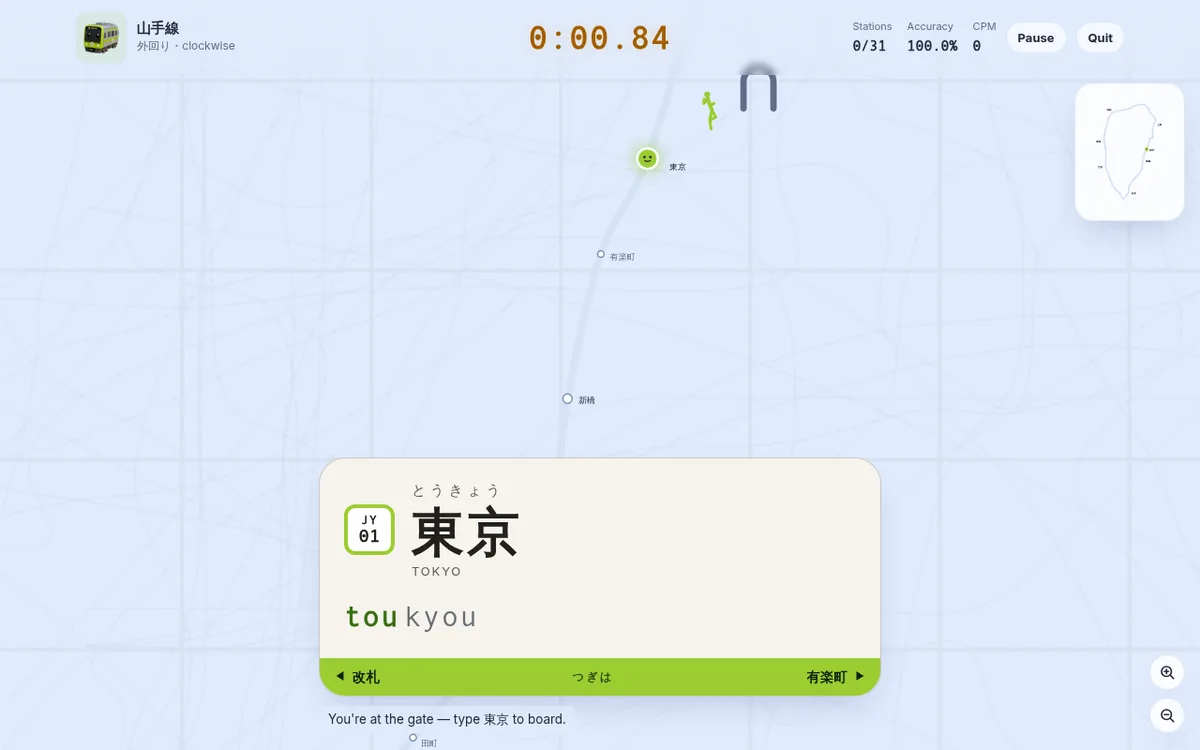
A Yamanote lap is 31 station names now, not 30. The station you start from has become the first thing you type, so a run begins outside the ticket gate — with a pictogram figure running onto the platform at exactly your typing speed. What changed, and why every leaderboard started over.
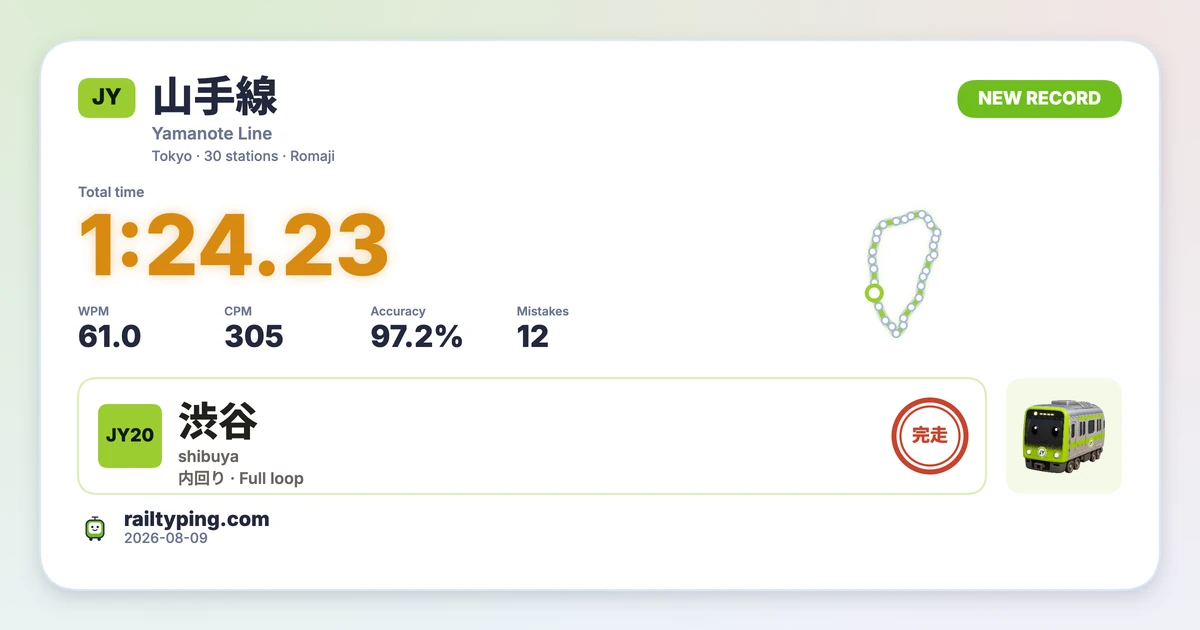
Rail Typing’s new result share card turns your time, WPM, accuracy and route into a polished PNG. Pick a wide or tall layout, switch themes, and let friends open the same challenge from the link or QR code.
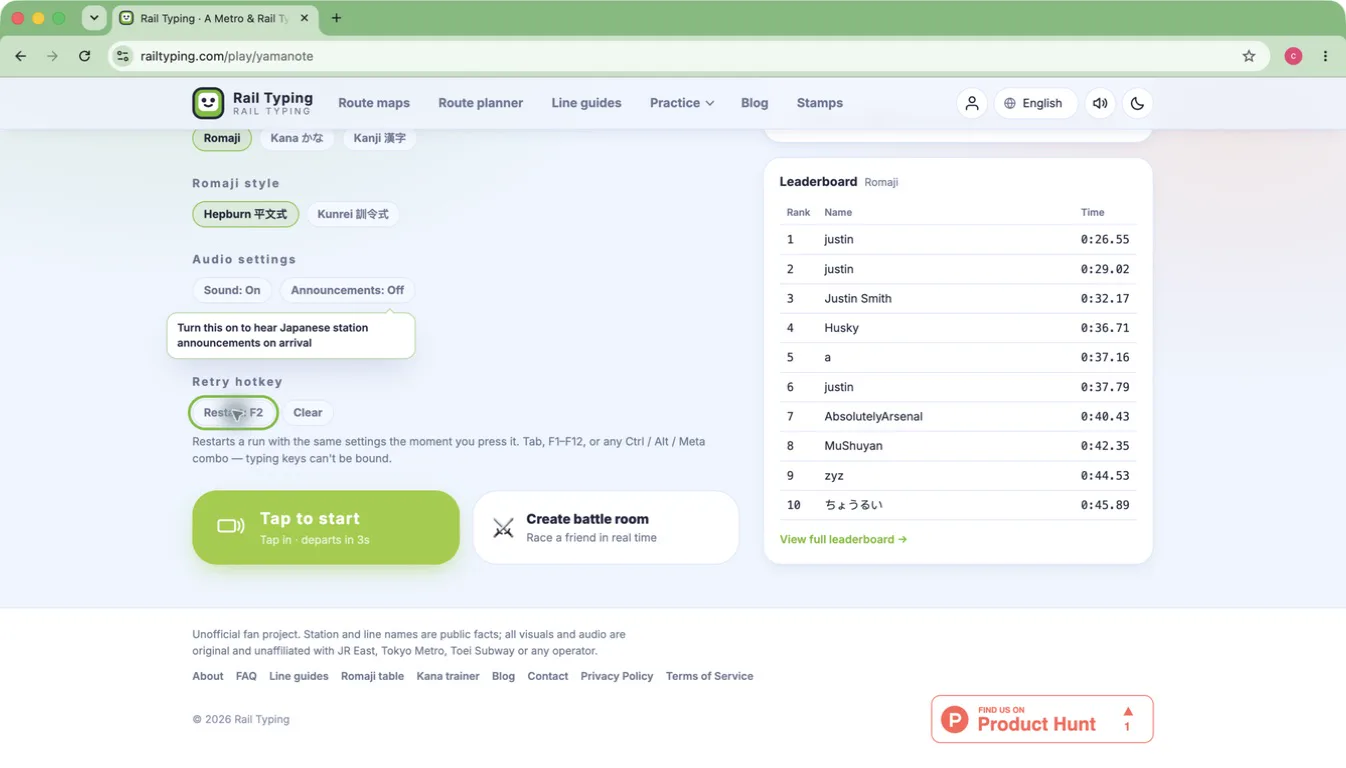
Two small changes to the practice loop: bind a key that restarts a run instantly from anywhere, and let every line remember the start, direction and input mode you chose last time. Neither one costs you anything if you never touch them.
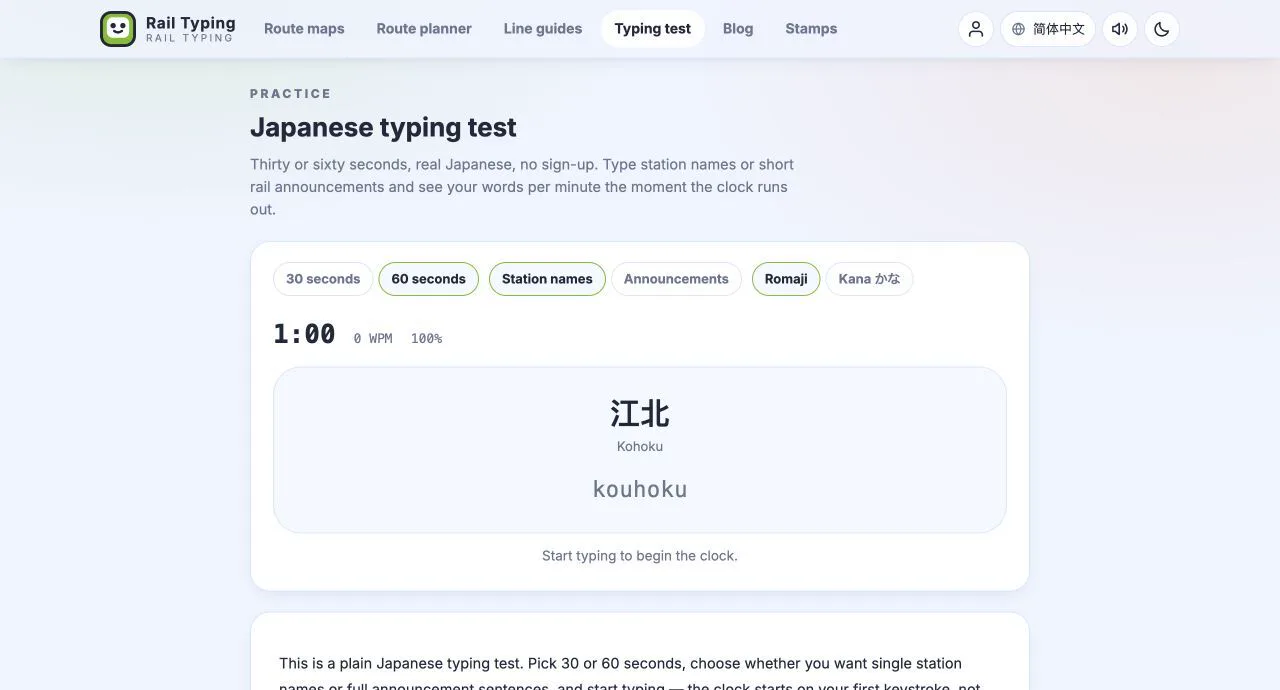
Four new practice pages: a 30-second Japanese typing test, a kana trainer you can drill row by row, the complete romaji table generated from the typing engine, and per-kana weakness analysis of your own runs.
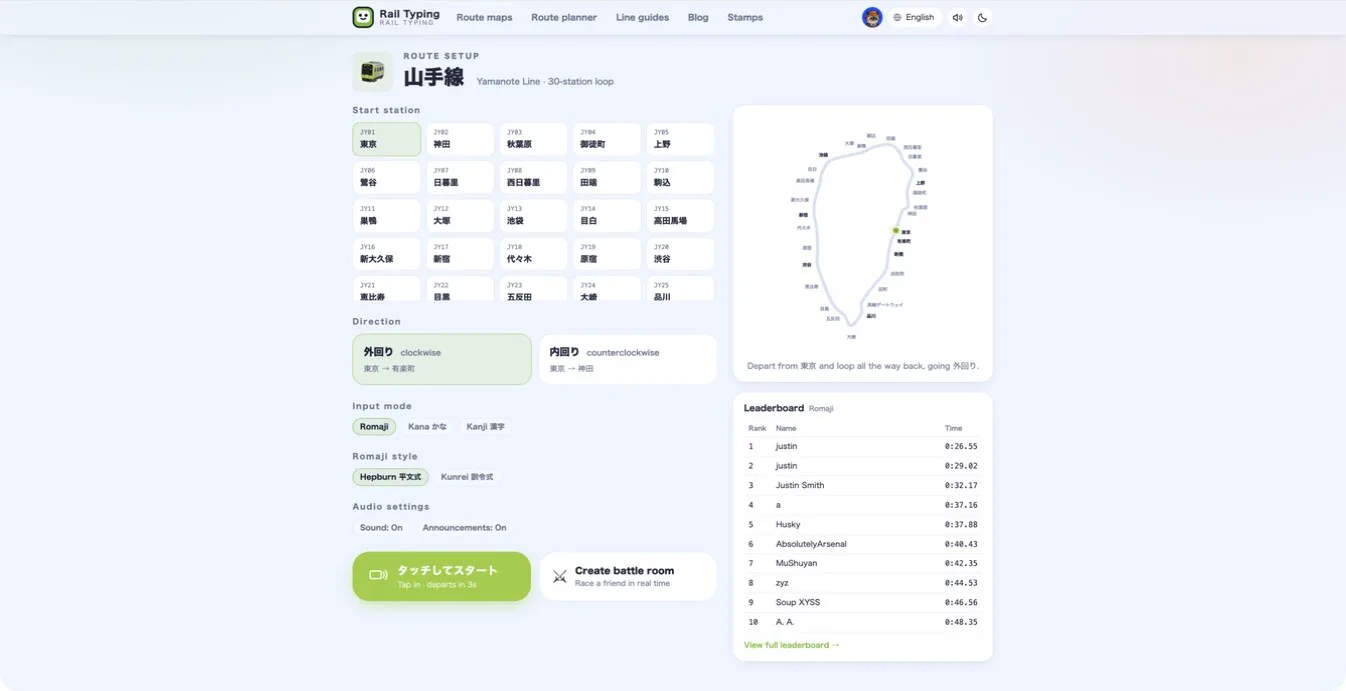
Turn on Japanese station announcements in Rail Typing and hear each station name when your train arrives—without interrupting the race.
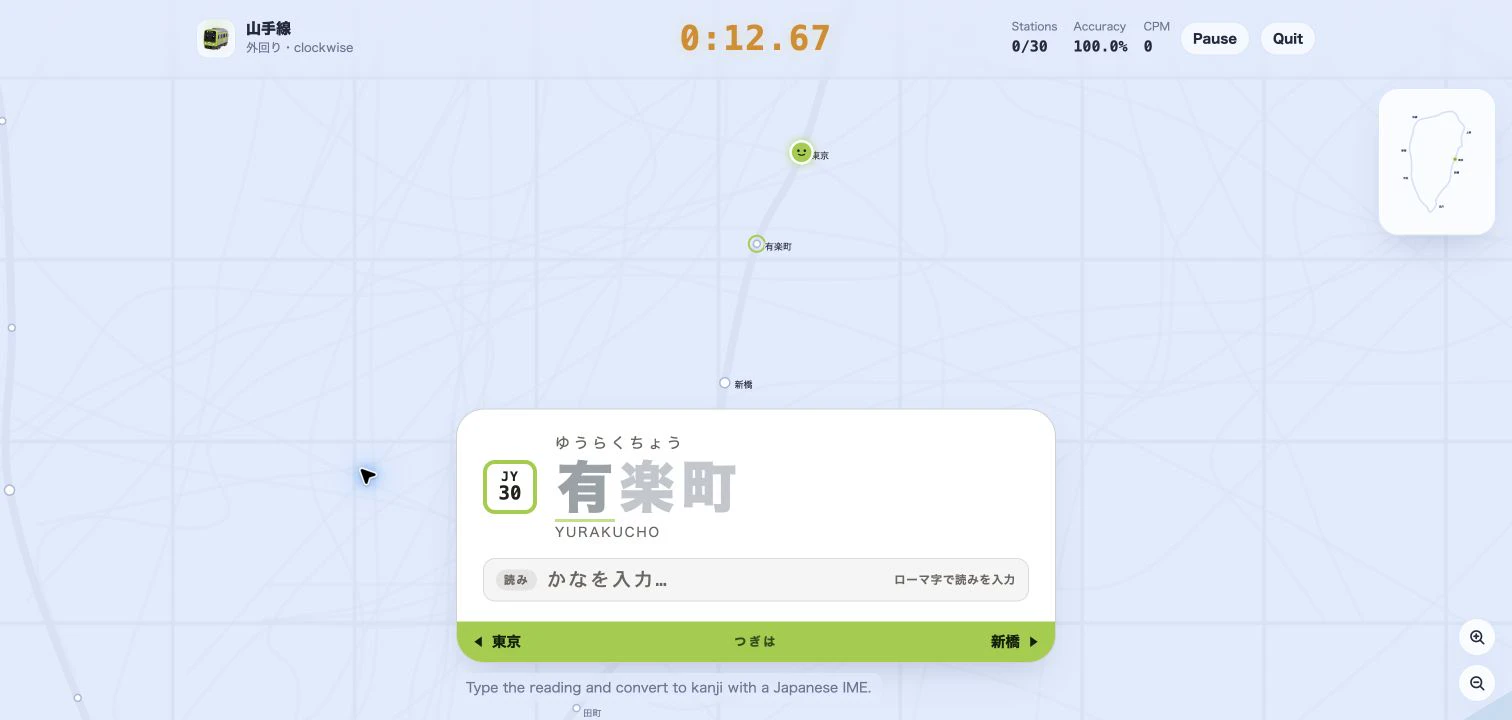
Practice Japanese IME typing with real Tokyo station names. Learn how the new Kanji mode gives live reading, conversion-candidate, and error feedback as your train moves.
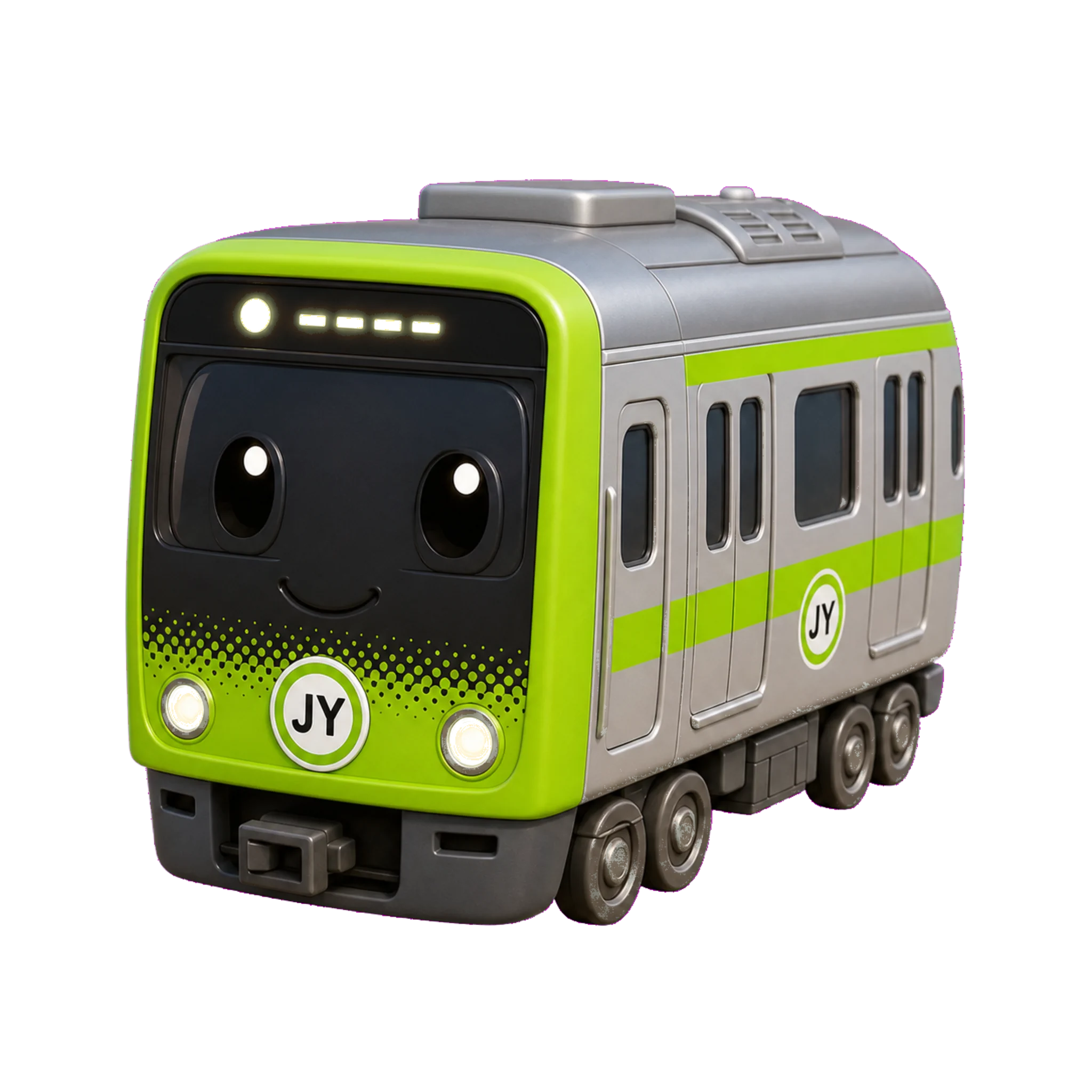
A train typing game turns real Japanese station names into a typing sprint—learn what densha typing is, why it builds speed, and how to play Tokyo Rail Typing.
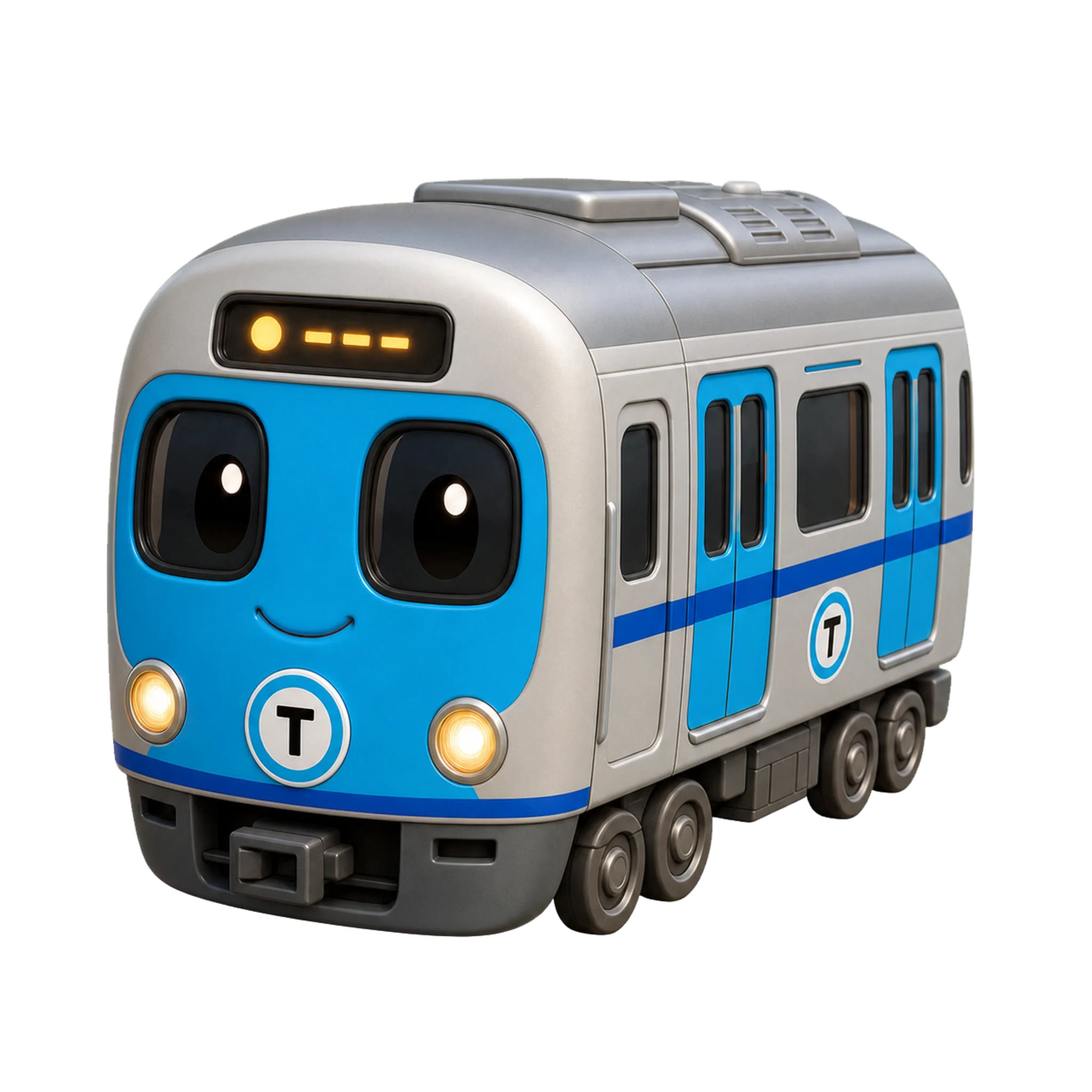
Romaji input vs kana input explained: how each Japanese keyboard method works, the speed and learning trade-offs, who should pick which, and how to drill kana without IME kanji conversion.
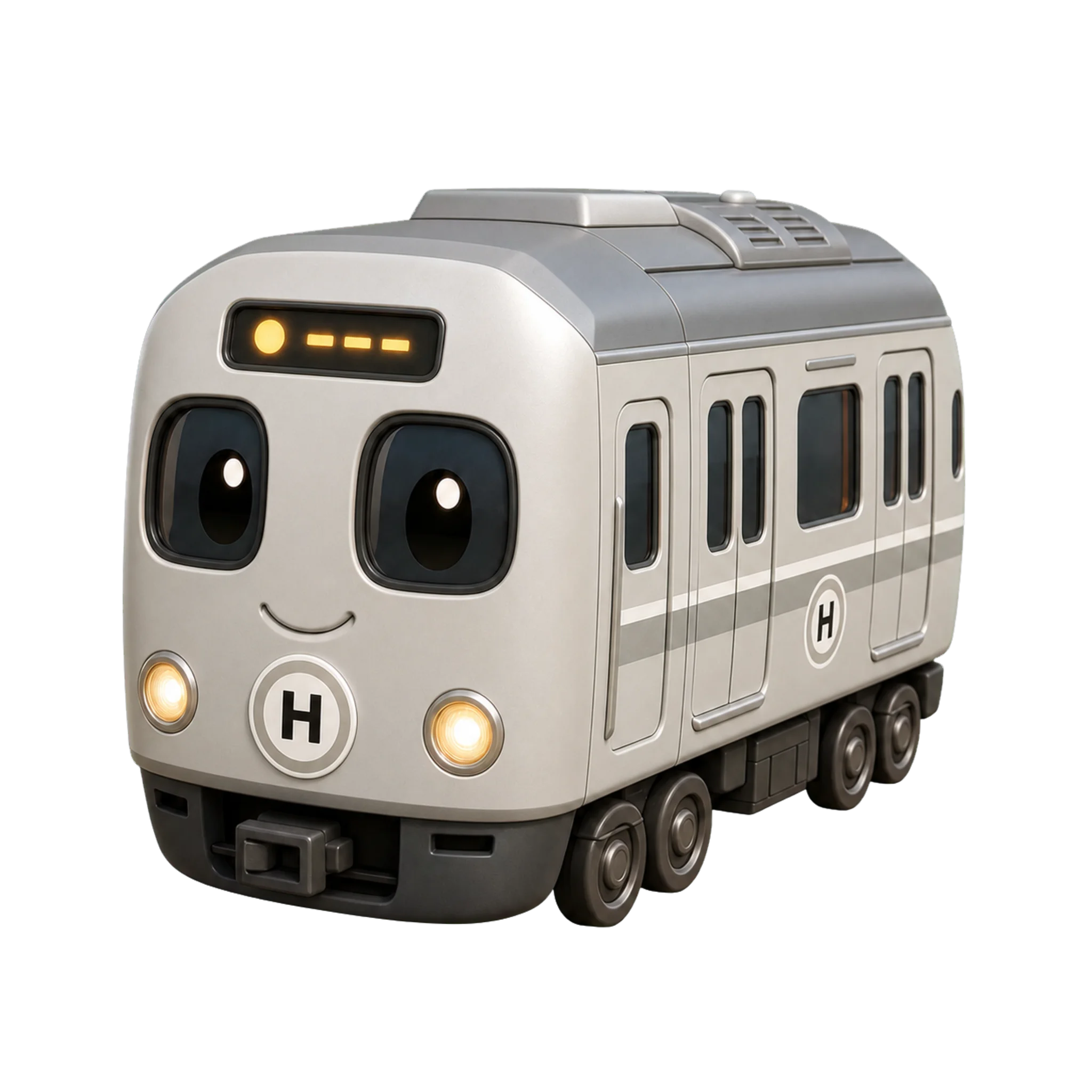
A learner's guide to the JIS Japanese keyboard layout, the 変換/無変換 and 半角/全角 keys, romaji vs kana input, and how to set up a Japanese IME on a normal QWERTY keyboard—no special hardware needed.
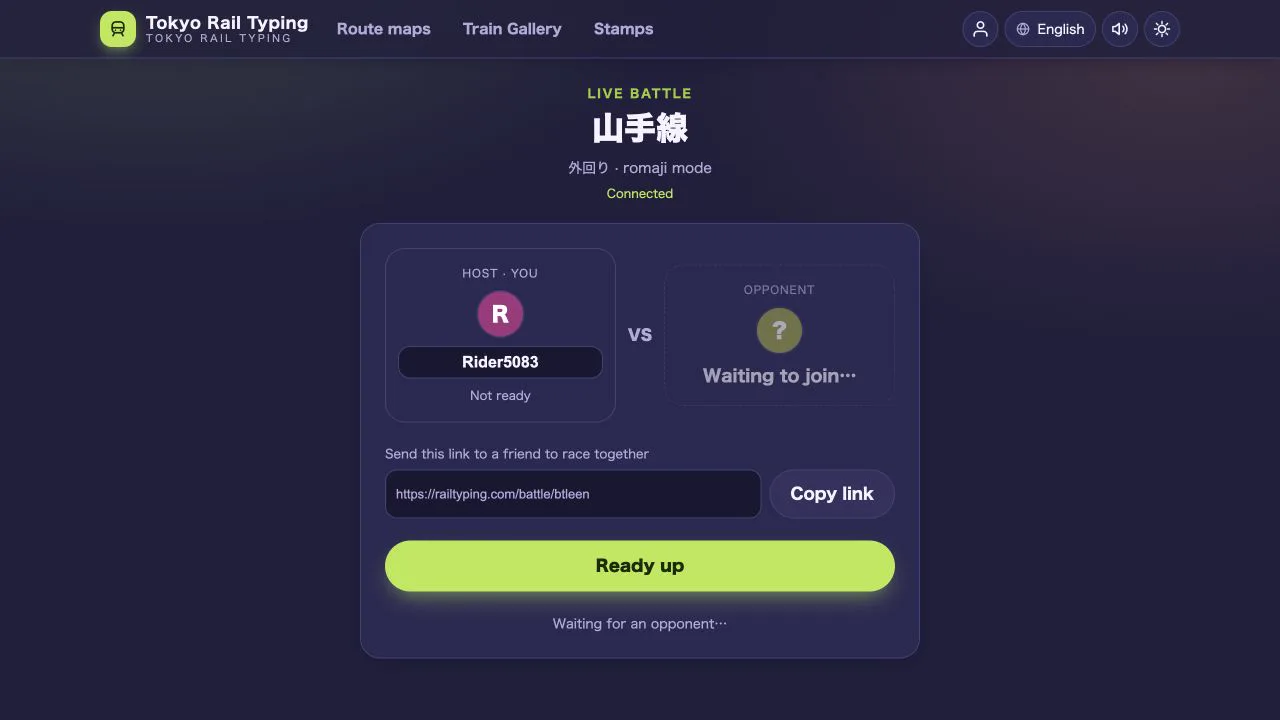
Create a private 1v1 room, share one link and race through a Japanese railway line in real time—with live progress, rematches and spectators.
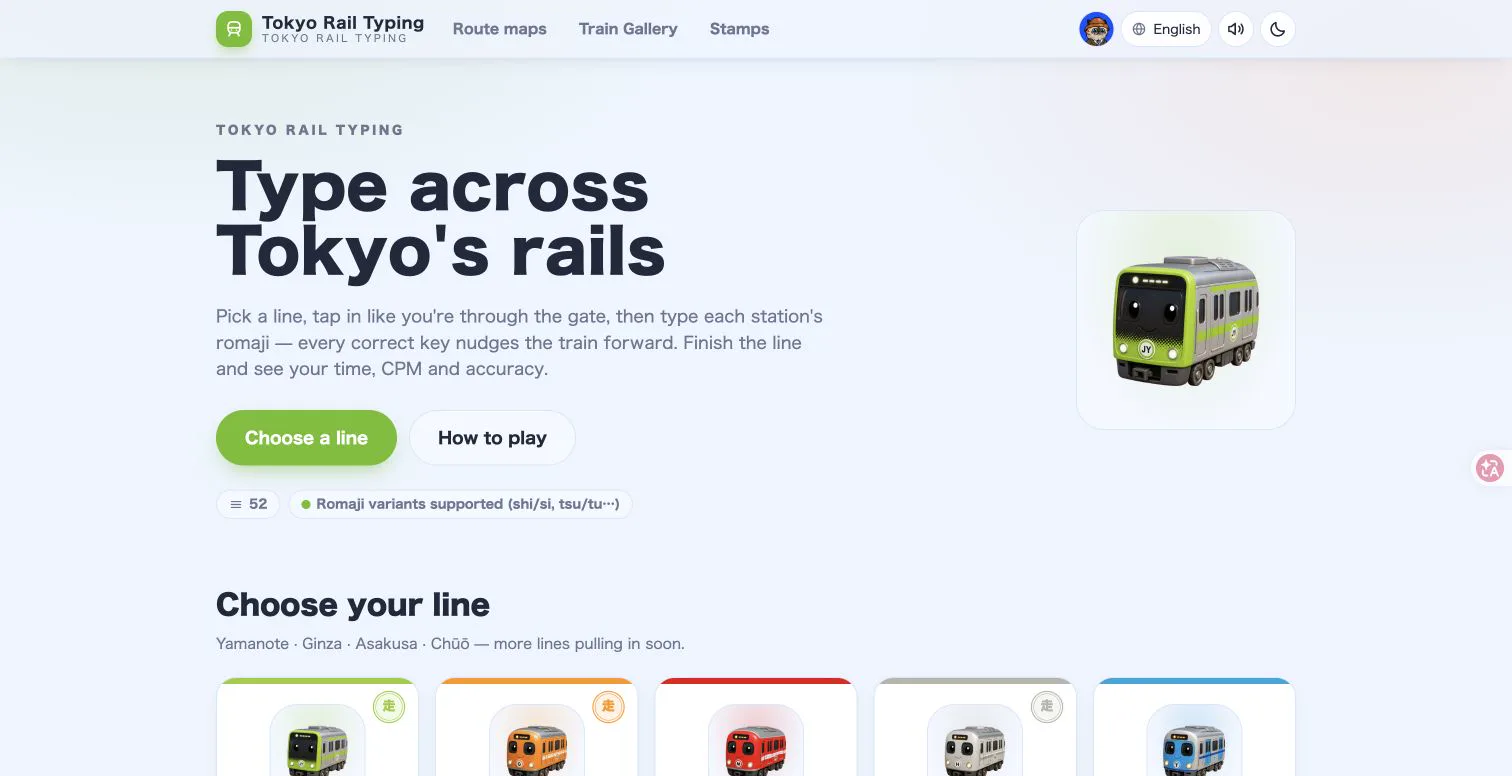
Explore 125 Tokyo, Osaka, Kyoto, Sapporo, Hakodate, Nagoya and Fukuoka rail lines, from the Yamanote loop to the Tokaido–Sanyo Shinkansen, while improving typing speed and station-name recall.
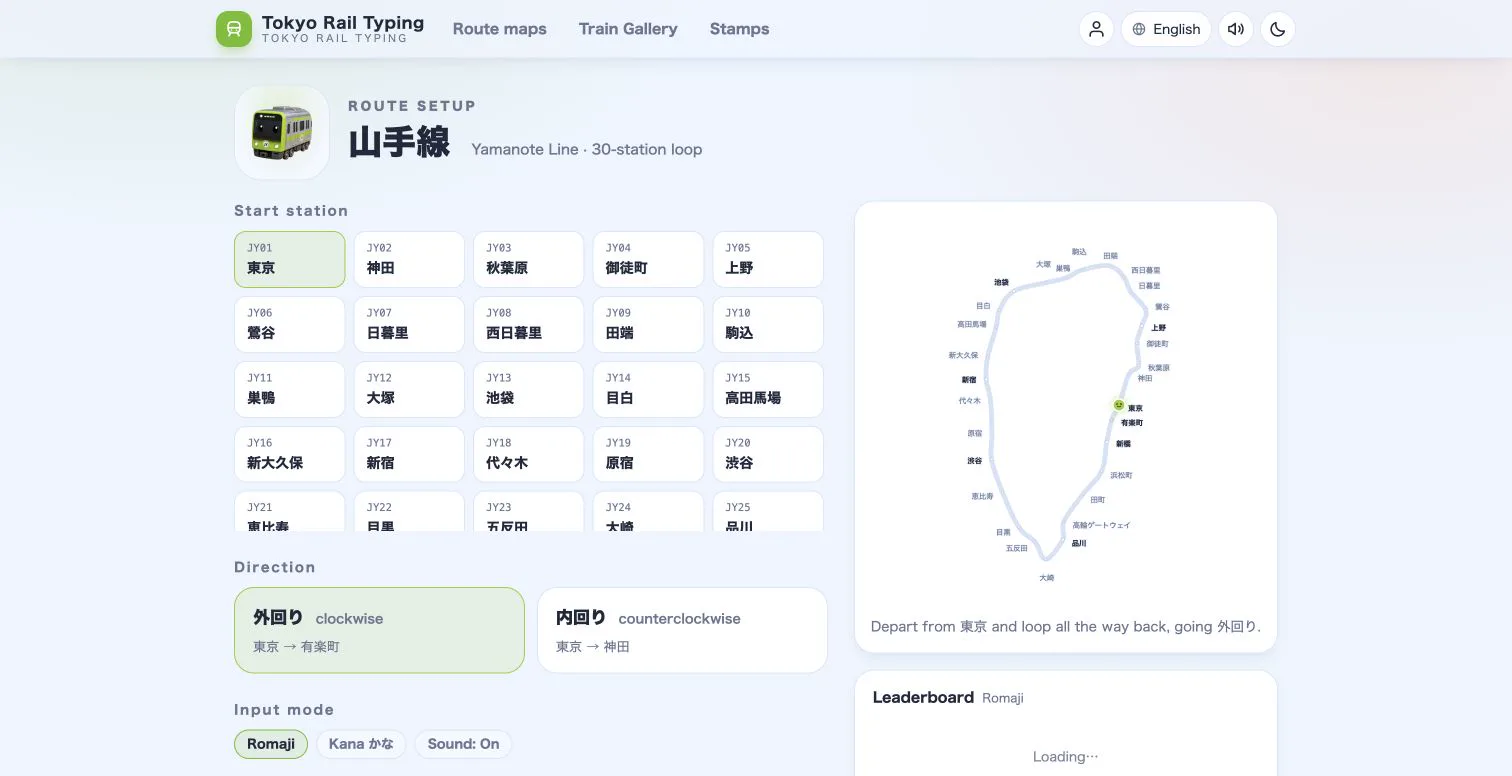
Choose the right Tokyo Rail Typing mode for your level, then progress from accessible romaji drills to authentic Japanese IME practice.
Practical drills, warm-ups and split-time tricks to boost your typing speed while running trains across Tokyo.
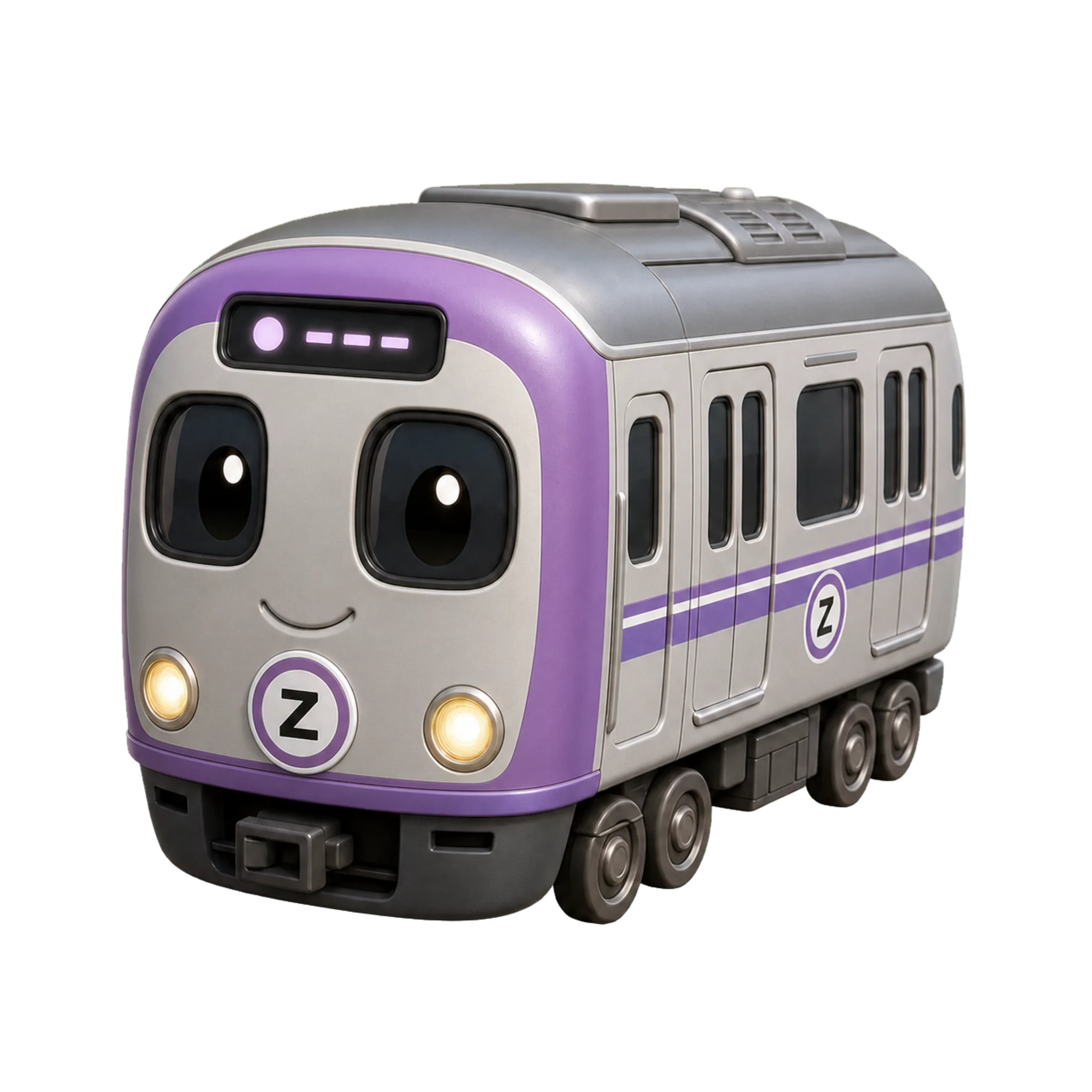
Why real place names beat random drills — turn Tokyo Rail Typing into a structured Japanese typing trainer with a simple routine.