Japanese Listening Practice: Type the Station Names You Hear
Rail Typing’s new listening mode hides the station name: hear the Japanese announcement, type it in romaji. Three lives, combo speed-ups and its own leaderboard.
Read articleGuides, notes and stories from Tokyo Rail Typing.
46 postsUpdated September 26, 2026
16 posts tagged JapaneseShow all posts
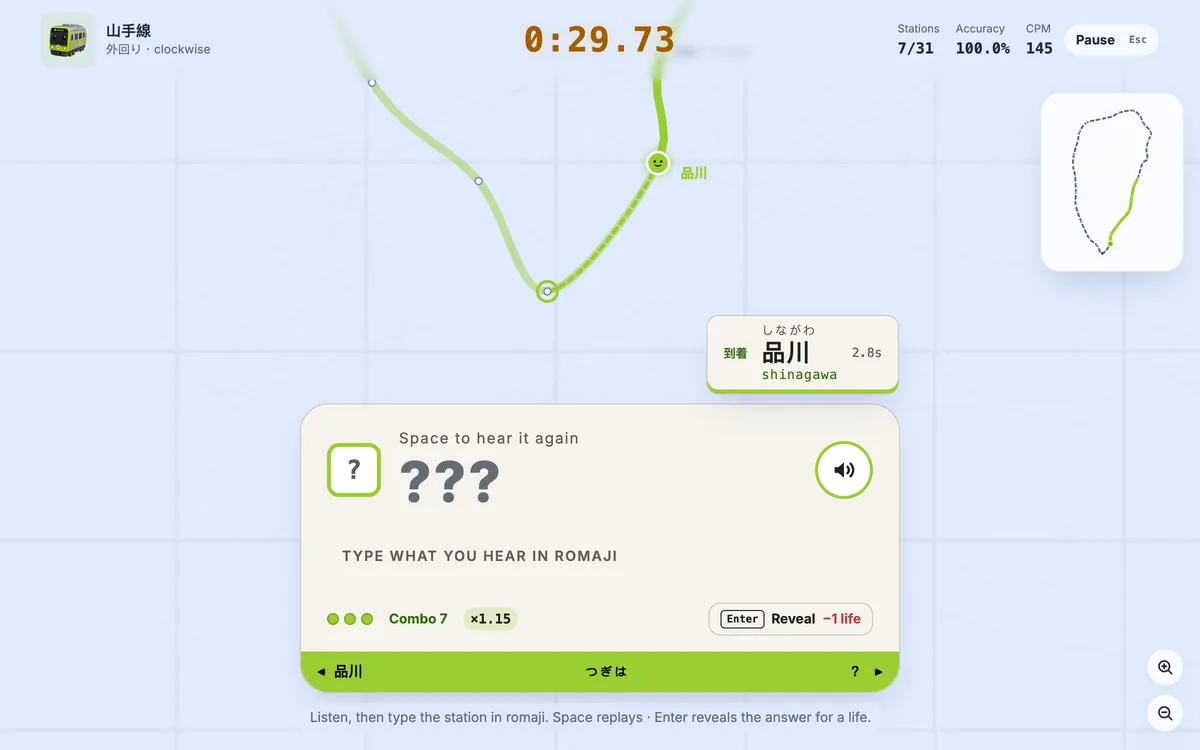
Rail Typing’s new listening mode hides the station name: hear the Japanese announcement, type it in romaji. Three lives, combo speed-ups and its own leaderboard.
Read article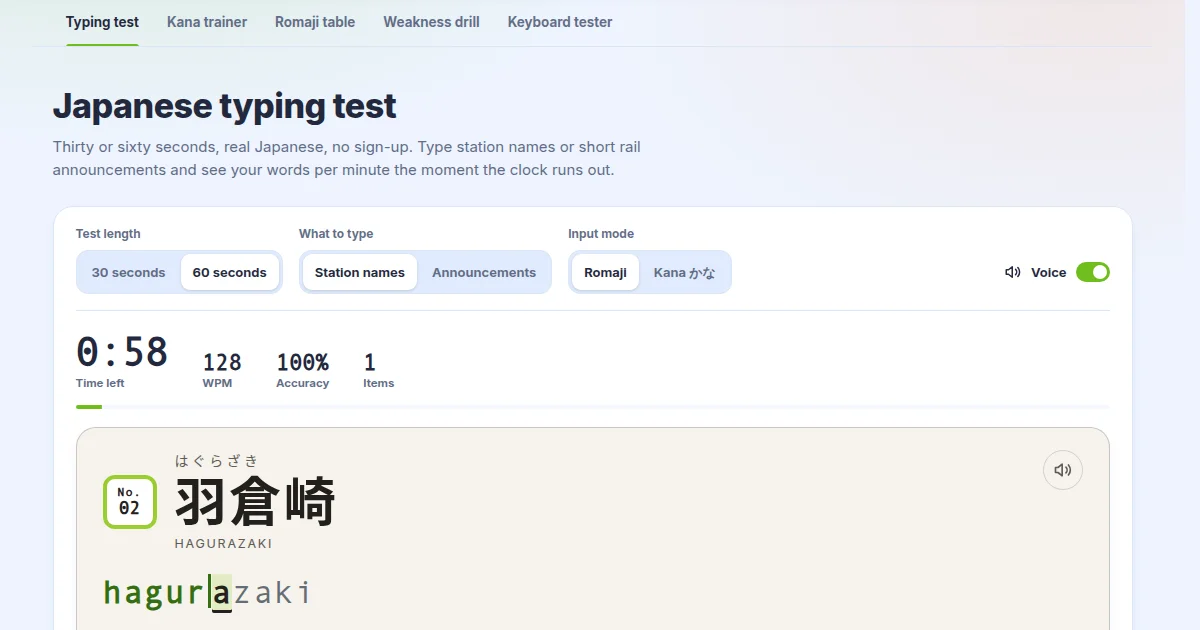
The Japanese typing test now reads station names and train announcements aloud, and the kana trainer, romaji table, drill and keyboard tester were rebuilt.
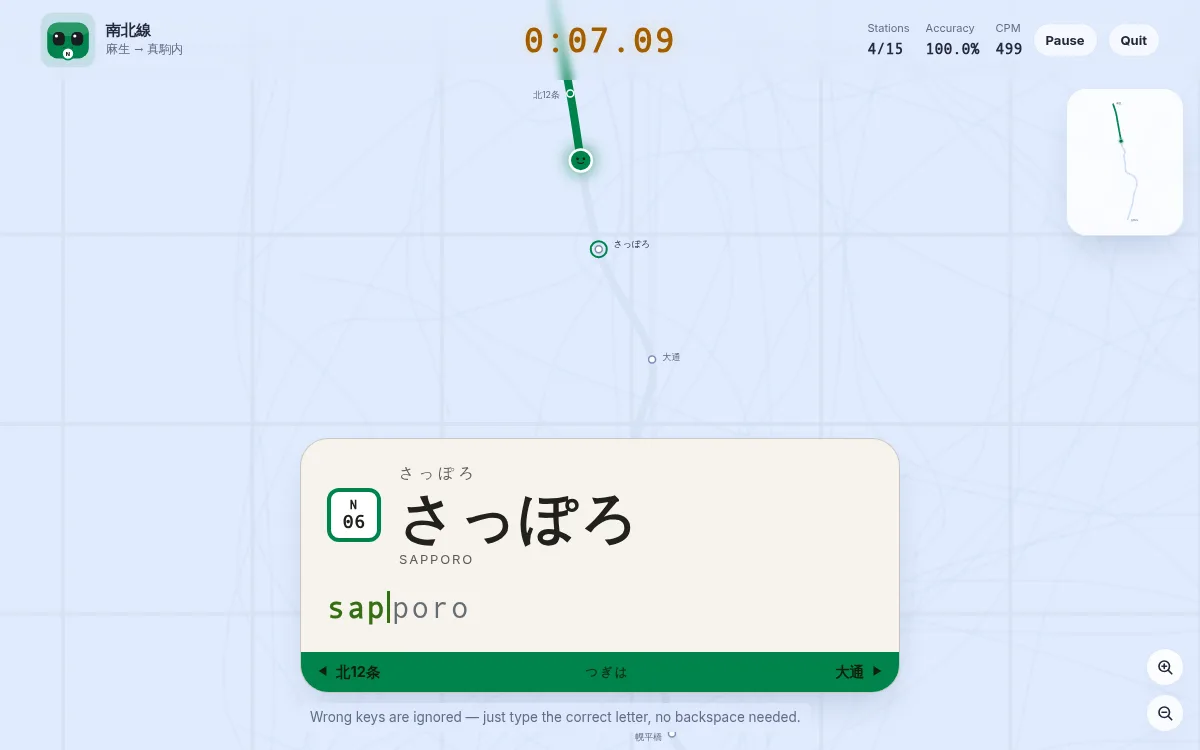
Sapporo is the game's fifth city — the Namboku, Tozai and Toho lines. Why this subway rides on rubber tyres astride a single central guide rail, why it writes さっぽろ in hiragana when JR next door writes 札幌, and which of its station names will catch your fingers out.
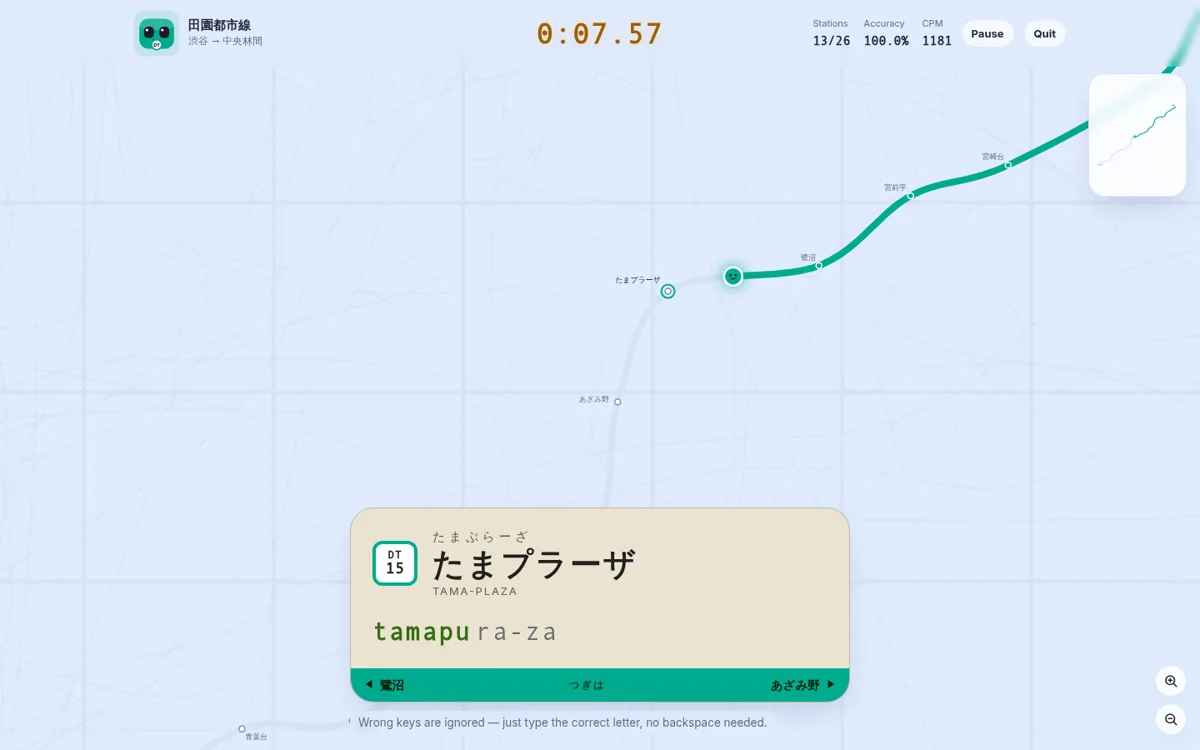
A player asked for 田園都市線 because the station names are pretty, and they were right. Here is the route from Shibuya to Chuo-rinkan, why Tama-plaza and Suzukakedai type unlike anything else in the game, and the one station whose official reading forced a change to the romaji engine.
Two players wrote in about station data that did not match the real railway. All of it checked out: five kana readings were wrong, the Hibiya Line was missing Toranomon Hills, the Fukutoshin Line was missing Zoshigaya, and the Yamatoji Line stopped short of Kamo. Here is what changed and why the readings matter.
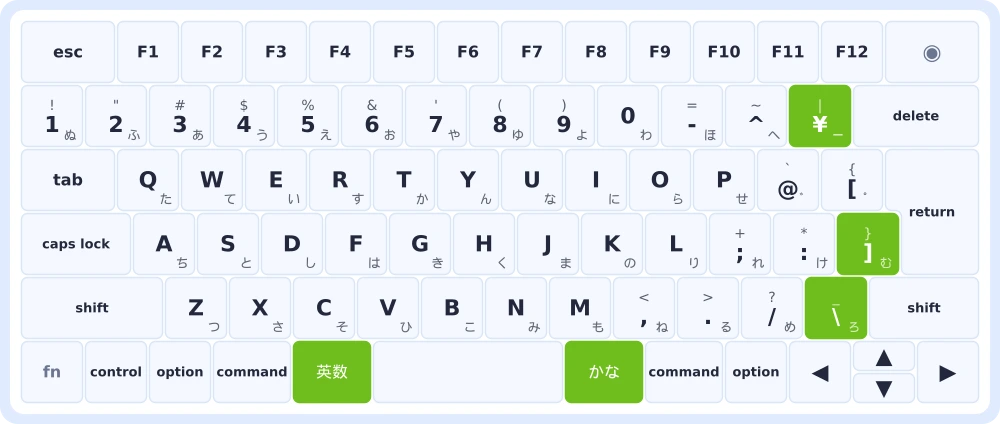
Press a key and it lights up on screen. A new tool for checking every key on an Apple Magic Keyboard — and for seeing exactly which five keys a JIS board has that a US one does not.
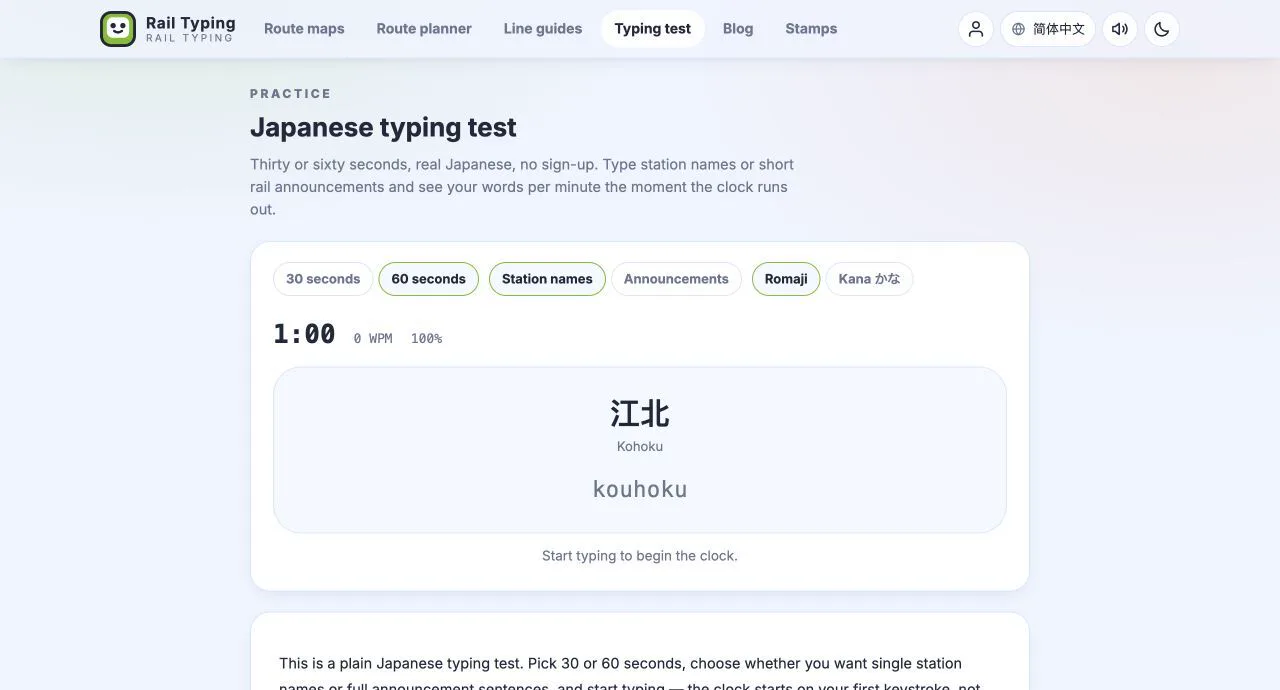
Four new practice pages: a 30-second Japanese typing test, a kana trainer you can drill row by row, the complete romaji table generated from the typing engine, and per-kana weakness analysis of your own runs.
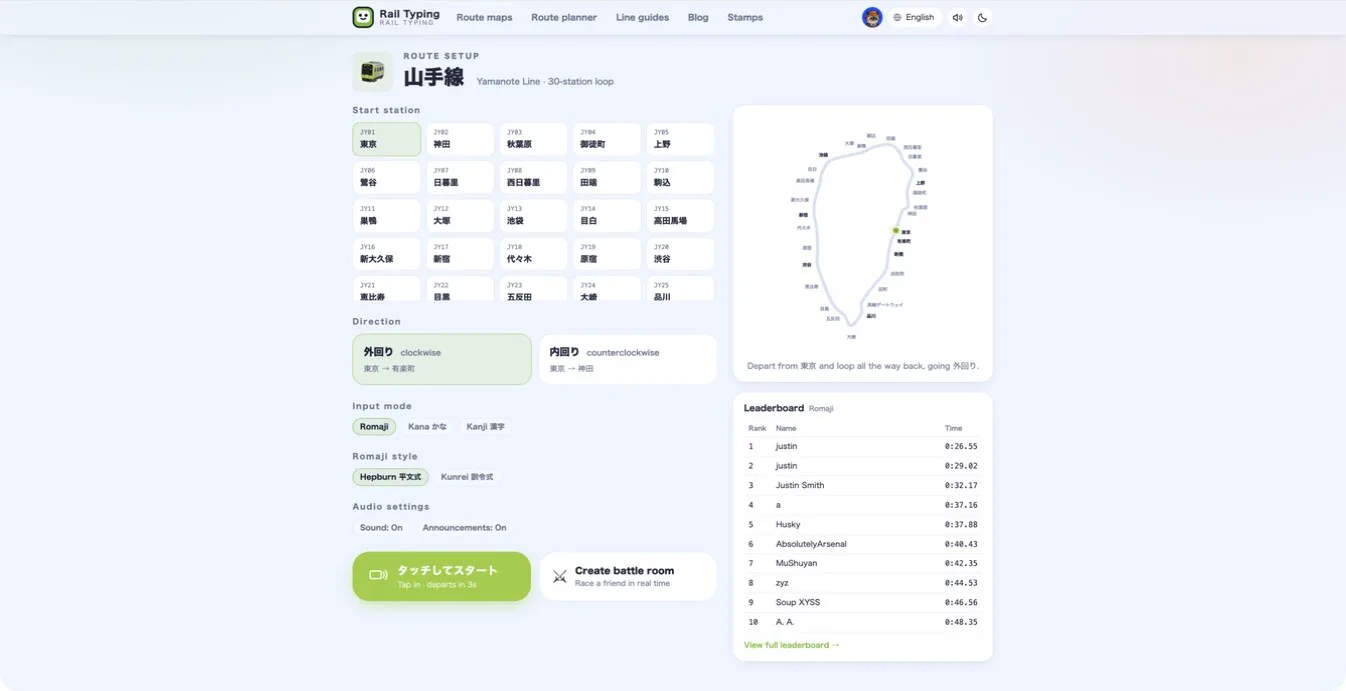
Turn on Japanese station announcements in Rail Typing and hear each station name when your train arrives—without interrupting the race.
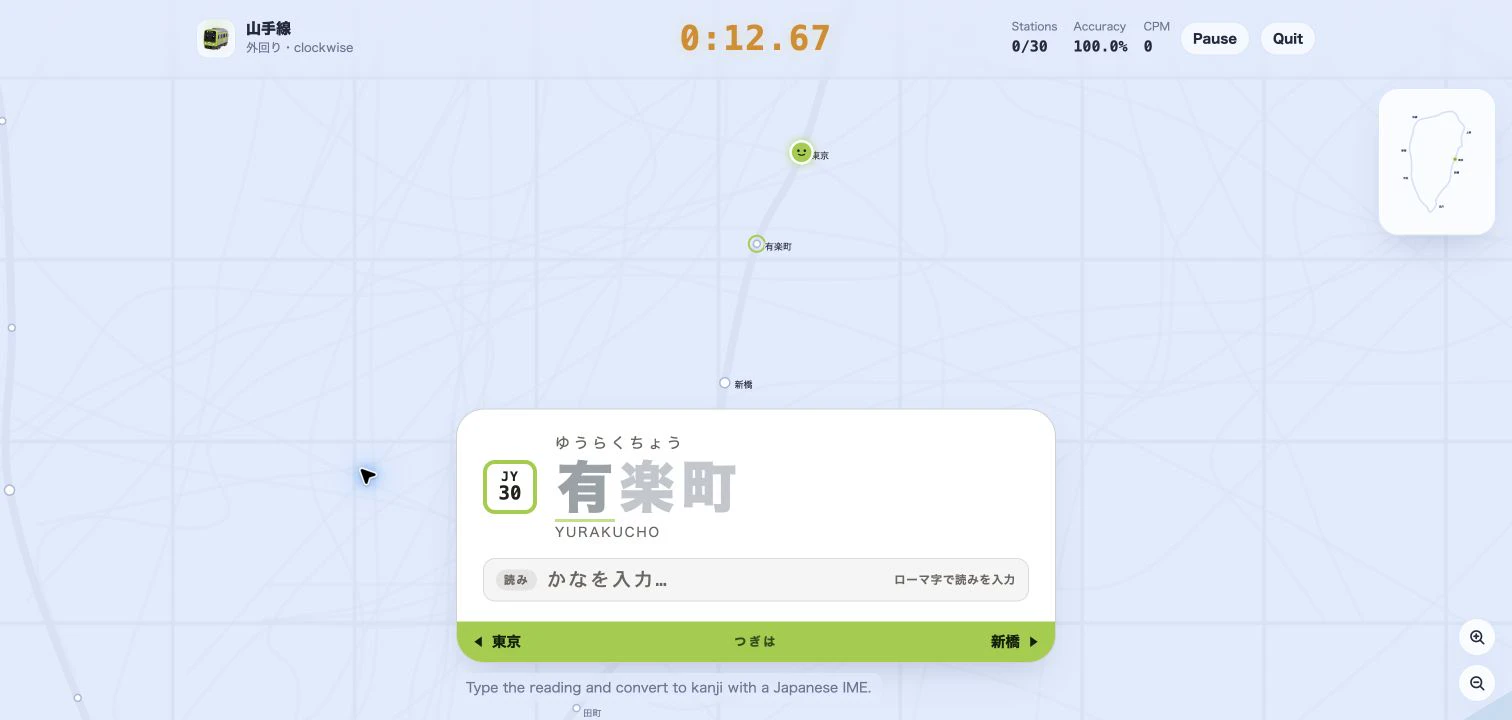
Practice Japanese IME typing with real Tokyo station names. Learn how the new Kanji mode gives live reading, conversion-candidate, and error feedback as your train moves.
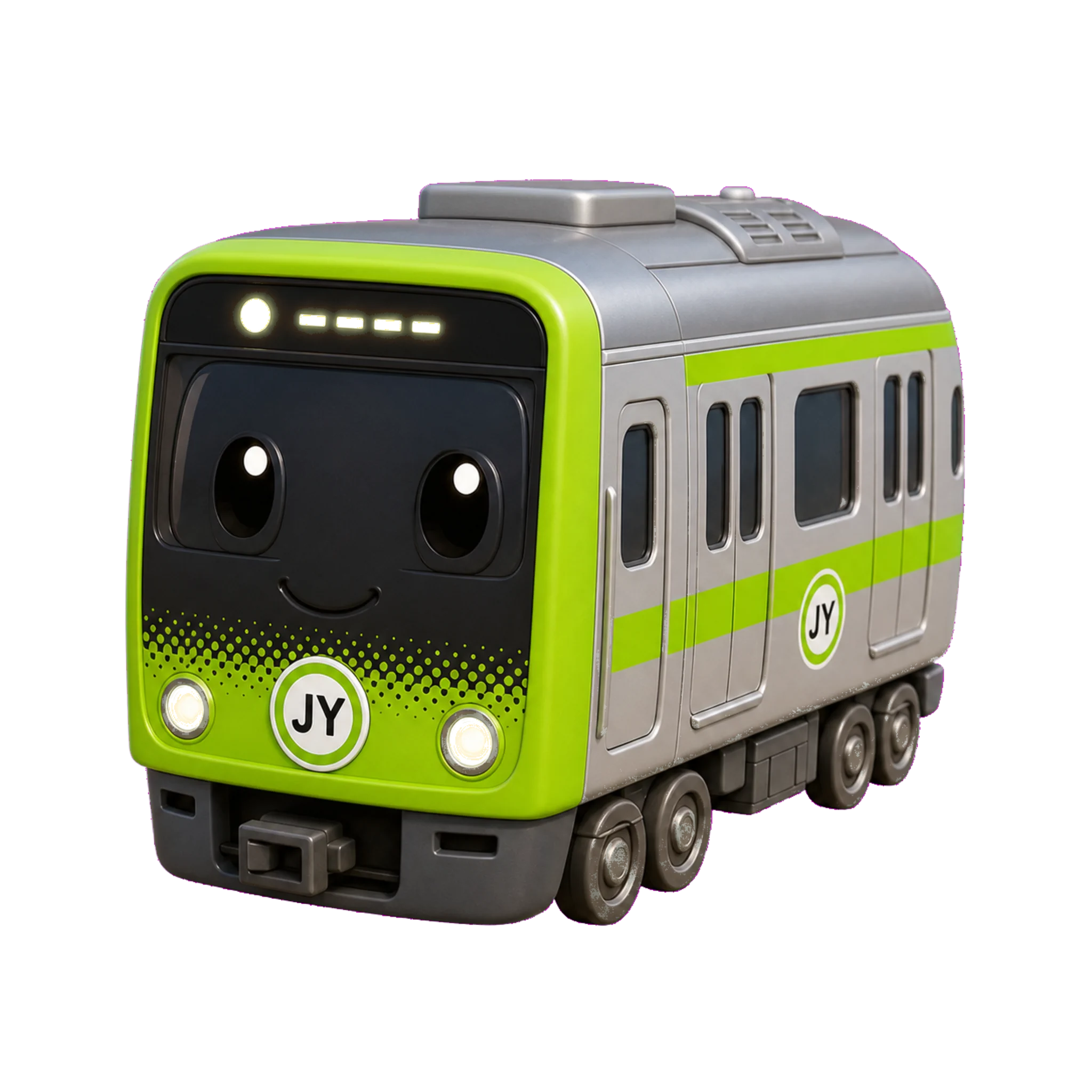
A train typing game turns real Japanese station names into a typing sprint—learn what densha typing is, why it builds speed, and how to play Tokyo Rail Typing.
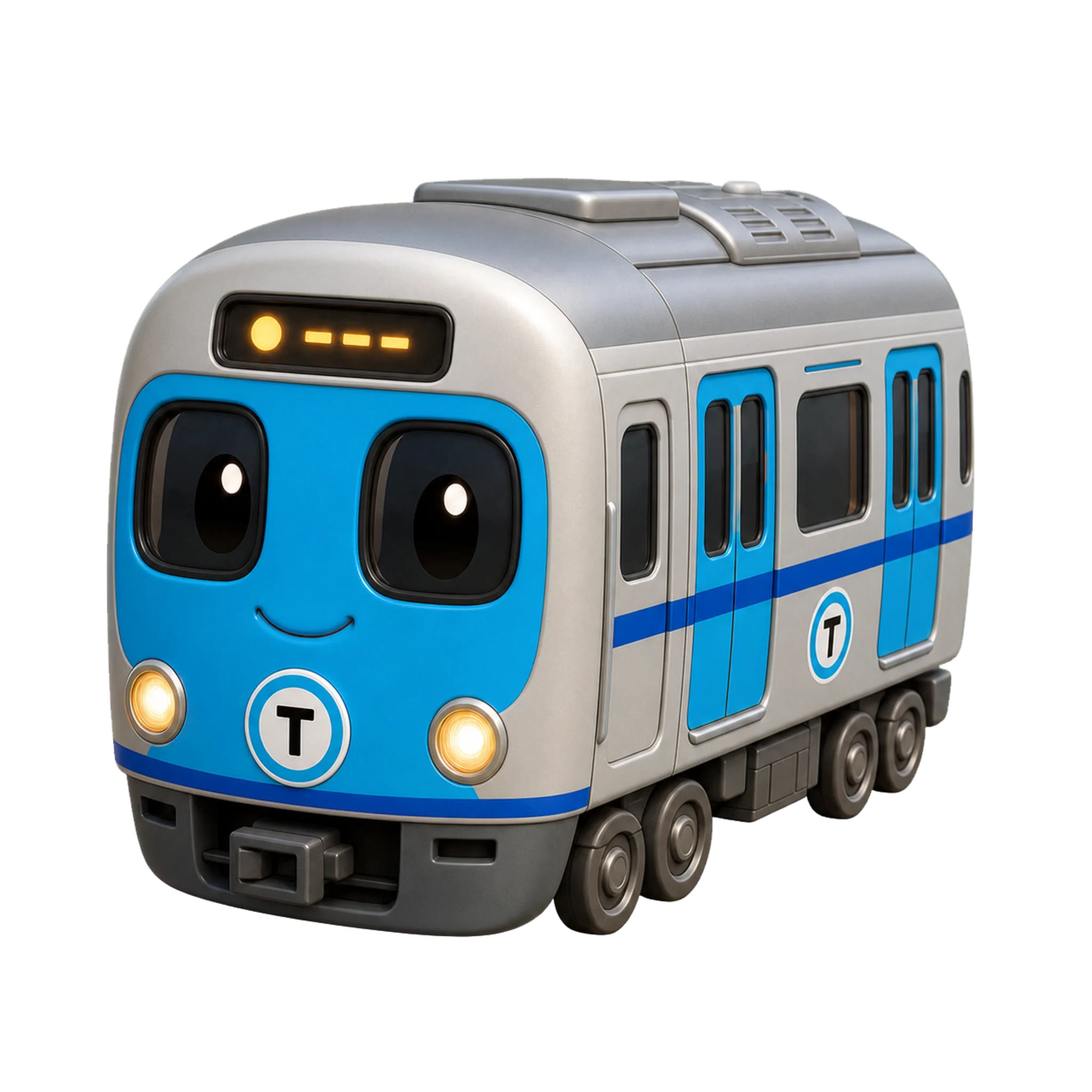
Romaji input vs kana input explained: how each Japanese keyboard method works, the speed and learning trade-offs, who should pick which, and how to drill kana without IME kanji conversion.
A learner's guide to the JIS Japanese keyboard layout, the 変換/無変換 and 半角/全角 keys, romaji vs kana input, and how to set up a Japanese IME on a normal QWERTY keyboard—no special hardware needed.
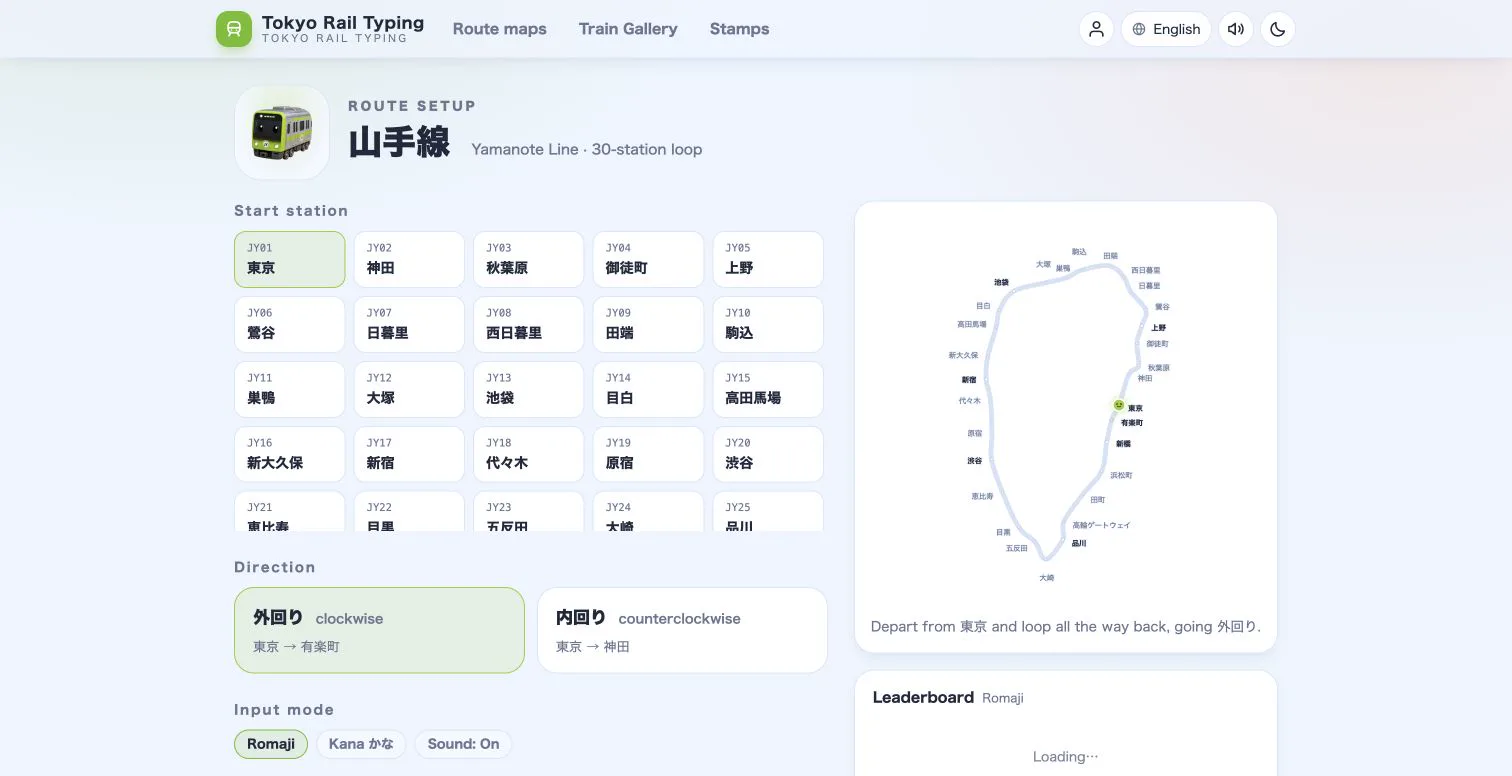
Choose the right Tokyo Rail Typing mode for your level, then progress from accessible romaji drills to authentic Japanese IME practice.
Memory tricks, kanji meanings and split-time practice to turn a wall of station names into instant recall.
Kana to romaji made simple — the tricky sounds, double consonants, long vowels, and the alternate spellings the game accepts.
Why real place names beat random drills — turn Tokyo Rail Typing into a structured Japanese typing trainer with a simple routine.