If you have ever wondered about kana vs romaji keyboard input, you are asking a question that every Japanese typist eventually faces. There are two real ways to type Japanese on a computer: romaji input (ローマ字入力), where you type Latin letters like "sakura" and the software converts them to さくら and then 桜, and kana input (かな入力), where each key on a JIS layout produces a kana directly. Both end up producing the same Japanese text, but the road they take is very different — and choosing between kana input vs romaji input shapes how you learn, how fast you can go, and how much you have to memorize. Here is an accurate, balanced look at both.
Romaji input: type Latin letters, let the IME convert
Romaji input is by far the more common of the two Japanese keyboard input methods, both inside Japan and everywhere else. You type on an ordinary QWERTY keyboard using Hepburn-style spellings — "shinjuku", "tokyo", "sakura" — and the IME (input method editor) converts your letters into hiragana, then offers kanji candidates you confirm with the space bar and Enter.
The appeal is obvious. If you already touch-type English, the physical layout is identical, so the only new skill is the spelling-to-kana mapping, which is small and logical. Learners can be productive almost immediately, and there is nothing extra to buy or install beyond a Japanese IME that ships with every modern OS.
The trade-off is keystrokes. Most kana need about two letters (か = "ka", しゃ = "sha"), so a sentence in romaji takes noticeably more keypresses than the same sentence in kana. For the vast majority of people that cost is invisible, but it does set a theoretical ceiling.
Kana input: one key, one kana
Kana input uses the JIS kana layout, where each of roughly 50 keys is mapped to a specific kana. Type the か key and you get か — one keystroke, one character, no conversion of letters into kana. You still press space to choose kanji, but the kana-entry step itself is as direct as it gets.
The headline advantage is efficiency: fewer keystrokes per character means less finger travel, which is why some high-speed and professional typists — stenographers, transcribers, long-time office workers — swear by kana input. The headline cost is the learning curve. You must memorize a large layout that has almost nothing in common with QWERTY, including kana that require shift, and that investment can take weeks or months before it pays off. It is also less portable: many keyboards outside Japan lack the printed kana legends, and some software defaults assume romaji.
Kana input vs romaji input: which is faster, and who should pick which?
Is kana input faster? In raw keystroke count, yes — fewer presses per kana. But real-world typing speed depends far more on practice, familiarity, and error rate than on the theoretical minimum, and the fastest romaji typists comfortably out-type most kana typists simply through hours at the keyboard. Treat kana input as a specialist's optimization, not a magic upgrade.
A reasonable rule of thumb: if you are learning Japanese, live outside Japan, or split your typing across languages, romaji input is the pragmatic choice. If Japanese is nearly all you type, you type for a living, and you are willing to invest in memorizing a new layout, kana input can pay dividends over a career.
Practice reading and producing kana without fighting the IME
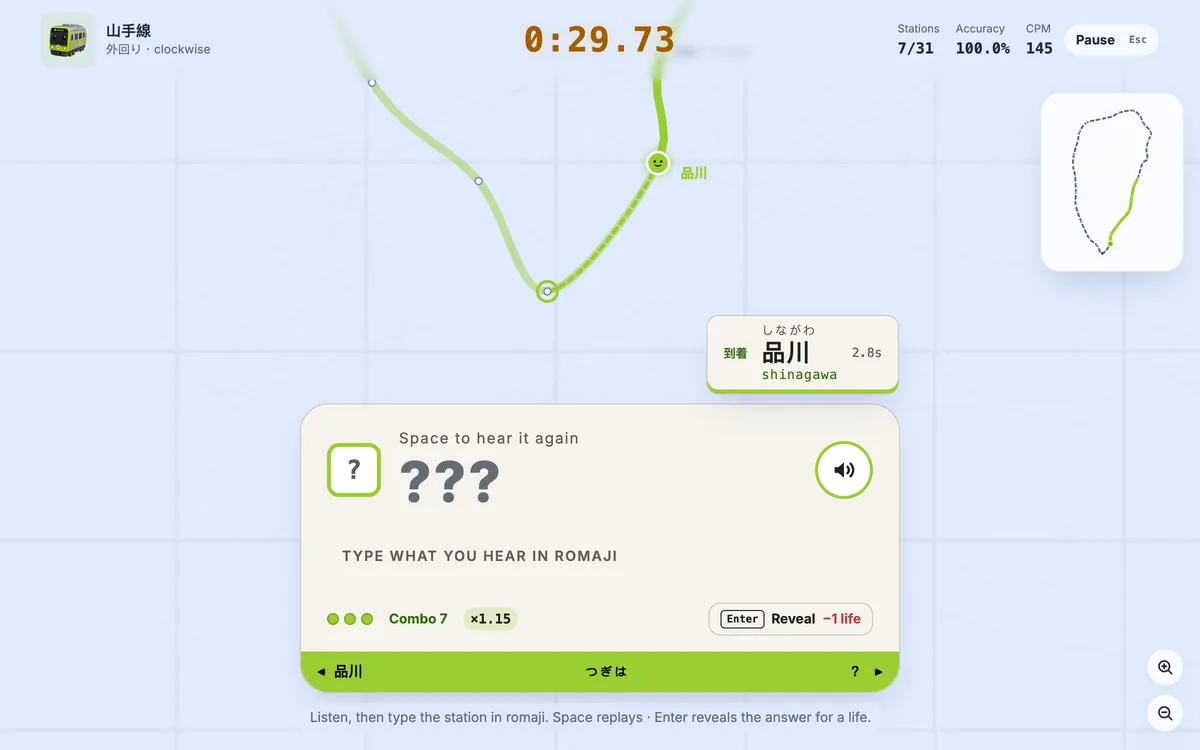
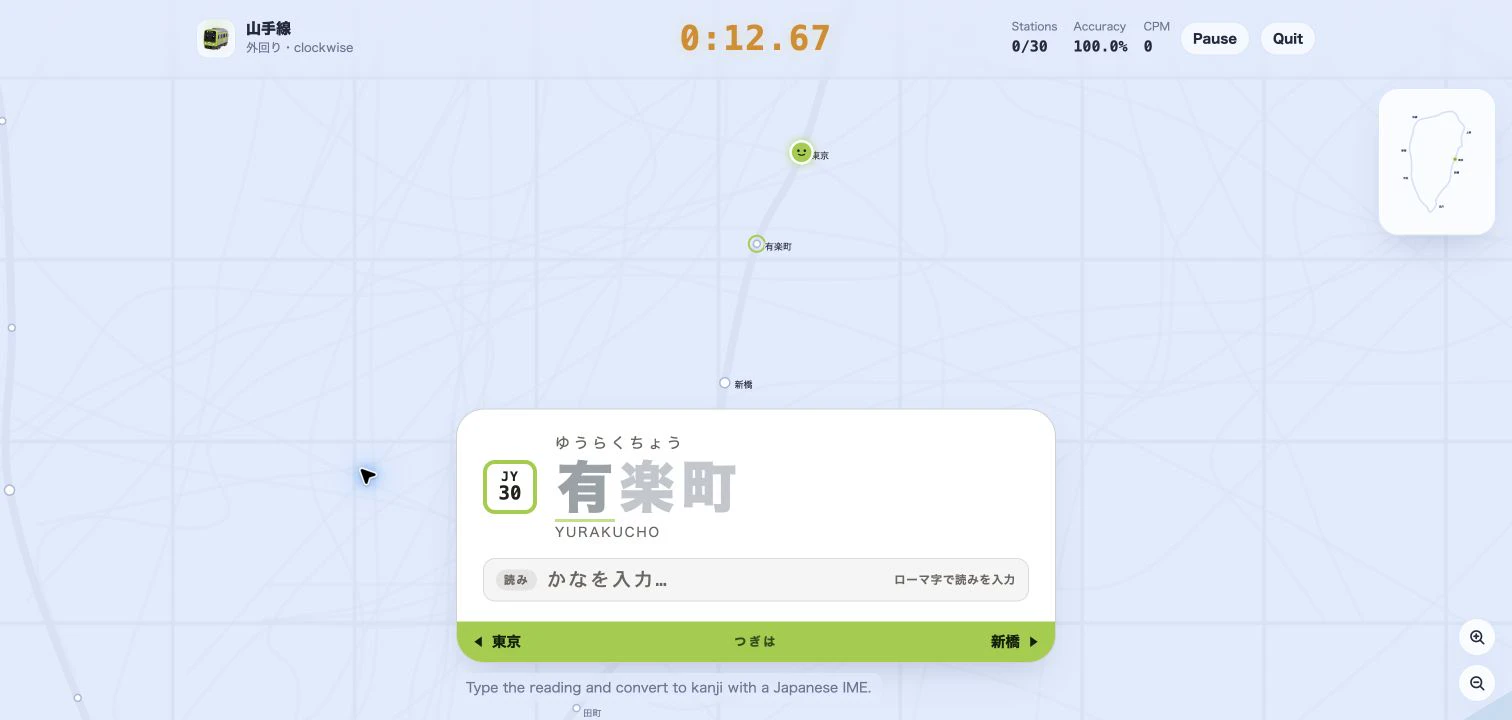
Whichever method you plan to use, the underlying skill is the same: instantly linking a sound to its kana. That is exactly what Tokyo Rail Typing's Kana mode trains. You type romaji keystrokes on a normal keyboard, but the station board fills in kana unit by unit — し appears when you type "shi" — with no IME kanji conversion popping up to interrupt your rhythm. It is a clean way to drill kana recognition before you commit to a full input method.
Start with a loop of the Yamanote Line in Kana mode, then keep a Hepburn romaji cheat sheet nearby. For more background, compare the game's own three typing modes and Romaji vs Kana vs Kanji. Once your kana clicks, load a route and start typing.