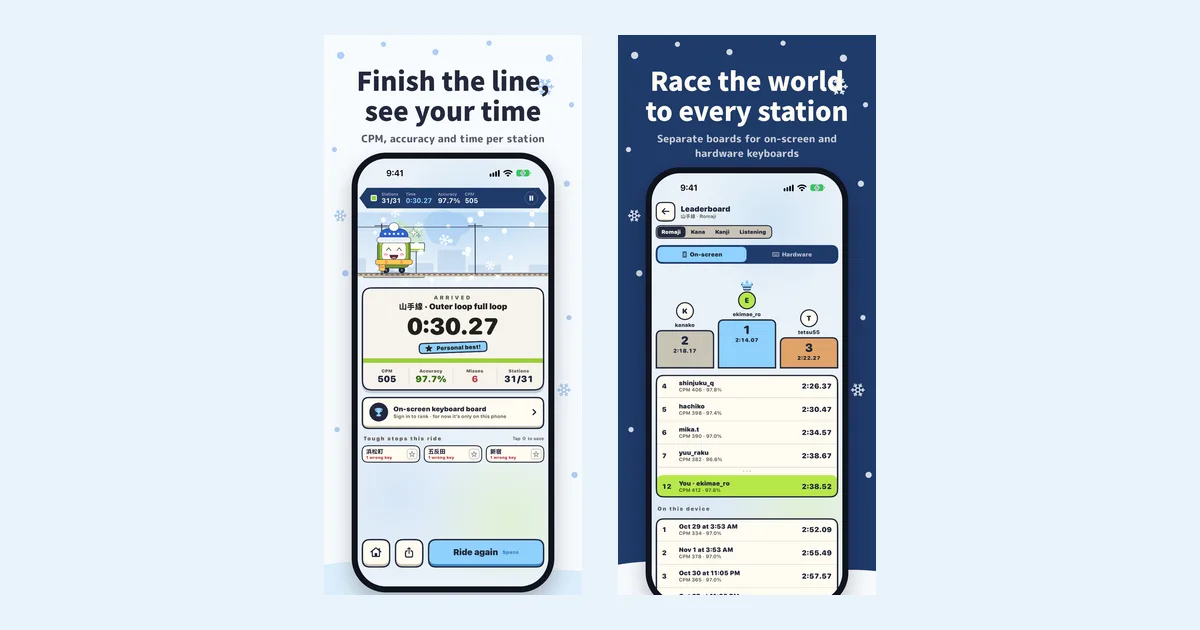
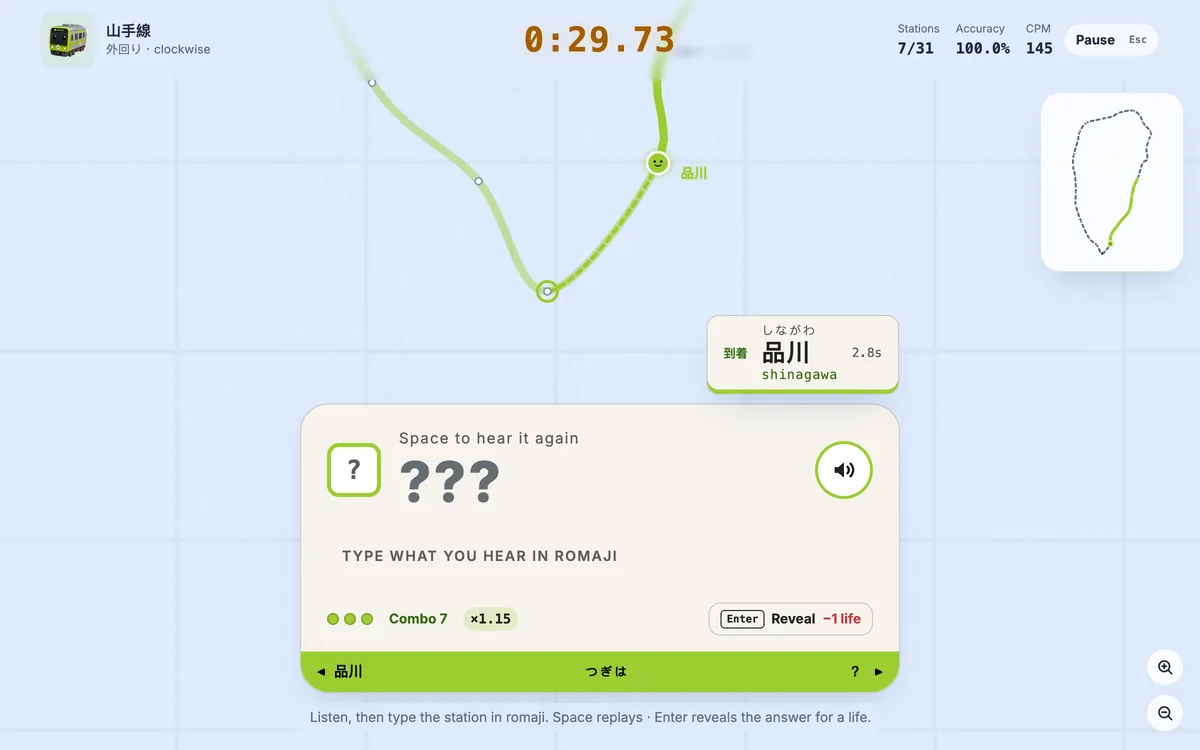
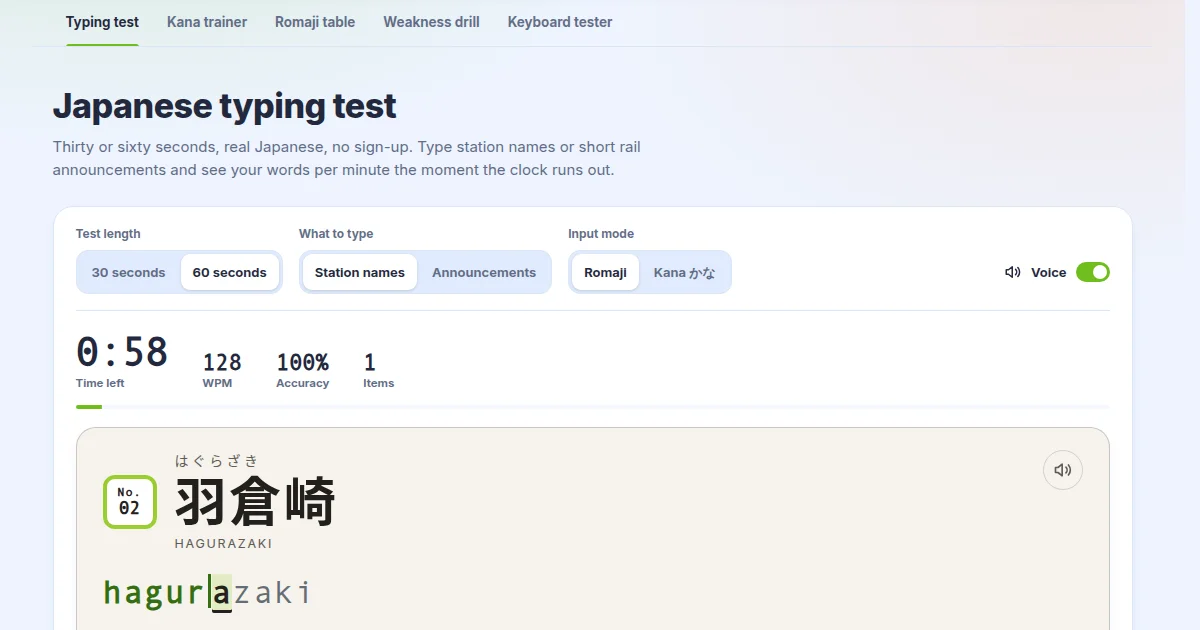
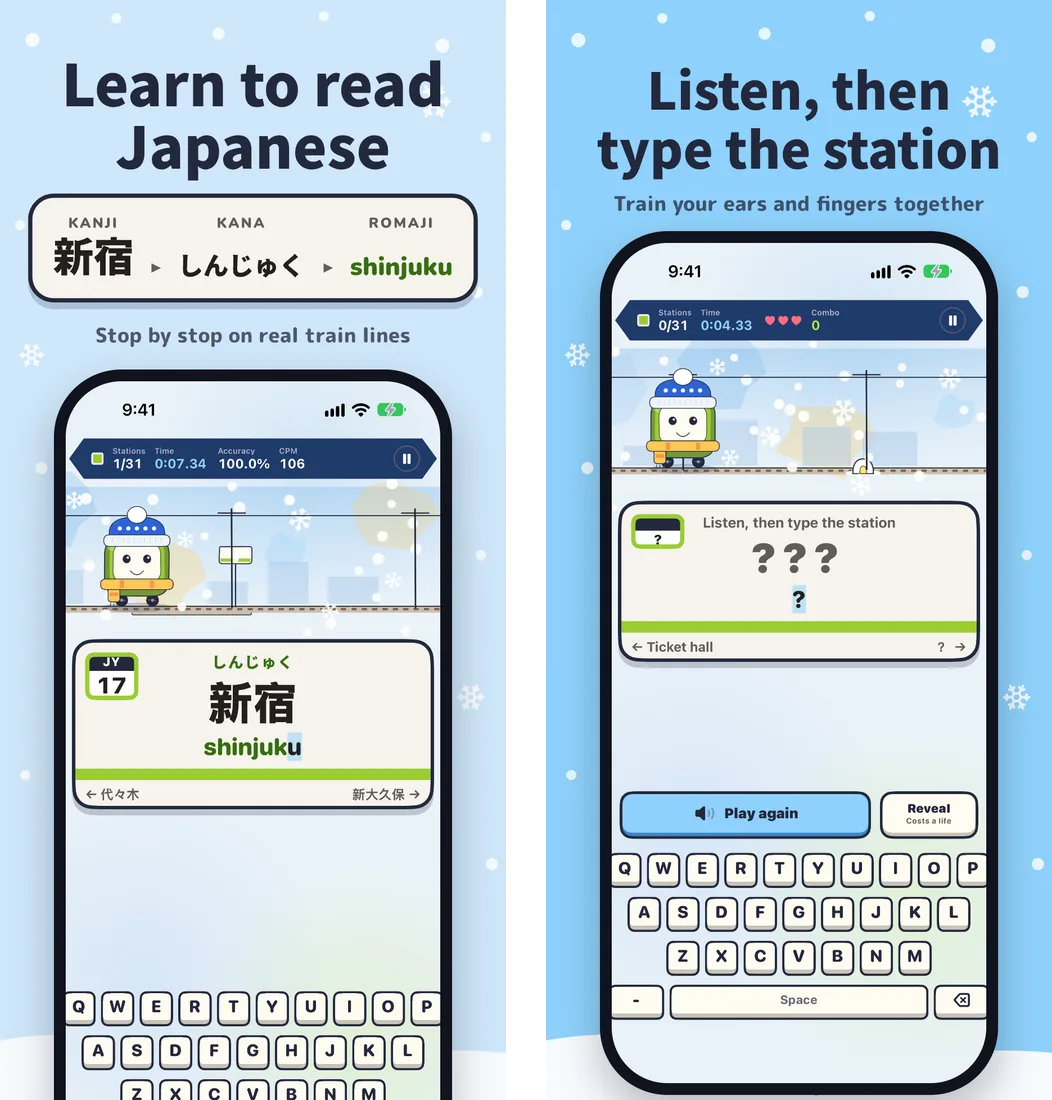
Short answer: use the Rail Typing iPhone app if you want to learn to read Japanese in short daily sessions on your phone, and use the website if you practise on a computer keyboard or want the extra typing tools. Both turn real train lines into station-by-station reading and typing practice, with overlapping selections of Japanese and London routes. The app is free on the App Store — search "Rail Typing" — and the website plays in any browser.
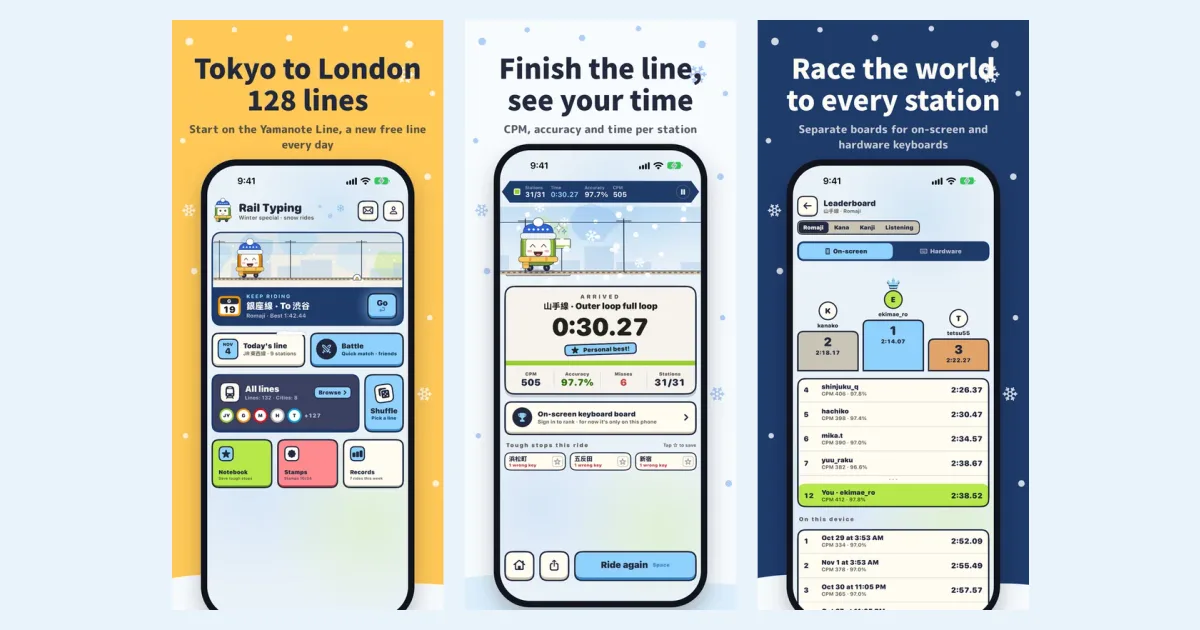
Side-by-side comparison
| iPhone app | Website | |
|---|---|---|
| Runs on | iPhone and iPad, iOS 18 or later | Any modern browser, desktop or mobile |
| Lines | App route collection | Current website lines |
| Typing modes | Romaji, kana, kanji, listening, English | Romaji, kana, kanji, listening, English |
| No-keyboard mode | Choice mode: tap the right kana or romaji | — |
| Learning tools | Notebook and Review train for the stations you miss | Kana chart, romaji tables, drills, a Japanese typing test |
| Free to play | Yamanote Line plus a different free line every day; other lines' first 3 stations | One starter line per city without limit, plus 5 runs a day on other lines |
| Membership | All-lines pass through your Apple ID (monthly, yearly or one-time) | Rail Typing Pro, paid on the website |
| Competition | Battles, friend rooms, ghost races, line leaderboards | Live battles, line leaderboards, a daily contest with quests and badges |
| Extras | Home Screen widget, daily reminders, station stamps, offline announcements | Shareable result cards, Pro illustrated maps, a keyboard tester |
What only the iPhone app does
- Choice mode. The station is asked one syllable at a time and you tap the answer — シ or ツ,
shiorchi— with four options, or six on hard. Nothing to type, so it works one-handed on a crowded train, and it is the easiest start for anyone who does not know the kana yet. - Notebook and Review train. Star the stations you cannot read, and the app rides them back to you in a shuffled Review train until you type each one cleanly three times in a row.
- Ghost races and station stamps. Race your own best run, and collect a stamp for each line you finish.
- A widget and reminders that put today's line on your Home Screen.
- Offline listening. Announcements for a line download once, then play without a connection.
What only the website does
- Practice tools beyond the game: a kana chart trainer, romaji tables, drills, a Japanese typing test and a keyboard tester.
- The daily contest, with daily quests, streaks and rank titles.
- Big-keyboard play. If you are training touch typing on a full keyboard, a desk and a large screen still beat a phone.
Are accounts and progress shared?
No. The app and the website are separate: they have their own accounts, records, leaderboards and memberships. The All-lines pass is bought through your Apple ID and only unlocks lines in the app; Rail Typing Pro is bought on the website and only applies there. In the app you do not need an account at all — signing in with Apple is only for leaderboard names and syncing between your own devices.
Which one should you choose?
- You are starting Japanese from zero → the app. Choice mode and the notebook are built for that stage.
- You practise a few minutes at a time, on the go → the app. One Yamanote lap fits in a train ride, and the widget reminds you.
- You are training to type Japanese fast on a real keyboard → the website, or the app with a hardware keyboard (it has its own leaderboard).
- You use Android → the website, since the app is iPhone only.
Many learners use both: the app for daily reading practice, and the website for longer typing sessions at a desk.
Questions people ask
Is the Rail Typing app the same as the website? It uses the same station-by-station idea, rebuilt for iPhone with extra learning features and an independently updated route collection. Progress and memberships are not shared.
Is the app free? Yes. The Yamanote Line, a daily free line and all modes are free. The All-lines pass is optional.
Is there an Android app? No, only iPhone and iPad. Android users can play on the website.
Which is better for learning Japanese? For reading kana and kanji from scratch, the app: choice mode, the notebook and the Review train are only there. For typing speed on a computer, the website.
Try the app
Rail Typing is a free iPhone app. Search "Rail Typing" on the App Store or go straight to the App Store page. New to it? Start with our overview of Rail Typing for iPhone.