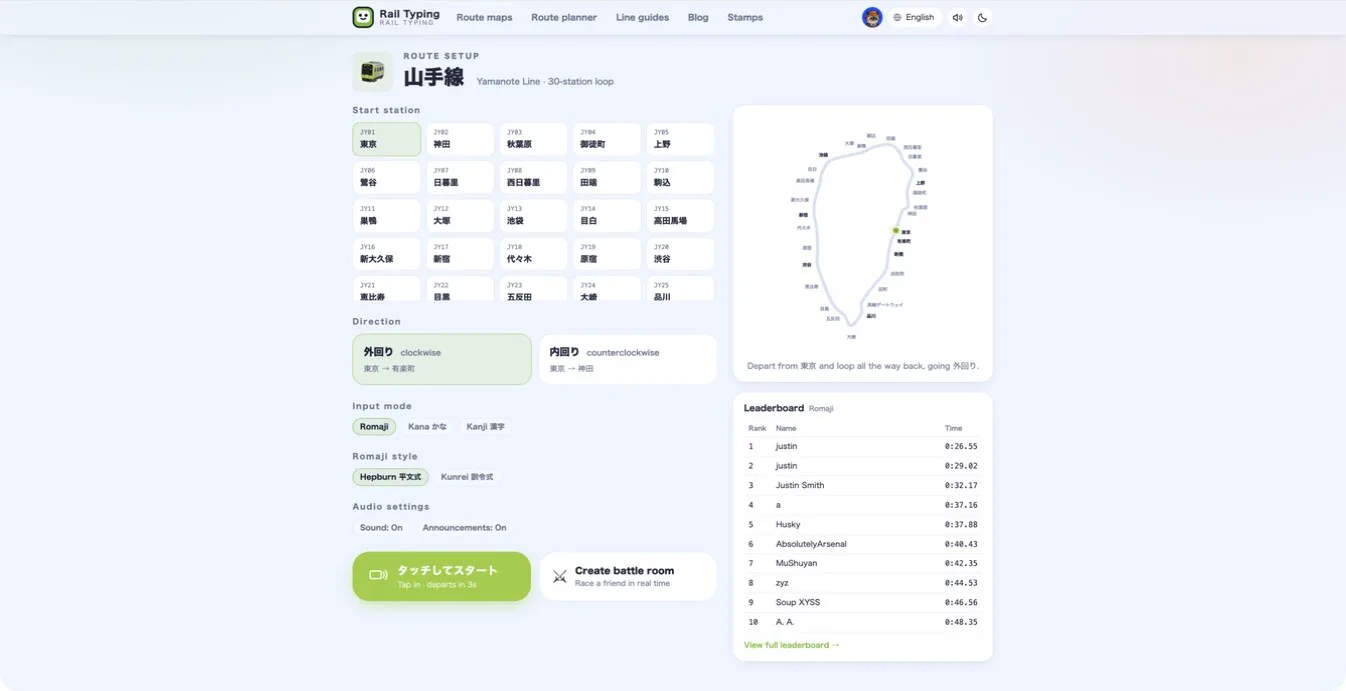
Rail Typing has always been one thing: pick a line, type the stations, beat your time. Four new pages sit alongside the game now, and they exist because a railway lap is a poor place to answer three ordinary questions — how fast do I actually type Japanese, which kana do I keep missing, and what spelling is this game going to accept?
Here is what each one does and when to reach for it.
A Japanese typing test that takes thirty seconds
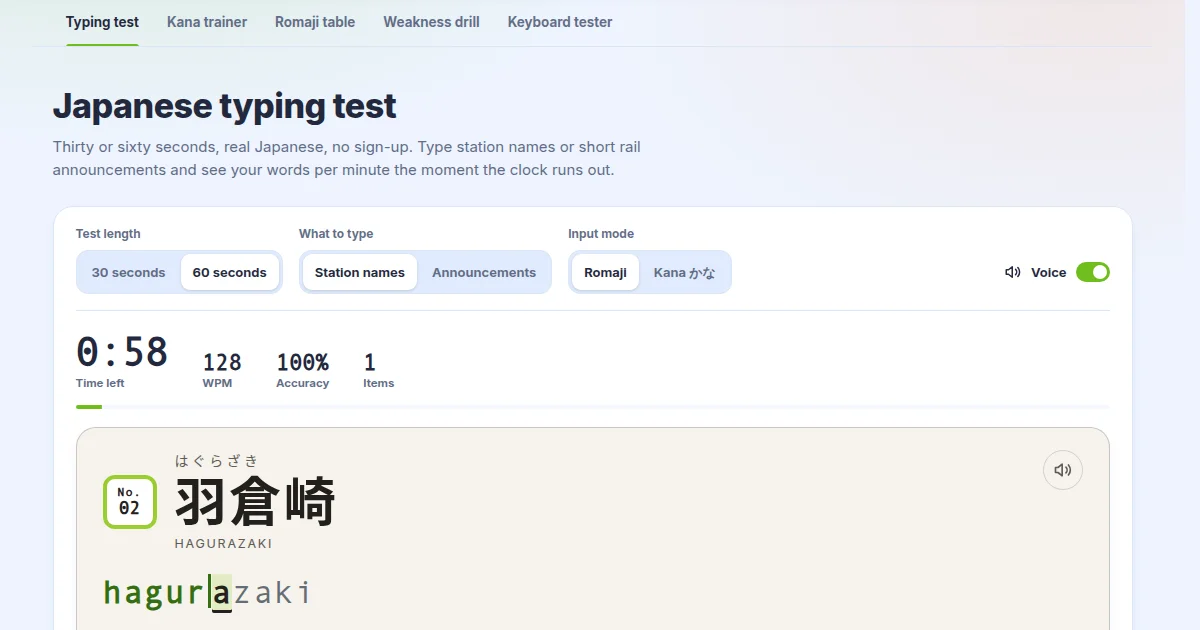
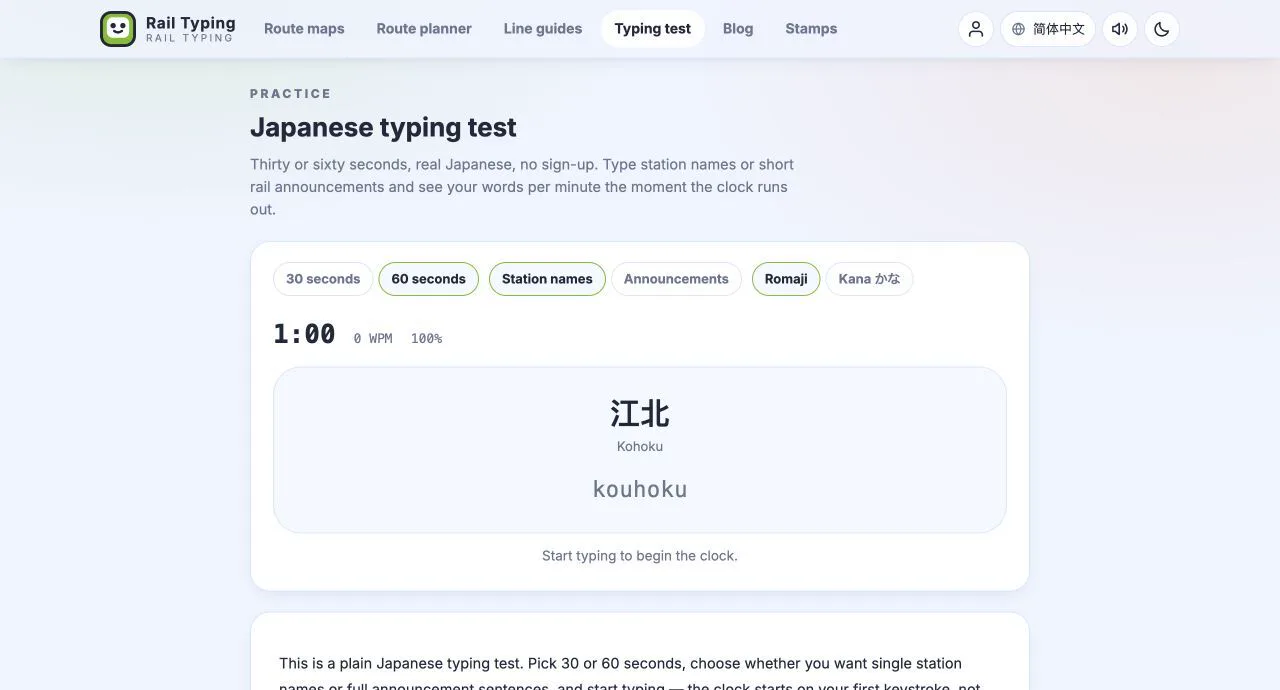
The Japanese typing test is the plain version of the game. Choose 30 or 60 seconds, choose whether you want single station names or short rail announcements, and start typing. The clock starts on your first keystroke rather than on a button, so there is no wasted second between deciding to measure and measuring.
At the end you get WPM, CPM, accuracy, character count and mistakes. Nothing is stored, nothing is submitted, and there is no leaderboard attached — it is a measuring stick, not a competition. Take it before a practice session and again a fortnight later, and the two numbers mean something.
It works in romaji mode with no Japanese knowledge at all, because the romanised spelling is shown and filled in letter by letter. In kana mode you type the same romaji on the same keyboard, but the display fills in kana as each mora completes, which is how you start reading what your fingers are already doing.
Drill the kana one row at a time
If the typing test tells you that you are slow, the kana typing trainer is where you fix it. It presents one set at a time — あ-row through わ-row, then the voiced and semi-voiced kana, the contracted sounds, the foreign-sound combinations, and the small kana — and tracks your way through the grid as you type.
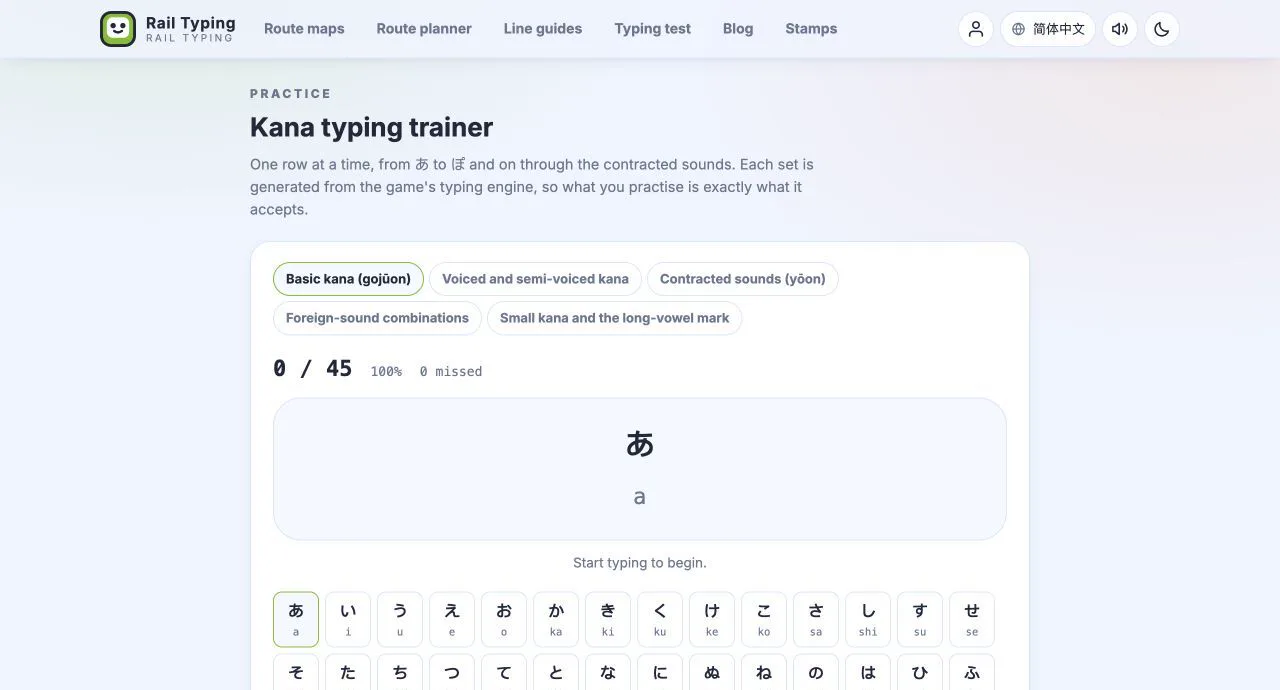
Working a single row until it is automatic and only then moving on beats scattering practice across the whole chart. The rows here are generated from the game's own typing engine, so the spelling you drill is exactly the spelling the game accepts, including the l/x forms for small kana and the plain hyphen for the long-vowel mark ー.
The trainer is romaji-only on purpose. Switching on a Japanese IME would convert the kana away before it could be matched, and typing the kana directly is the entire point of the exercise.
The complete romaji table, generated rather than written
Japanese romaji input is not one fixed system. Most IMEs accept several spellings for the same mora — し can be shi, si or ci — and so does this game. The romaji input reference lists all of them, for every kana the engine knows.
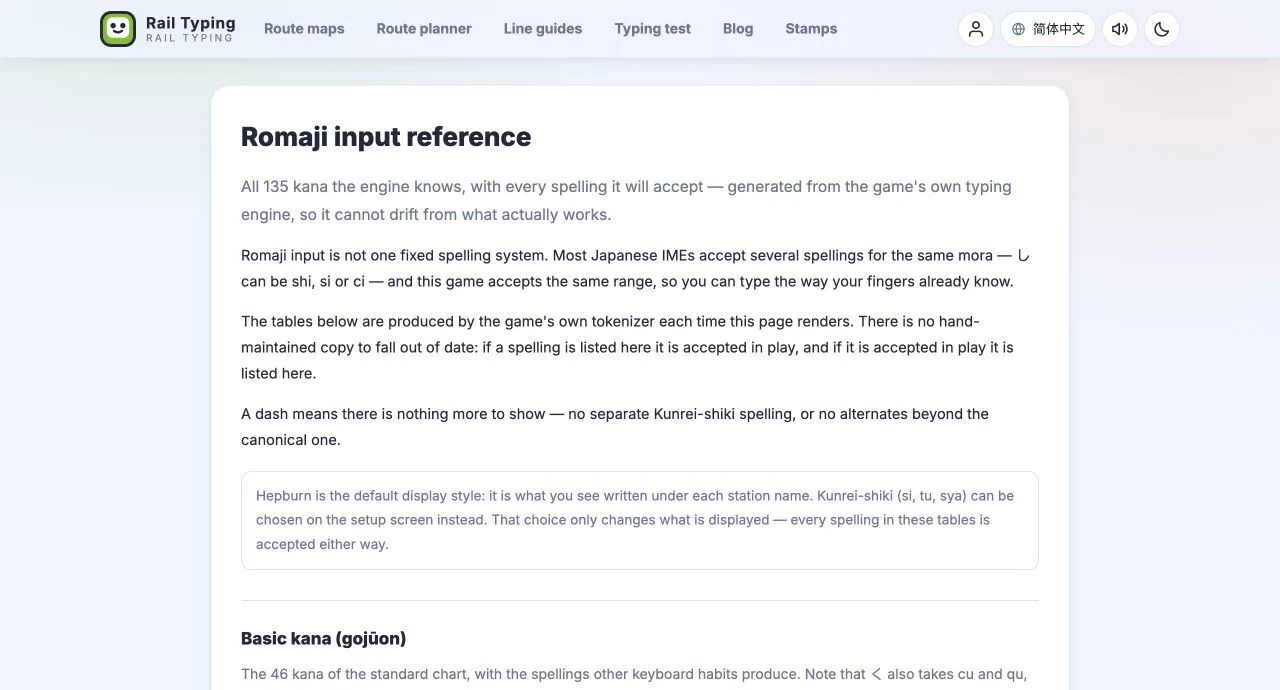
What makes it worth bookmarking is how it is built. The tables are produced by the game's own tokenizer each time the page renders, so there is no hand-maintained copy that can quietly fall out of date. If a spelling appears there, it is accepted in play; if it is accepted in play, it appears there.
That matters most for the two rules people get wrong. A small っ doubles the following consonant, so っか is kka and っち is cchi — but it can also be typed explicitly as ltu or xtu plus the mora. And ん takes a single n only when the next mora starts with a consonant other than n or y: んば is nba, but んあ must be nna or xna, never na. The page demonstrates both with generated examples rather than asserting them in prose, which is precisely why they are correct.
If you would rather read the reasoning than the table, the Hepburn romaji cheat sheet covers the same ground as a tutorial.
See which kana you actually miss
This one only works if you have an account, because it reads your run history. Open the Weak spots tab on your profile and you get two lists: the stations that cost you the most time and mistakes, and the kana you fumble most often.
Be clear about what the second list is. The game records mistakes per station, not per keystroke — so each station's mistakes are spread across the kana units in its name, weighted by how many keys each unit costs. It is an estimate, and the page says so. Across a few hundred station legs it is a reliable estimate, which is why the panel stays empty until there is enough data to say anything honest.
From there, the weakness drill builds a route out of stations whose names are dense in the kana you miss — pulled from every line in the game, not just the one you have been playing. If しゅ and っぽ are your problem, you get a run full of them. Drills are practice only: they are not submitted to the leaderboard, do not set a personal best and do not unlock stamps, so you can fail at them freely.
Why the WPM here means the same as the WPM there
One deliberate constraint tied all of this together: every page computes speed and accuracy with the same functions. CPM is correct characters divided by elapsed minutes. WPM is that divided by five — the standard convention that treats five characters as one word, which is what makes a Japanese typing score comparable to an English one. Accuracy is correct keystrokes over total keystrokes, with backspaces not counted against you and rejected keys counted.
So a WPM on the typing test, a WPM on a Yamanote lap and a WPM on the leaderboard are the same measurement. Nothing is scaled differently to make one page's numbers look better.
Where to start
If you have never typed Japanese: read the romaji reference for ten minutes, drill the あ-row on the kana trainer, then take a 30-second typing test so you have a baseline to beat.
If you already play: take the typing test to see where you stand outside the game's rhythm, then check your weak spots and let the drill pick your next twenty stations for you.
And when you want the trains back, the Yamanote Line is where it started.
Update, 13 September 2026: all five practice tools have since been rebuilt, and the typing test now reads every station name and announcement aloud. See what changed in the practice tools.